
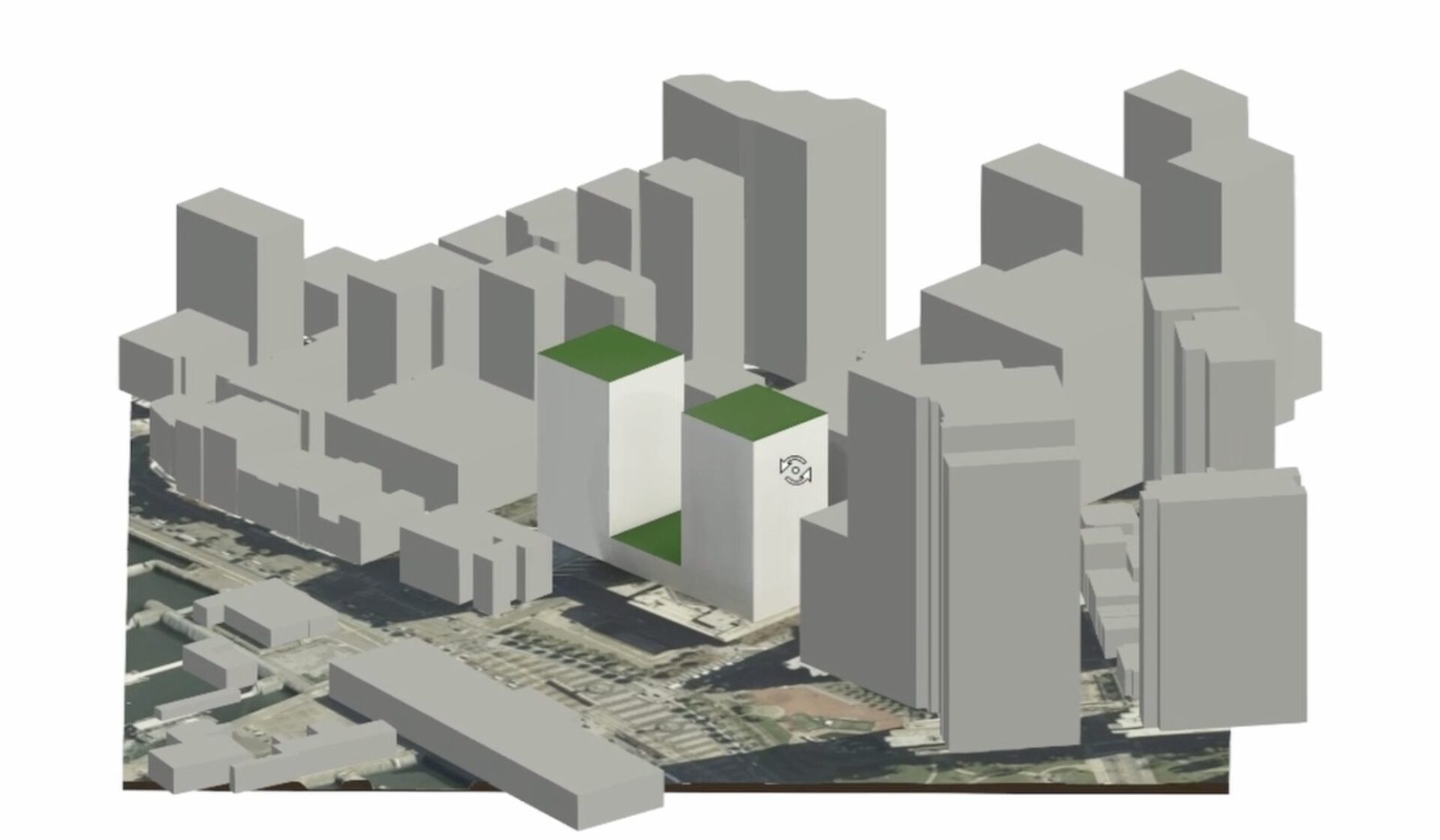
Watch this video to learn how to easily move from early-stage design in Forma Site Design to more detailed modeling in Revit. Step 1: Install the Forma Add-in for Revit Step 2: Prepare and send the proposal from Forma Site Design Step 3: Load the proposal in Revit Step 4: Review informational dialogs Step 5:…
Learning
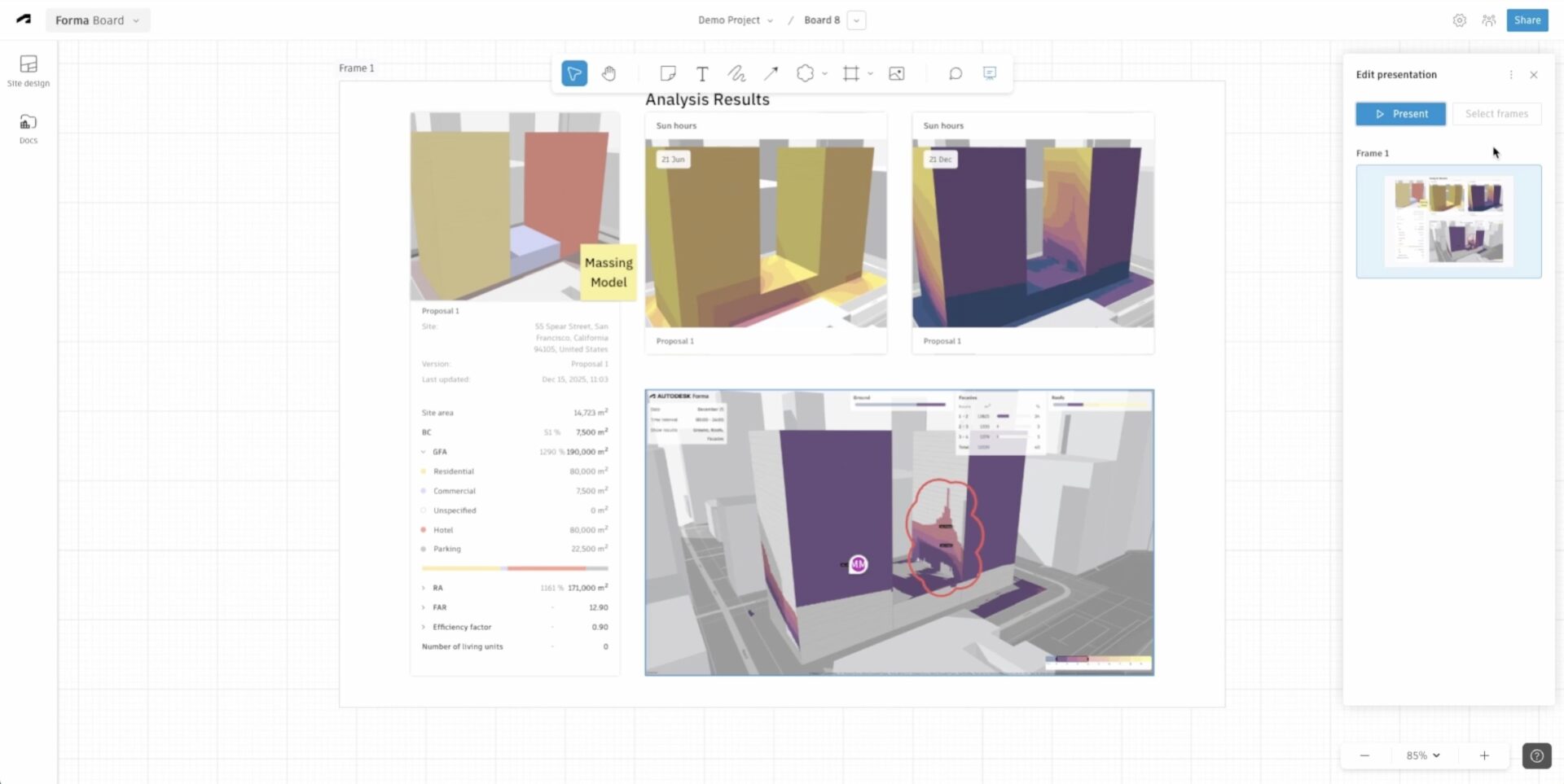
Create a new board for your site Add a new frame Add widgets from Site Design Edit widgets Sun hours analysis widget Add external images Share the board Annotate your board Present the board You now have a collaborative online whiteboard that brings together data, visuals, and insights in a clear, shareable design narrative.
Learning
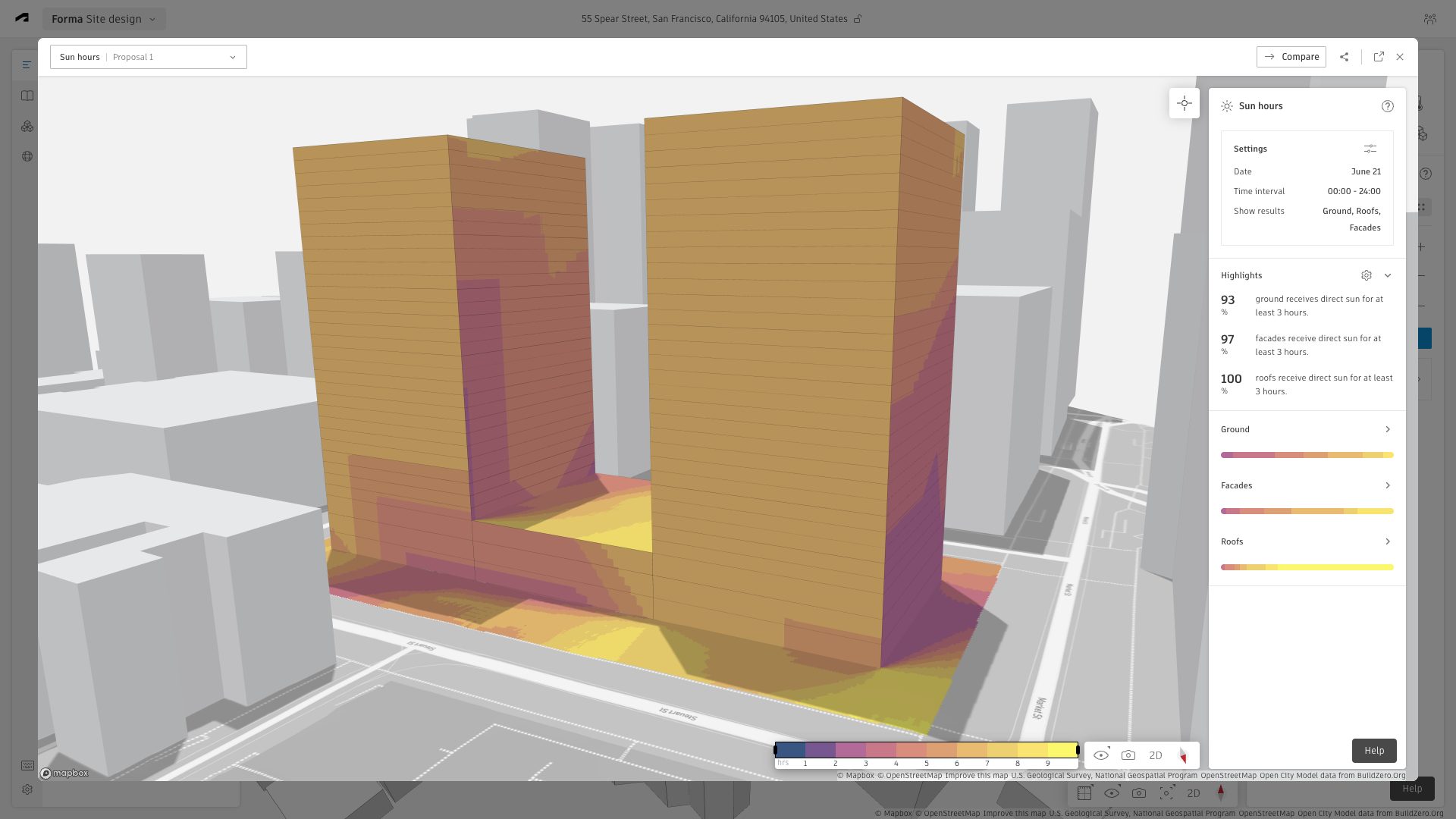
In this article, you’ll learn how to run the sun hours analysis in Forma Site Design. The sun hours analysis provides a visual map of sun exposure – it’s a major part of any architecture site analysis. It shows how many hours of direct sunlight your site and building receive on specific dates. How to…
Learning
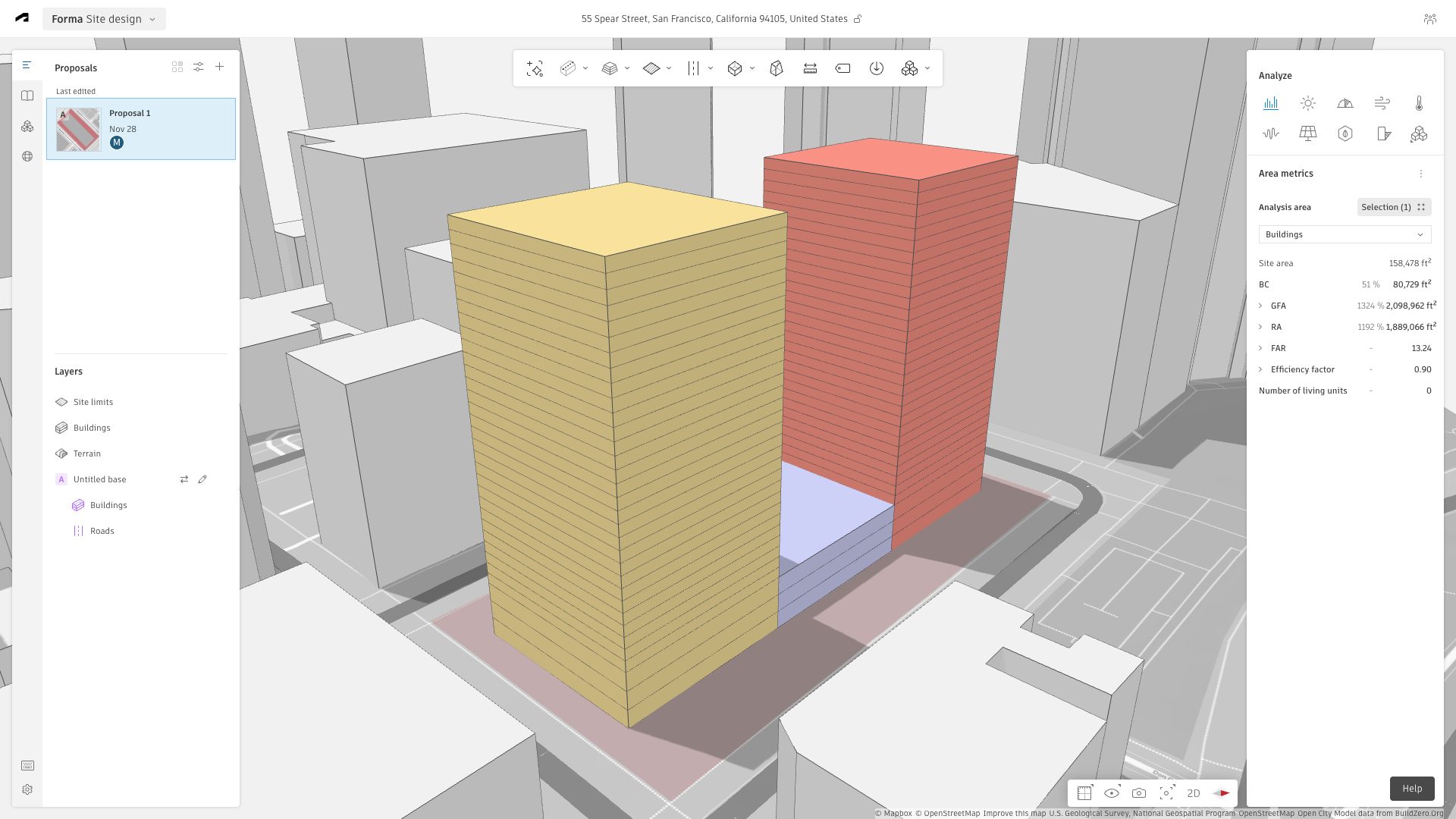
This is the second article in our Quick Start learning series. Read the first article – How to: create your first site in Forma Site Design. You can create a schematic model in Forma Site Design using as little as two tools: Basic building and Move. This guide summarizes the essential tools and features used…
Learning
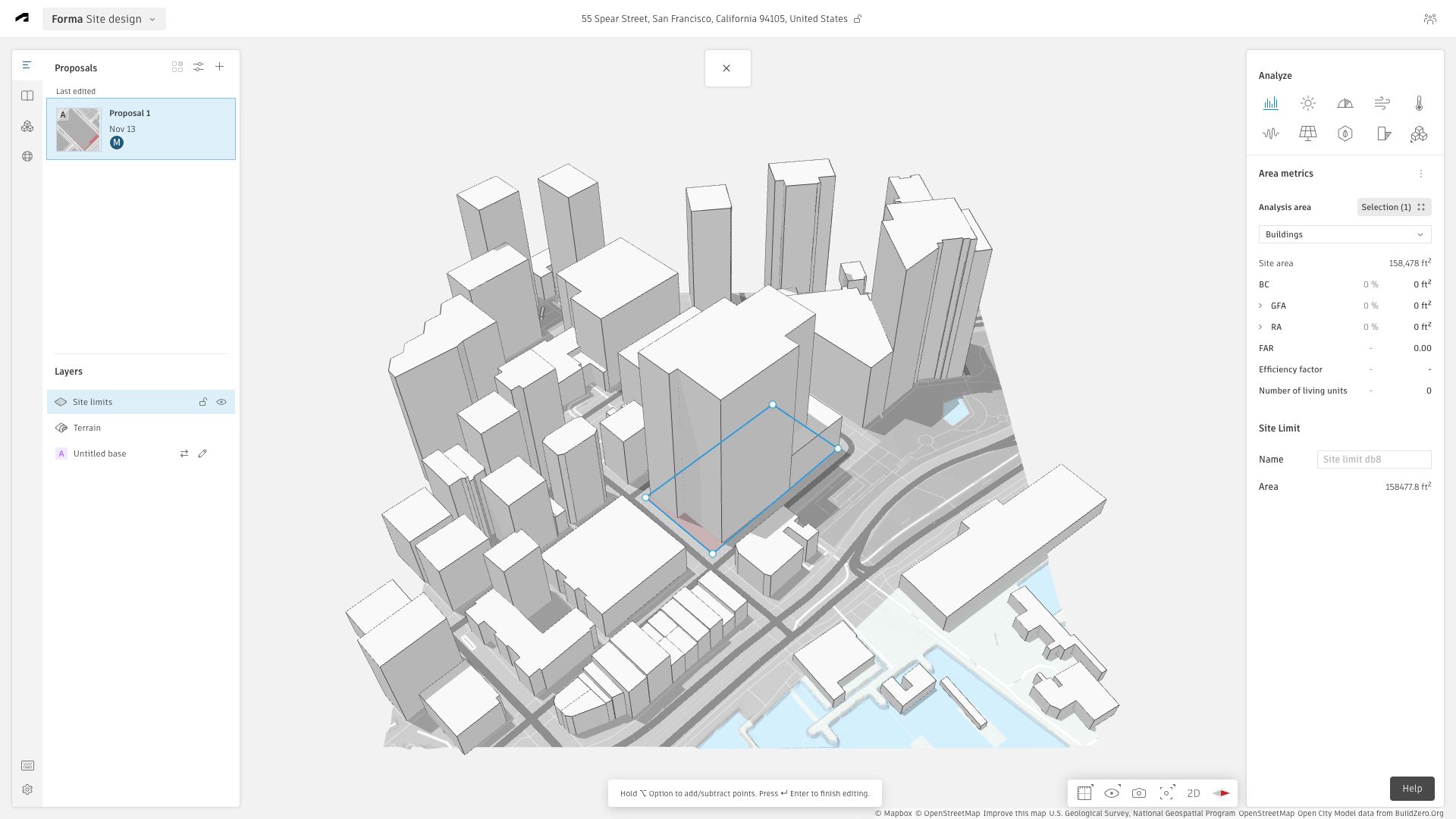
Now that you have access to a Hub in Forma Site Design, watch the video and follow the steps below to enter your first site. Step 01: Create a new project Step 02: Create a new site Step 03: Define your site’s geolocation Step 04: Order contextual data Step 05: Draw your site limit Now…
Learning