Flow Studio
-
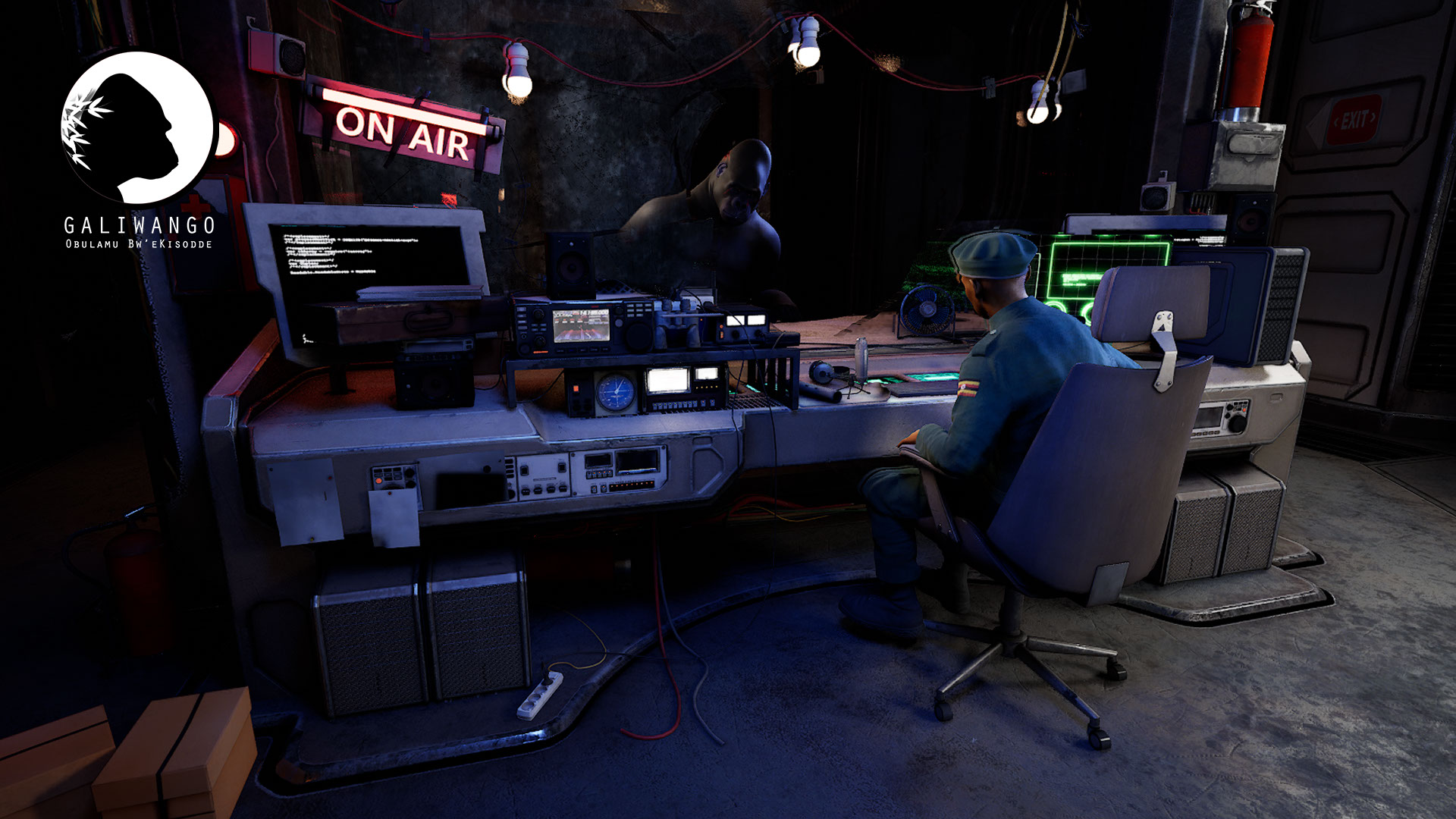
An Indie Filmmaker’s Workflow: Solomon W. Jagwe Builds Galiwango with Autodesk Flow Studio
In 2009, after more than a decade building skills across 3D modeling, character animation, concept art, and motion capture, Solomon W. Jagwe reached a turning point. After graduating from college in the D.C. area, he had been working for defense contractors, creating specialized game content for the U.S. Department of Defense. The work was steady,…
Maya
-

Robot Boxers & Indie Dreams: AI-Powered Storytelling with Autodesk Flow Studio
Learn how YouTube creator and 3D artist JL Mussi made a character-driven CG short film on a modest budget using controllable AI-powered 3D tools. What happens when you give Autodesk Flow Studio to a CG artist with big dreams and a wild imagination? In the case of JL Mussi, founder of 3D Beast Academy and…
Visual Effects
-
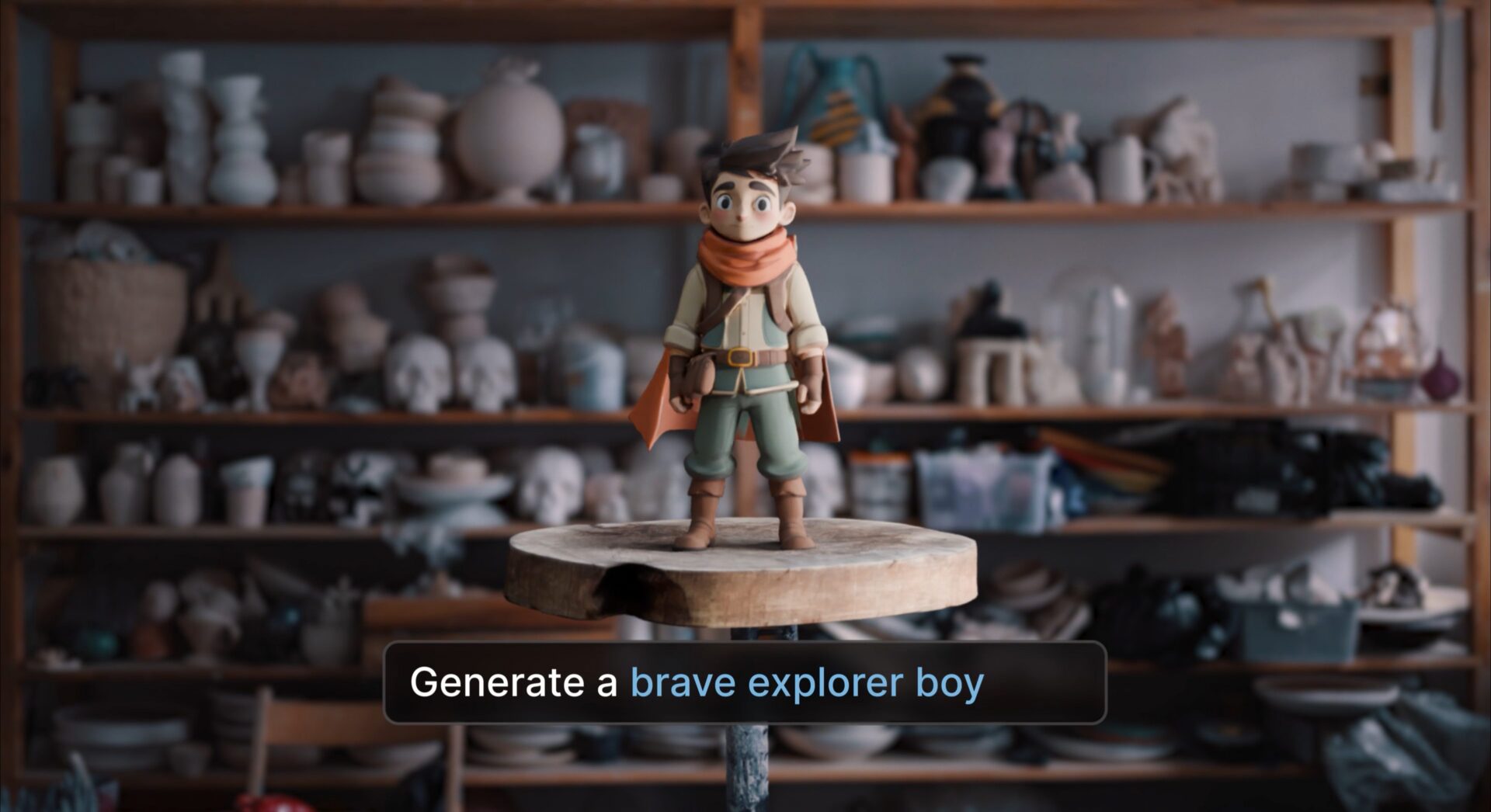
Introducing Wonder 3D: New text and image to 3D AI models in Autodesk Flow Studio
Introducing Wonder 3D, a new generative AI model in Autodesk Flow Studio – built to help you move from imagination to 3D faster than ever. You can now quickly generate 3D characters or objects—from a simple text prompt or a reference image. Then refine, remix, and reuse them across your projects. Plus, everything stays flexible,…
Flow Studio
-
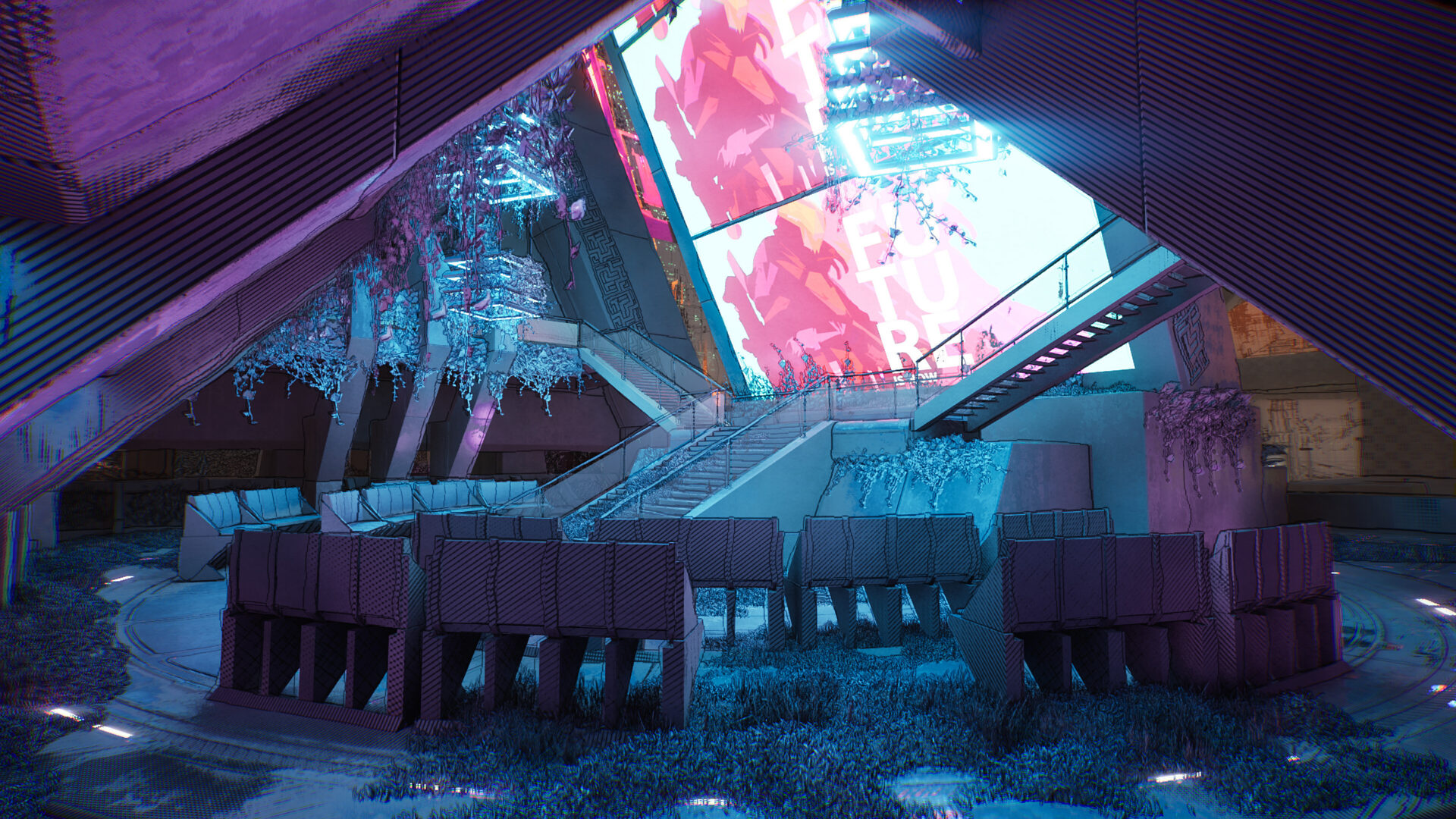
GDC 2026: From Prompt to Game-Ready 3D Assets with Autodesk Flow Studio
Give your imagination some dimension We’re heading to GDC 2026 from March 9–13 — and we’re bringing something special with us. As the global game development community gathers in San Francisco to shape the future of interactive experiences, we’re hosting a live workshop designed to spark fresh ideas and hands-on exploration. Join Harvey Newman — Animation…
Events
-

How This 3D Artist Transformed His Animation Workflow with Flow Studio
When you talk to Italian–Australian 3D artist Giacomo Cervi, one thing becomes clear almost immediately: he’s driven by a love of craft and a hunger to explore what’s possible. Based in Milan and working across automotive, fashion, music, and sports, his path has taken him from student to teacher to professional artist, and now to a creator who’s reshaping his animation workflow with Autodesk Flow…
Flow Studio
-

8 Tips for Getting the Most out of Autodesk Flow Studio
Just getting started with Flow Studio? These tips and tricks—from filming basics and platform best practices—are here if you need a little extra guidance to get the best results. 1. Dress for AI Mocap Success Clothing with clear contrast and a good fit can help movement read more clearly. Keeping the performer visible from head…
Flow Studio
-
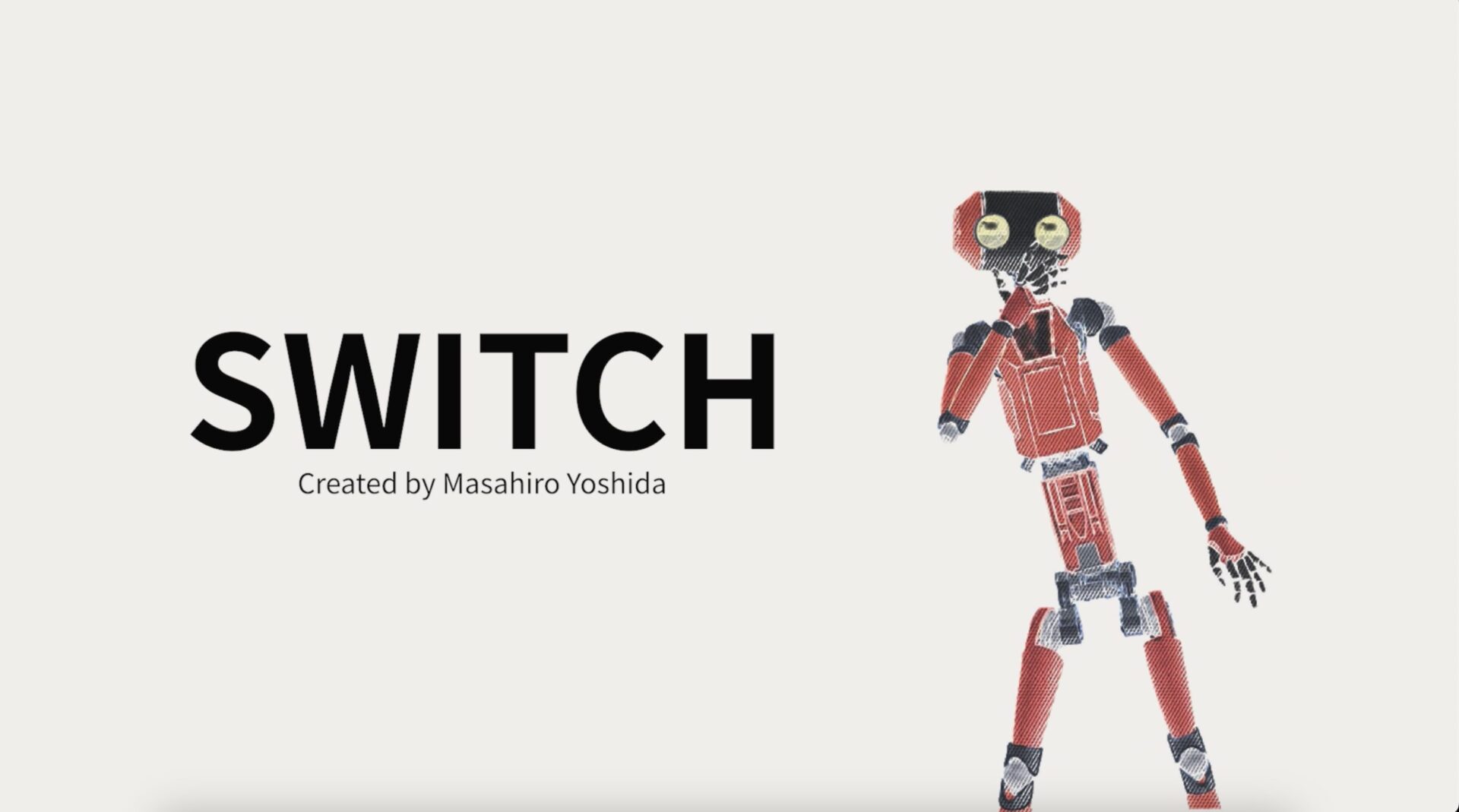
Creating an Anime Short in Just 3 Days with Autodesk Flow Studio
Creative projects don’t always begin with ideal conditions. Sometimes they start with a tight deadline, a small room, and a simple question: What can I make with the tools I already have? That was the starting point for SWITCH, a short animation created by Masahiro Yoshida, technical sales for Flow Studio at Autodesk Japan. Designed for an exhibition at…
Flow Studio
-

Getting Comfortable with AI: From Class Projects to Portfolios
AI isn’t the distant, sci-fi concept it used to be. It’s in your phone, your editing tools, your social feeds — and now, it’s showing up in your creative projects. It’s rapidly becoming one of the most powerful tools available to students, whether you’re making a short film for class, designing worlds for a game prototype, creating content for a brand, or just experimenting for fun. …
Flow Studio