
 Save
Save
Happy Birthday – Moldflow Just Turned 40!!!!
We are very proud to announce the Moldflow and Helius PFA 2019.0 release! This coincides with 40th anniversary of Moldflow, a milestone we are very proud of.
All aspects of the products have been improved, to ensure our products are continuing to be the best products on the market. A few of the many highlights of the release are:
New services and entitlements for subscription customers
First, Fusion 360 Ultimate as an entitlement is included with your Autodesk Synergy and Moldflow Adviser Subscription license. Within Fusion 360 Ultimate, you will have access to model fixing and simplification tools as well as the ability to create your own CAD models, or make modifications to existing CAD models. Fusion 360 Ultimate will also provide access other tools in the Ultimate tier including generative design tools, Mechanical Simulation, CAM etc. (find an overview here). Some of the capabilities require the use of cloud credits, and may not be available in offline mode (learn more about offline mode). Fusion 360 Ultimate is getting new functionality added on a very frequent basis.
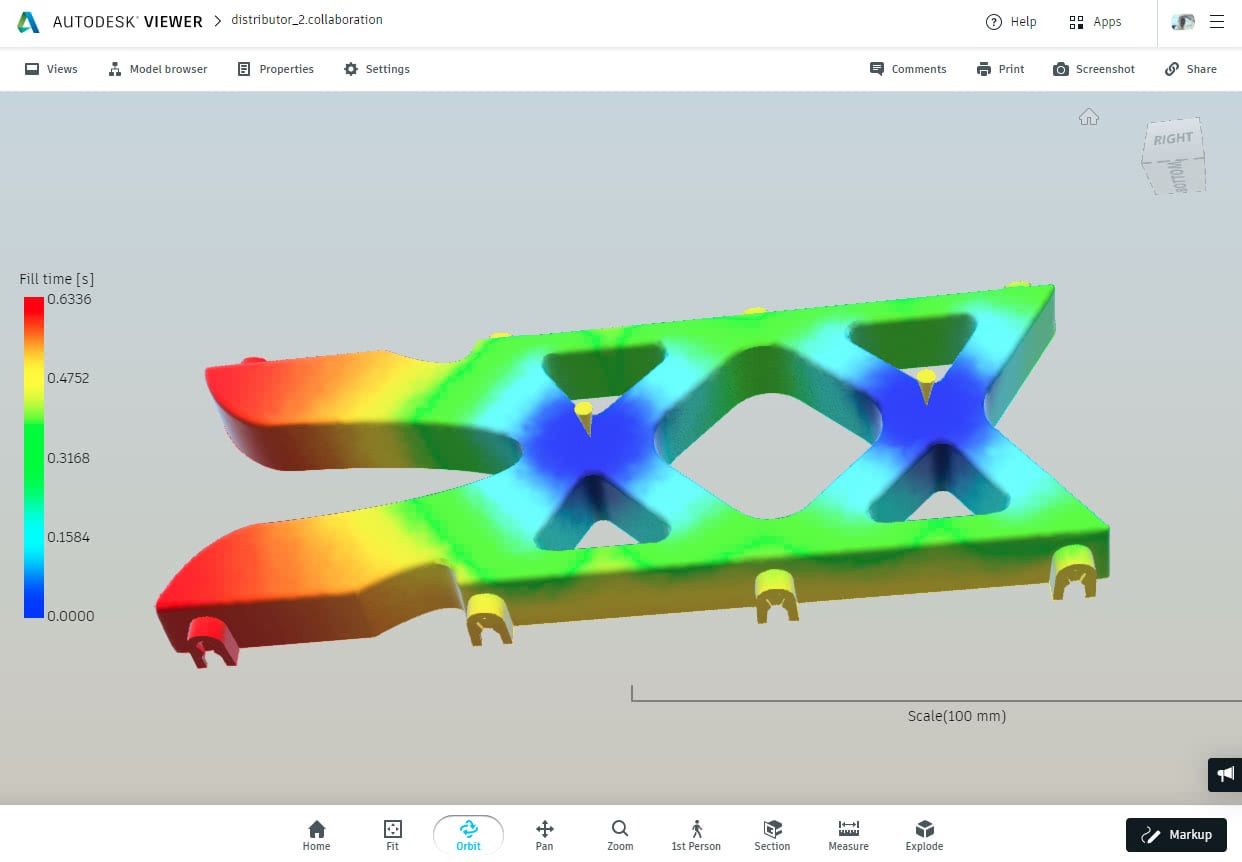
A second new entitlement for subscription customers is the new SharedViews functionality. SharedViews allows a Moldflow user to upload a 3-dimensional image of a result to the cloud. Once uploaded the user can provide collaborators (colleagues, customers, or for instance a sales person on the road) with a link, so that they can view the 3D image in a browser window. The collaborator can then use the information, make comments (‘hey, that looks great!’) or make a markup (‘How about we gate over here?’), with an arrow to a location on the part. You as a user can see and see their response and you can act on it (or choose to ignore it). The information that is uploaded is just a 3D image, and data will be deleted in 30 days (unless you choose to extend it). Feel free to follow the link to my shared design here, and feel free to leave me a comment (hint; you will need to use your Autodesk login to do that).
User Interface improvements
We continue to improve the user interface and make it more efficient so you can get your work done quicker. Many of these changes were requested by users on the Moldflow Idea Station, or were recurring requests from the users during user events throughout the year.
We spent a lot of time this year in changing our custom data transfer routine in the job manager out for widely used industry standard. This should result in an improved robustness in data transfer and smoother installation in companies very strict IT policies.
We also improved several aspects of Synergy with respect to speed. For instance, merging two nodes is now ~7x faster, generating mesh statistics is about 5x faster, and model load times are around 20% faster.
We simplified the meshing dialogue, have a way to order nodes elected along an edge, and created a new body, edge and cad body face selection for use with various operations that can be used for CAD models.
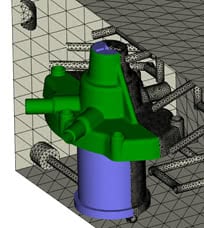
The layers now also have a property that can be set by the user to allow clipping planes to go though the layer, or not. This is particularly helpful to help understand where the clipping plane through a mold is, with respect to the parts
Synergy now also has a new workflow to convert Dual Domain model a representative Midplane model. After a Dual Domain mesh is created, switch the mesh type to Midplane, and convert the elements to Midplane elements. In 2019, the thicknesses calculated on a Dual Domain mesh still retained in the Midplane mesh. The only thing that remains to be done is to remove one of the skins, and make sure ribs are connected again correctly.
The CAD translators are updated to the latest available versions: Autodesk Inventor 2019, Siemens NX12, PTC Creo Parametric 4.0, SolidWorks 2018 and Catia V5 (R6-6R2017). And … the Moldflow material database has now over 10k thermoplastic materials in the database. The material database quality is also hugely improved and we ran over half a million analyses as part of the CRIMS re-correlation.
Layer based Clipping
Solver enhancements:
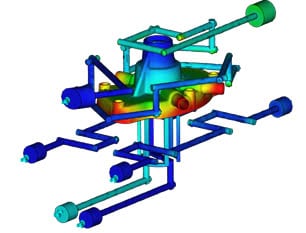
Improving the accuracy of our solvers will always a core piece of every release. One of the crown jewels in the 2019 release is a newly developed 3D coolant flow solver. This is currently a non-default option, but this solver typically more than 5 times faster than the old solver, can take advantage multiple cores, and is supported on Linux. This is the first time that we have the meshing and all the solvers working on a Linux platform as well as Windows.
Another big step was made in the fiber orientation solver; we have improved the fountain flow effect in the fiber orientation for all 3D fiber models, which shows improvement of the fiber orientation at the skin layer.
Secondly, we improved the default values for the MRD 3D fiber orientation model, which was introduced in the 2017.2 release.
The core 3D flow solver also had improvements made to ensure improved symmetry, and account for better consideration of gravity effects. The sinkmark solver is now more consistent between the different mesh types and Sink mark prediction is enabled for 3D overmolding analyses.
Conformal Cooling solver update
Helius PFA
Helius our interface program between Moldflow and the structural analyses programs. Helius is becoming a more integral part of the Moldflow products, and as of the2018 release, it is available as its own product or as an entitlement of a Moldflow Insight Ultimate Subscription. Improvements include for the 2019 release include the ability to run structural analyses not only at temperatures at that were characterized, but also in between using interpolation. Helius PFA will also support materials with multiple fillers.

Temperature dependent interpolation in Helius PFA
Where can I download the builds?
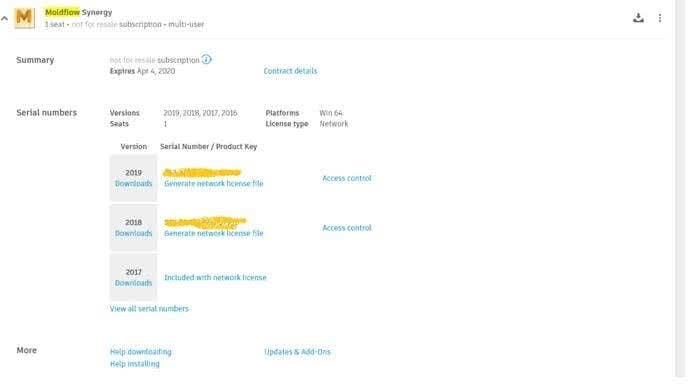
Customers can download their products form https://accounts.autodesk.com. Your contract manager should have received an email notification of the availability.
Moldflow on Autodesk Accounts
Activities and events:
Over the next few weeks there will be different webinars, trade shows (ChinaPlas, NPE & ANTEC) and many user meetings around the world where you can learn about new features of the release. More detailed information can be found in ‘What’s new in 2019’ section in the online help here (link).


