

 Save
Save
Note: Images are of Cost Management in Autodesk Build and links direct to the Autodesk Build Help Site. However, the functionality is the same within BIM 360 Cost Management.
Settings
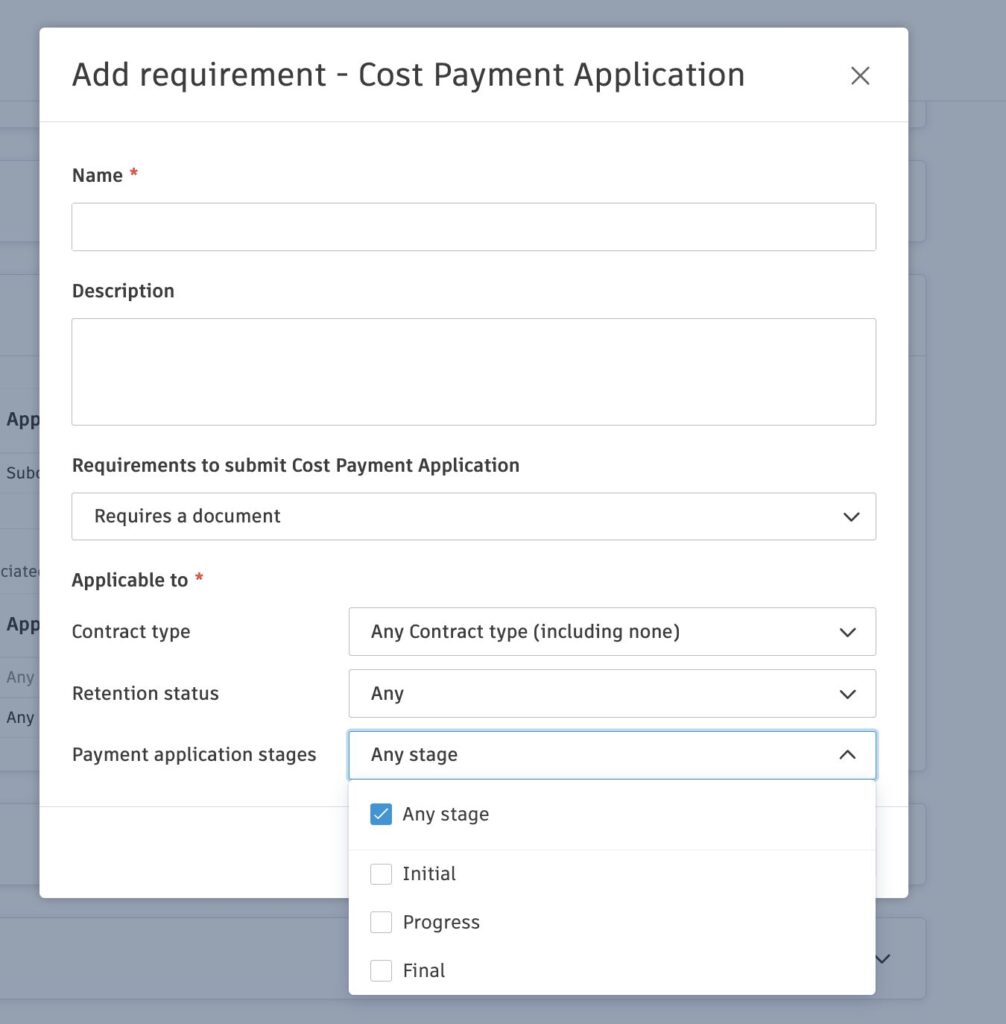
- Compliance Enhancements – New options have been added to Cost Management’s Settings (Settings > Cost > Compliance Requirements):
- Payment Stage-Based Compliance: Administrators can now apply different compliance requirements based on the payment application stage: any stage, initial, progress, and final.
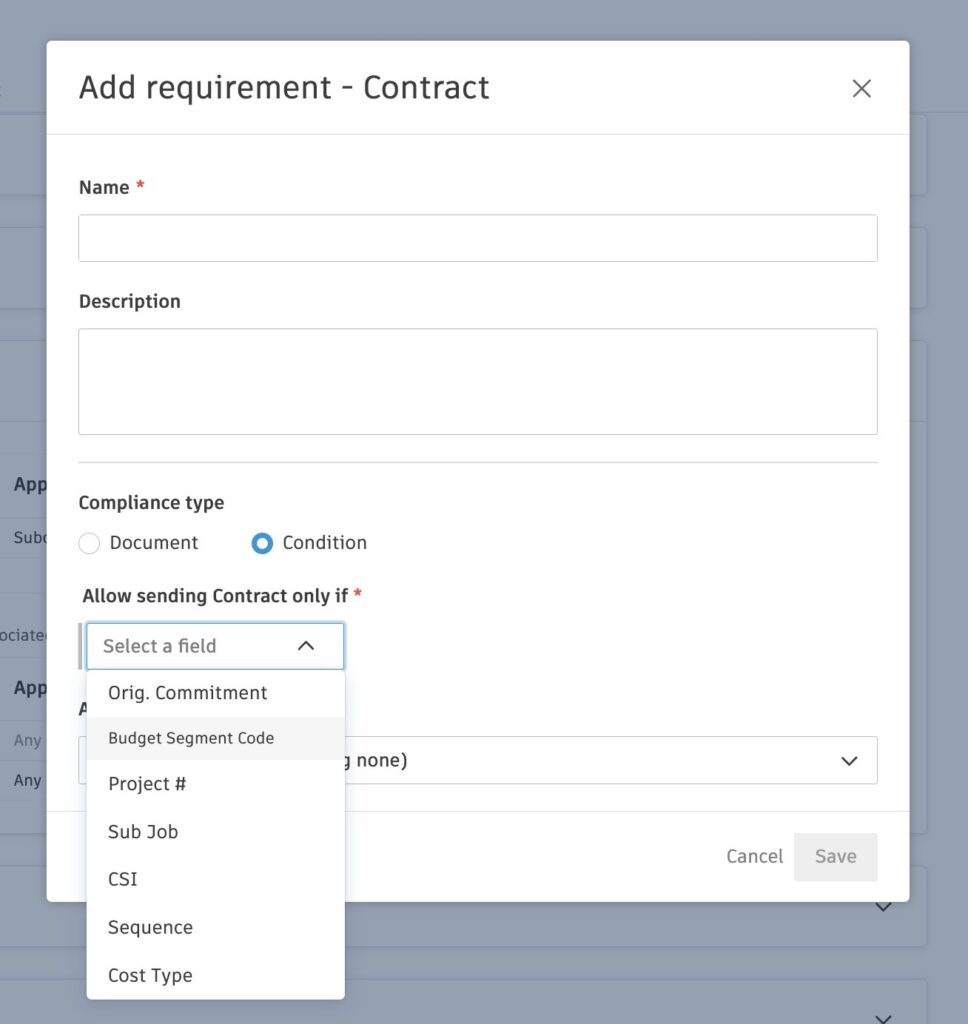
- New Compliance Condition – A new option prevents contract sending based on the budget code segment type.
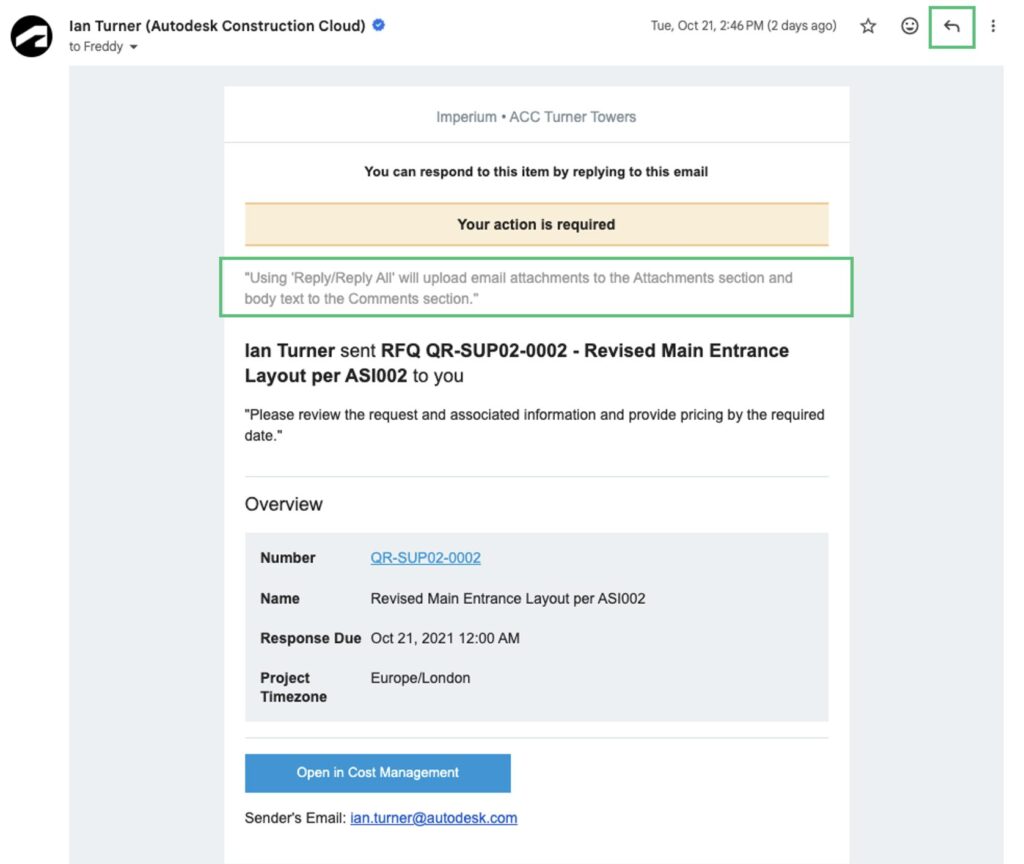
- Automatic Document Capture from Email Replies – When replying to system-generated emails (e.g., RFQs, Contracts, SCOs, OCOs) with attachments, the files are automatically saved to the corresponding module’s Attachments section within the flyout. The email body is stored as a comment, and relevant stakeholders are notified via integrated alerts.
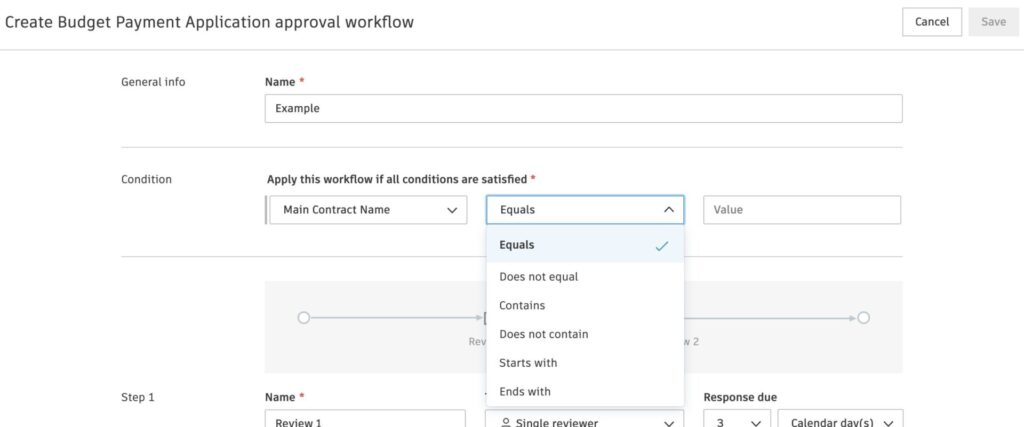
- Payment Application Approval Workflow by Main Contract – A new condition option, “Main Contract Name”, is now available for Budget and Cost Payment Application approval workflows.
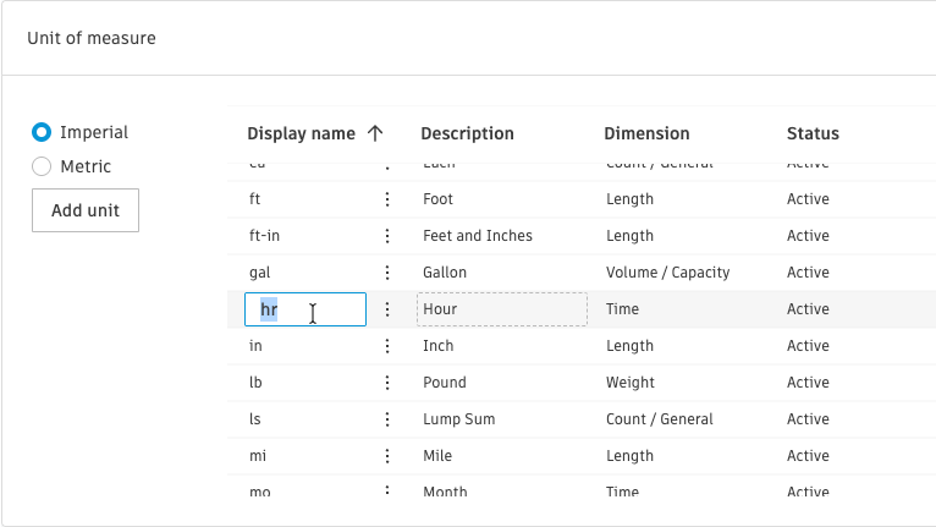
- Time-Based Unit of Measure – Administrators can now rename the system time-based units.
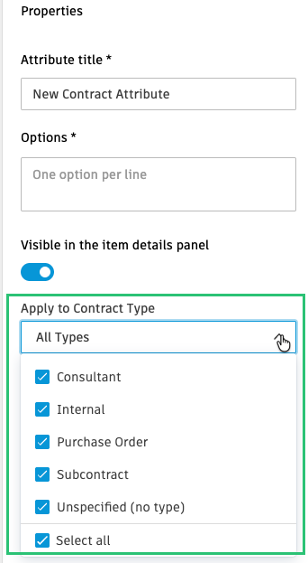
- Conditional Custom Attributes per Contract Type – Administrators can now choose which contract types attributes apply to.
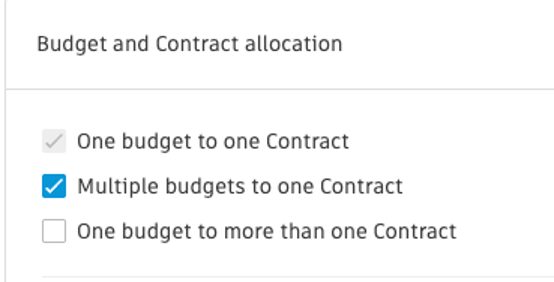
- Budget & Contract Allocation Setting – Enhanced the setting to clarify the incremental nature of the options.
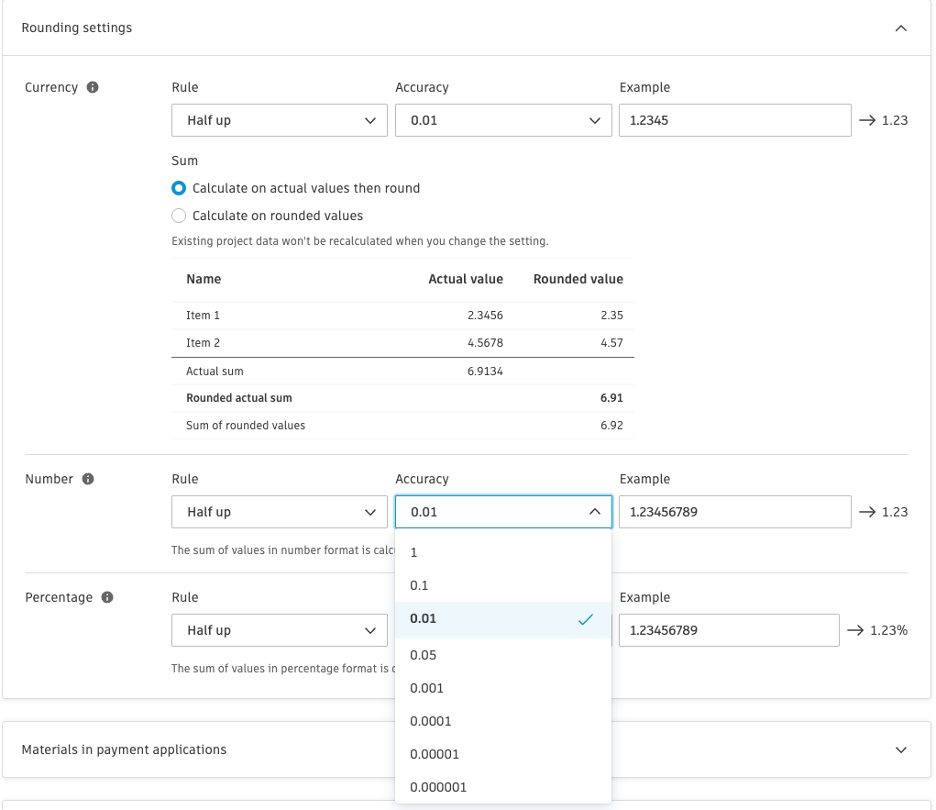
- Customizable Decimal Places – Administrators can now select up to 6 decimal places for numbers and percentages.
- E-Signature Enhancement – Enhanced merging capability to better support sending document packages made up of multiple documents with e-signature requirements.
Budget Tool
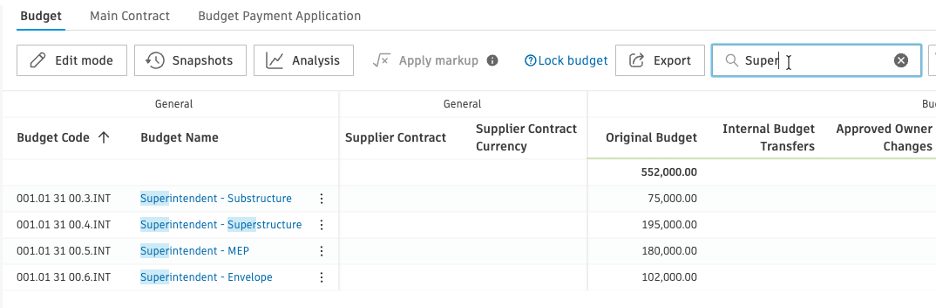
- Budget & Contracts Quick Search – A new quick search field is now available in the Budget and Contract Overview, making it easy to find budgets and contracts by name or code.
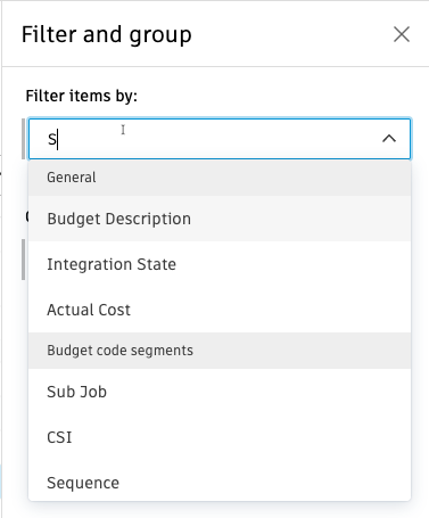
- Filter & Group Flyout Enhancement – Search functionality is now supported within dropdown components in the filter and group fields of the flyout, making it easier to locate options quickly.
Cost Tool
- Contract Enhancement – Contract SOV import now allows non-zero-unit cost with zero amount and quantity.
- Separate SOV and Change Orders into Multiple Excel Worksheets – SOV and change orders are now separated into multiple Excel worksheets based on change order types.
Change Order Tool
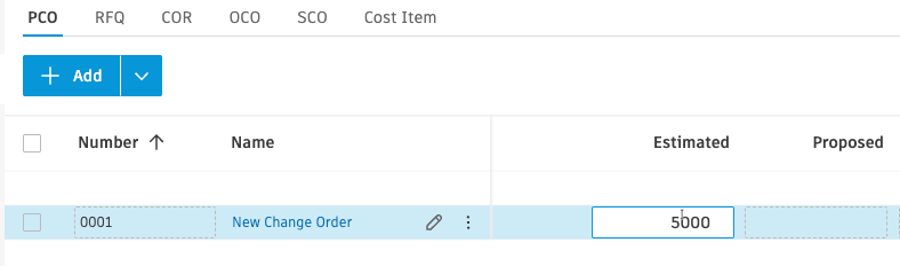
- Create Potential Change Order Without Mandatory Cost Items – A Potential Change Order (PCO) can now be initiated without linking it to budget or cost items. This enables early stakeholder review and budget impact estimation without affecting the budget. Note: Cost items are required to progress the PCO to the next stage, but the original entered amount on the first cost item added is kept for audit purposes.
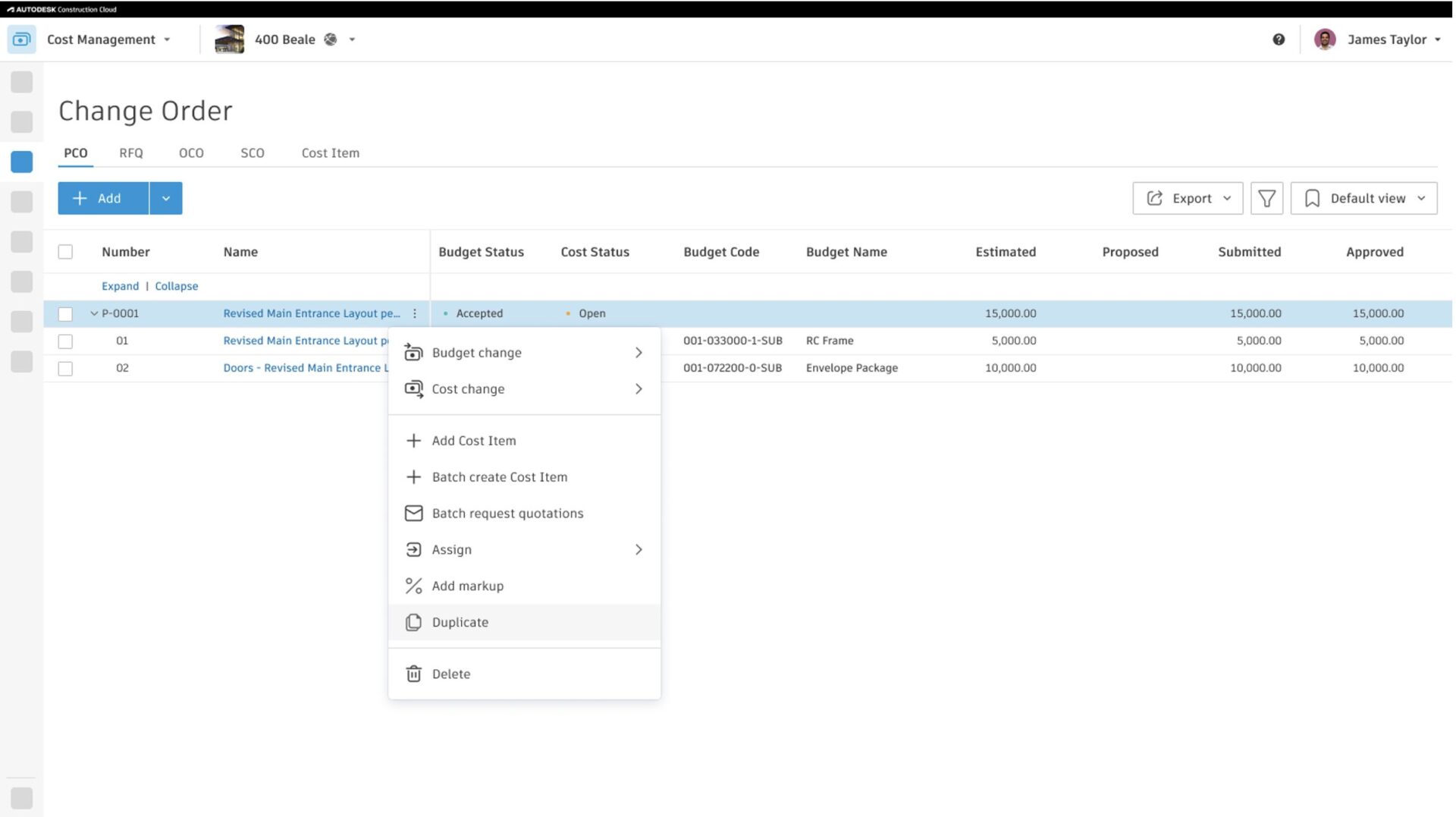
- Potential Change Order (PCO) Duplication – Members can now easily duplicate PCOs via the more menu.
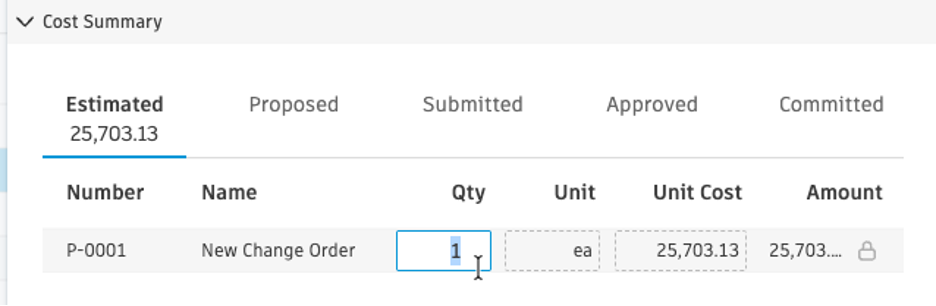
- Editable Quantity and Unit at Change Order Level – Cost Management now allows editable quantity and unit at the change order level.
Forecast Tool
- Redistribution without Actuals – Previously only available when actual costs were added, members can now redistribute in the detail view at any time to adjust the forecast.

