Malak Mansour is an architect and learning content specialist at Forma
Forma Building Design, available in the AEC Collection, Revit standalone license, and Forma for Buildings bundle, helps architects explore more ideas before it’s time for BIM.
Getting started in Forma Building Design for schematic design takes just a few minutes. Check out these four how-to videos below to:
Set up a new site
Create your first building mass
Design floor plans
Design facades
How to set up a new site in Forma Building Design
This video demonstrates the initial steps in Forma Building Design for setting up a new site. Learn how to create a project, define its location on a map, and import key contextual data to build a realistic foundation for early-stage design. By the end, your site will be ready for adding your first building.
How to draw your first building mass in Forma Building Design
Create your first building mass in Forma Building Design and analyze its performance in real time. This video walks you through drawing a building footprint, shaping its form, adjusting floors, and refining facades, while instantly tracking key metrics like floor area, coverage, and function breakdown. By the end, you’ll have a fully defined building ready for the next stage of design.
How to design floor plans in Forma Building Design
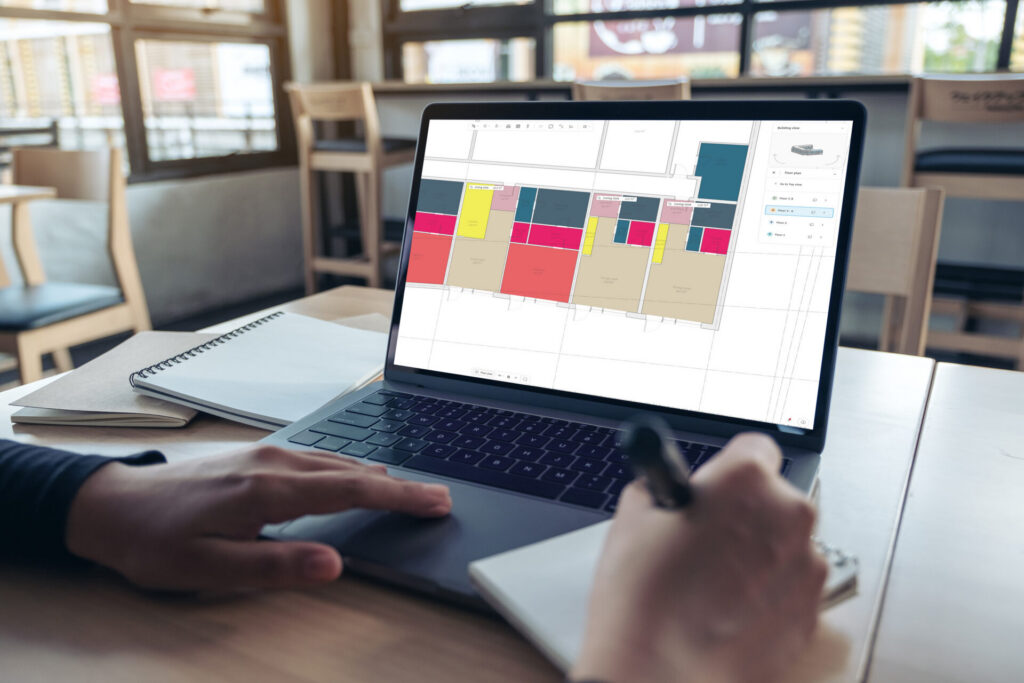
This video introduces floor plan design in Forma Building Design, showing how to quickly create layouts and evaluate unit mix in real time. Learn how to design typical floors, assign unit types, and analyze unit distribution and size. This enables you to test unit options quicker, make informed decisions, and iterate efficiently during early-stage design.
How to design facades in Forma Building Design
This video explores facade design in Forma Building Design, showing how to apply and customize facade automations to shape and test your building design options. Learn to use window-to-wall ratios, single windows, and modular automations to quickly generate and refine façade compositions. Then transition to manual editing for more detailed control.
Frequently asked questions
What is Forma Building Design?
Forma Building Design is a design and analysis software for the schematic design phase. Architects and designers use it to explore more ideas before it’s time for BIM — so they can shape options, test performance, and then move designs directly into Revit.
Who is Forma Building Design for?
It’s built for architects working on schematic design projects, especially on larger-scale residential and mixed-use urban projects with repetition across facade elements and floor plan layouts.
What is difference between Forma Site Design and Forma Building Design?
Forma Site Design helps teams understand wider site conditions and optimize the site’s potential for a feasibility study. It suits site planning and site analysis.
Forma Building Design helps teams determine building design direction for specific plots and blocks, including unit mix — so they can explore more ideas before it’s time for BIM and then move forward. It is used for schematic design.
Teams can easily switch between Site Design and Building Design with the direct integration.
When should I use Forma Building Design vs Revit?
Forma Building Design and Revit are complementary. Use Forma Building Design at early stage of the process — to explore ideas, test performance, and validate direction during schematic design. Then, move designs directly into Revit as geolocated, native Revit models for detailed design development and documentation.
What problem does Forma Building Design solve in schematic design?
Forma Building Design helps teams explore more design options earlier and with greater confidence during schematic design. In schematic design, exploring multiple ideas is essential but often time-consuming and effortful, leading teams to potentially test fewer options and commit too early without full confidence.
How does Forma Building Design help me explore more design options faster?
Forma Building Design helps you add details to buildings in minutes using easy tools and design automations for facades, floor plans, and units — so you can iterate quickly before complex modelling.
What design automations are included in Forma Building Design?
With Forma Building Design you can create and edit floor plans and facades with a few clicks, with updates reflected automatically in plan, elevation, and perspective. You can also customize groups of windows, doors, and balconies.
What performance analysis can I run in Forma Building Design?
Forma Building Design includes integrated analysis so you can test performance while you design, including sun hours, daylight potential for facades and windows, and total carbon (Note: Total carbon is currently available for the US. Stay tuned for news about availability for other regions).
Can I track unit mix and areas while designing in Forma Building Design?
Yes. Forma Building Design helps you track unit mix with automatic area metrics and schedules, supporting faster decision-making during schematic design.
How do I start a project with site context in Forma Building Design?
Forma Building Design includes site context so you can set up your geolocated site faster using automatic contextual data — helping you hit the ground running.
Is Forma Building Design available in the browser?
Yes — teams can access Forma Building Design from the browser without any setup, making it easy to get started quickly.
What is the pricing and availability of Forma Building Design?
 Malak Mansour