 Autodesk Media & Entertainment
Story originally published on Autodesk AREA February 27, 2023.
When capturing the action of first responders on the frontline, there are no opportunities for second takes. For post-production teams working on unscripted series in this genre, this requires transcoding hundreds of hours of footage from a wide variety of different cameras to ensure all action is recorded as it unfolds. Co-Executive Producer Malia Marshall discusses working on the frontline with first responders, collaborating with remote teams, and expediting post-production review processes with Autodesk Flow Capture (formerly Moxion).
Tell us a little about yourself.
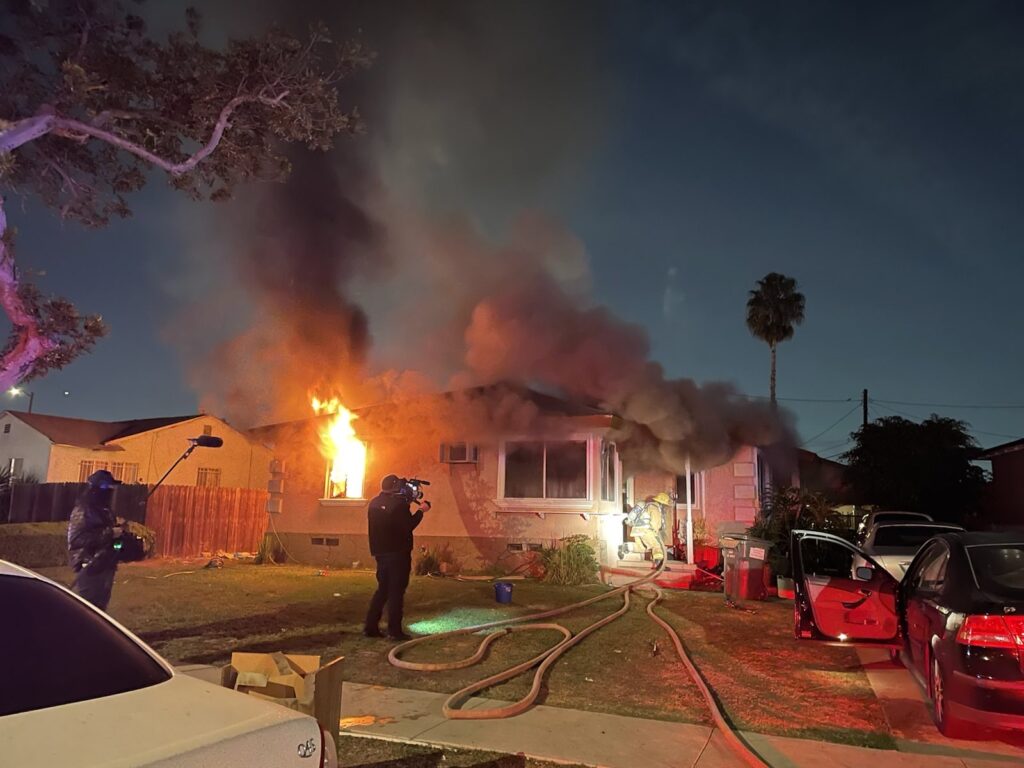
I am a freelance Co-Executive Producer with a technical background and extensive editorial experience. Throughout the past 10 years, I’ve worked on several unscripted series and this genre is as real as it gets. These are real men and women heroes in action. I’ve met a lot of incredible people as a result of my work, and to be able to tell these types of stories about their courageous actions and serving their community is a real privilege.
What’s it like collaborating with first responders in an unscripted environment?
First responders see a lot of crazy things – some good, some bad, and a lot of the time, ugly. But that’s the job they know they signed up for. To have access to their environment and be able to capture these real life moments of heroism or hear their personal stories about their own journey throughout the years – you start to peel back the layers and truly see an intimate point of view that not a lot of people experience.”
How does production differ on first responder shows versus scripted series?
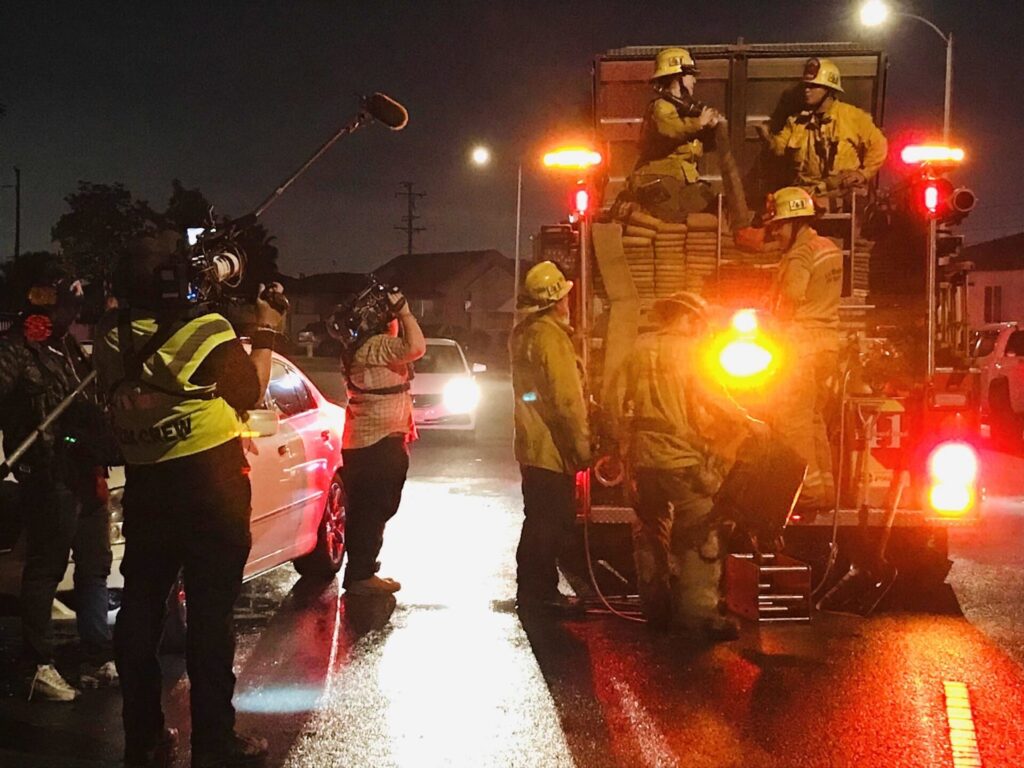
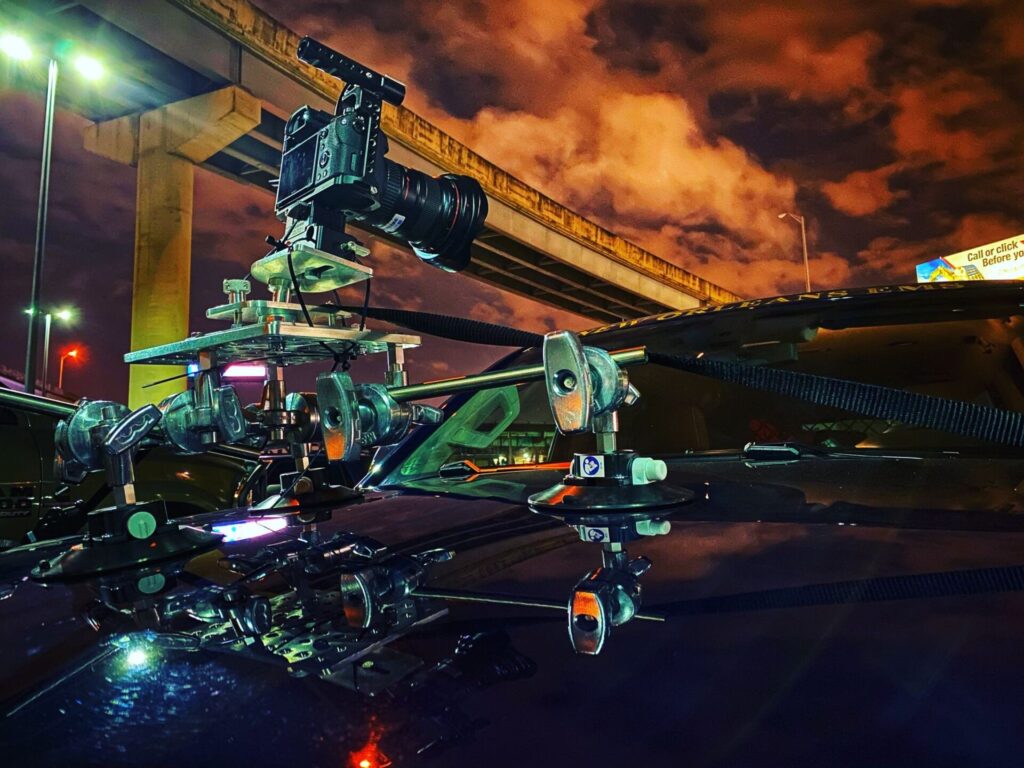
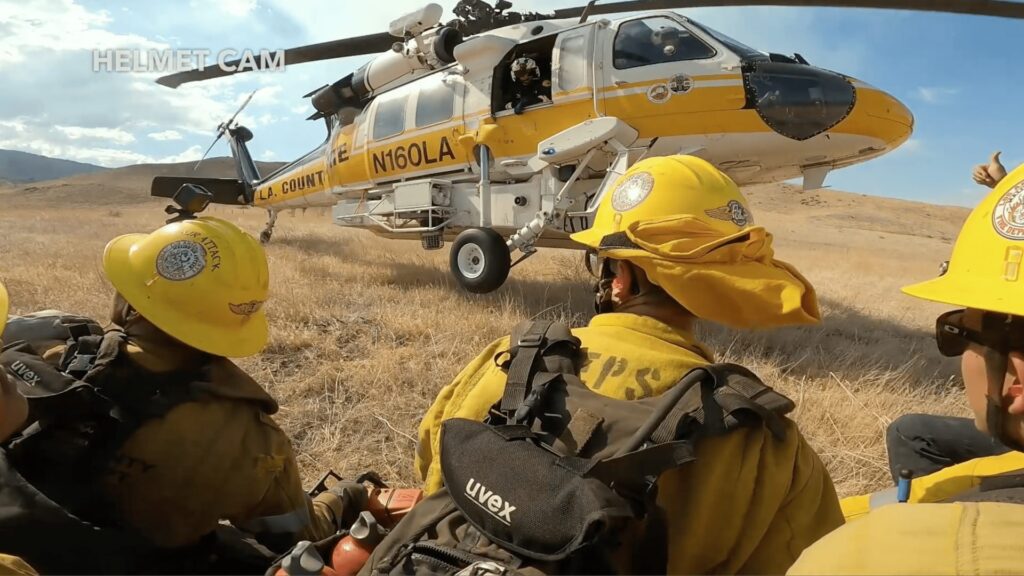
There are so many cameras involved in productions like this, including GoPros to capture first-person POVs, dashboard cameras inside vehicles, cameras rigged on emergency vehicles – such as firetrucks or aerial helicopters – and additional hand-held cameras to capture all of the action in real-time. There is so much footage to review and transcode, and sometimes you get all the shots you need, while other times you don’t. Since everything is being recorded as situations unfold during critical emergencies, there are no second takes.
What shows have you worked on recently?
I’ve recently served as Co-Executive Producer at 44 Blue Productions on multiple unscripted series, including A&E’s “Nightwatch,” a show that follows EMTs and EMS paramedics in New Orleans, and the upcoming series “LA Fire & Rescue” for NBC.
How are you using Flow Capture?
My team used Flow Capture for the first time for screening cuts and for online review on “LA Fire & Rescue.” Having just come off back-to-back work delivering 30 episodes for “Nightwatch,” it was a real gamechanger.
When we first started using Flow Capture, they had just implemented the real-time review feature, Rooms, with live chat and video conferencing. This was pretty incredible and like being in an edit bay with the team. Though everyone was working remotely, we were able to have one-on-one dialogue while scrubbing through the Avid timeline during review.
The ability to playback high-quality content was also especially beneficial for our Clearance Supervisor during our final online reviews, as clearance is paramount to an unscripted series like this. She was able to view the show in real-time and check the blurs, which was a night and day experience when compared with our previous workflow.
Ultimately, Flow Capture was easy to use and incredibly beneficial to our post-production review processes.

Can you elaborate on how Flow Capture was integral for your team during post-production?
Since the pandemic has shifted post-production to a remote working environment, you miss the daily in-person interactions in the edit bay while reviewing cuts, and now, a lot of notes and communication during this process get lost in translation. When you’re trying to collaborate with your team remotely, the need for real-time review sessions, or one-on-one conversations in a creative environment is a must. For remote teams, Flow Capture offers a simple and streamlined solution for crucial real-time review sessions and more effective communication, which is critical for the creative process. Since work-from-home is the new norm, having the type of open dialogue and collaboration that was absent during most of the pandemic is now a real option again.
What was your review workflow like prior to implementing Flow Capture?
We were using a collaboration tool that was not tailored for post-production workflows and caused bottlenecks in the review process. Projects weren’t viewable full raster, and regardless of how fast internet speeds were there were delays in playback. Any time the program would have a random update, it would send our hardware into a frenzy and we’d have to reset. There were days when I’d show up for a review session, and due to a technical snafu, I’d have to wait upwards of an hour for everything to work.

Which Flow Capture features were most beneficial to your team during production?
The team was most excited about using Flow Capture’s Playlinks functionality, which was especially beneficial for our Clearance Supervisor and our final check process.
Once a show is picture locked, prior to sending off to online and color, our Clearance Supervisor had to watch the locked cut with a fine-tooth comb and create a blur list. Before we started using Flow Capture, that process was done by watching the uprezzed sequence inAvid, creating an Excel spreadsheet, and manually typing in notes and time codes, one-by-one for each note. For any given episode, a blur list could consist of upwards of 140+ blurs. If she had notes or questions for me, I’d go through her document, reference the same uprezzed sequence, notate my responses in my own column, and then email her my revised doc. She’d edit accordingly and then send off the 12-page document to our online editor. Overall, the process would take two days to complete.
Once we started utilizing Flow Capture’s Playlink function to create our blur lists, the game completely changed. The process was literally cut in half and took our Clearance Supervisor about six-to-eight hours. She no longer needed to go through the painstaking process of manually typing out individual pieces of information. With Playlink, she typed her notes directly in the comments section, which created a color specific marker according to her user in the video timeline and kept everything in the appropriate timecode order. You could easily scroll through comments or click on individual markers in the timeline. An additional function she utilized within the comments enabled her to draw a circle or add an arrow onto the video frame to clearly give everyone a visual pinpoint reference to what she was referring to in her notes – which was absolutely incredible.
The cherry on top was our export options. Once completed, we were able to export the comments as an XML file that enabled our online editor to simply import the locators directly onto his online sequence in Avid, which yet again, was another time saver. The whole workflow became so beautifully simple and easy and ten times more effective, with not only functionality, but the hours of time that were saved with this process.
We used this same process during our final check process, where following our online and mix reviews, we’d view the full show again and compile notes between the Clearance Supervisor, Post Producer, showrunner, and myself. Prior to Flow Capture, the Post Producer would collate different notes as they came in via email, then the online editor would have to go through them one-by-one and add as locators into Avid. It was a much more time-consuming process, as you can imagine.
What’s next?
I am eager to use Flow Capture for onset dailies and ‘immediates,’ their camera to cloud workflow that makes all camera footage and data captured on set instantly available to all collaborators. I come from a more technical background having started my career as an assistant editor, then worked for many years as an editor, I understand how easily you can transcode work, drop it into buckets, and have instant access via Flow Capture. It’s an exciting prospect, and I’d like to get my team fully onboard.”