 Blake Avery
At the 2025 Automotive Innovation Forum (AIF25), global EV innovator NIO shared how their team streamlined complex design and engineering workflows using Autodesk Flow Production Tracking — a solution built to support collaboration, transparency and process automation across fast-paced, creative production pipelines.
As NIO scaled its operations to manage more concurrent programs, the need for real-time data to drive highly informed decisions required large amount of high quality data that only could be achieved with automation. And to make automation possible, they needed standardization. That’s where Flow Production Tracking made the difference.
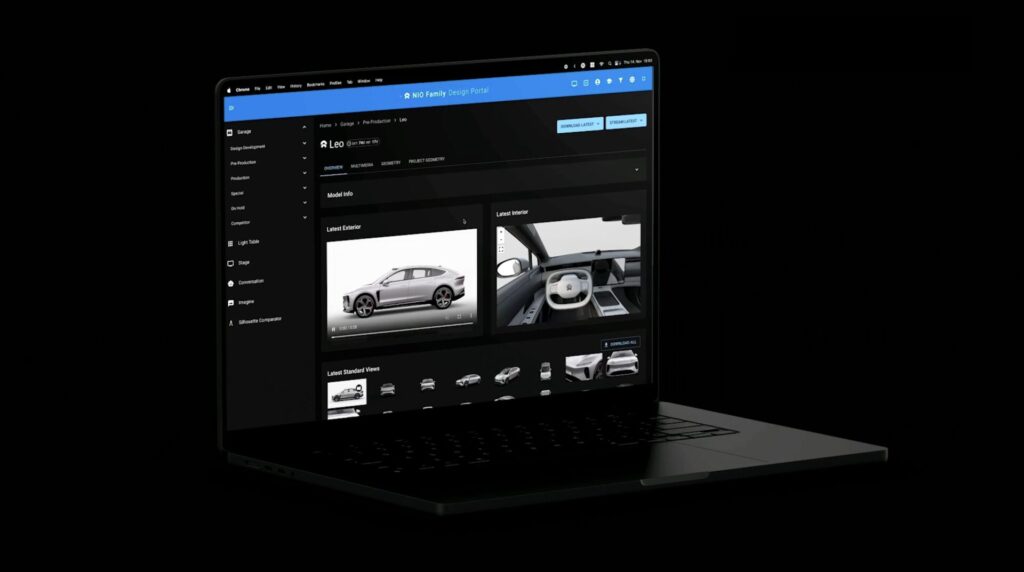
What is Flow Production Tracking?
Autodesk Flow Production Tracking is a studio-proven platform that helps teams manage projects, schedules, resources, and collaboration across global design organizations.
Whether you’re creating concept models or preparing for production, Flow Production Tracking gives you:
- Centralized task and schedule tracking
- Live resource planning and visibility
- Browser-based design review and feedback
- Version control and decision tracking
- Integrations with the creative tools your teams already use
In short, Flow Production Tracking connects the creative and operational sides of your business — helping your teams stay focused, on time, and in sync.
Making it Simple: Flow Production Tracking 101
Watch NIOs Efficient Workflows presentation from AIF25
NIO’s Vision for their Design Process
In their AIF25 session, “Efficient Workflows for Informed decisions – NIO,” Chris Falkenhagen and Freddy Seubert described the challenges of the day-to-day design process and how preparing designs for reviews, “while the results were great, the process wasn’t. It was slow, manual and repetitive.”
“Build the ark before the storm”
NIO saw this as a great example for this and many other workflows across design for which they would build their pipeline vision on.
What they needed to do was:
- “Automate the boring stuff” – automate repetitive and time-consuming tasks and let design focus on what’s important, design
- “Build the ark before the storm” – Build robust data foundation for challenges we haven’t encountered yet
- “Be like water” – be flexibly, modular and adaptable
- “Think outside departmental silos” – create synergies across departments
- Highly informed decisions – empowering design teams to make strategic data driven decisions.
NIO chose to build their design Pipeline on Flow Production Tracking. Flow Production Tracking allowed NIO to “build strong workflows that support their processes and even reach into their PLM system” to coordinate complex production workflows without scaling up management layers.
The result? Faster alignment, greater transparency, and more time spent on innovation — not administration.
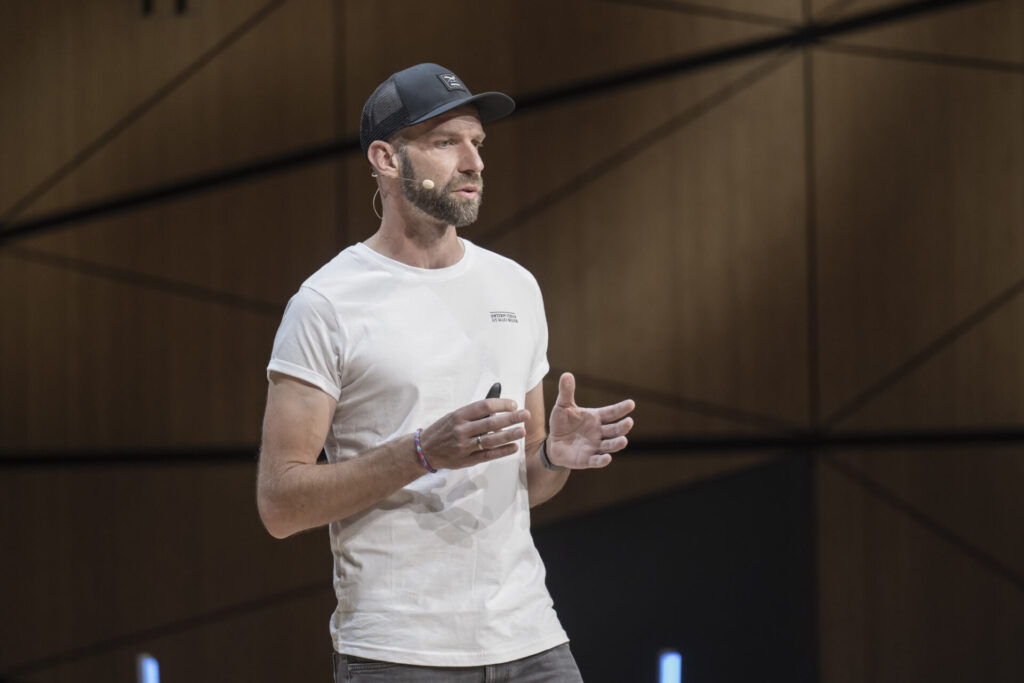
Presenting at AIF25
3 Takeaways of NIO’s Design Pipeline
✔️ Pipeline management standardizes data tracking
✔️ It automates repetitive workflows
✔️ It provides visual creative data to make decisions
Flow Production Tracking gave NIO a platform that adapted as fast as their projects evolved — reinforcing the core AIF25 theme: Adaptability.
Keeping it Simple: Flow Production Tracking in Your Studio
See How It Works
Want to see how Flow Production Tracking can help your team deliver faster, more collaboratively, and with greater control?
- Watch the full NIO session from AIF25
- Learn more about Flow Production Tracking
- See more sessions from AIF and learn more about Autodesk Design Studio Solutions on YouTube
Follow us on LinkedIn and check out the Design Studio Blog for more customer success stories and product updates.

Sharpen Your Skills
Alias and VRED Learning Editions are free for non-commercial use. Learn more and start your journey today.