 Autodesk Media & Entertainment
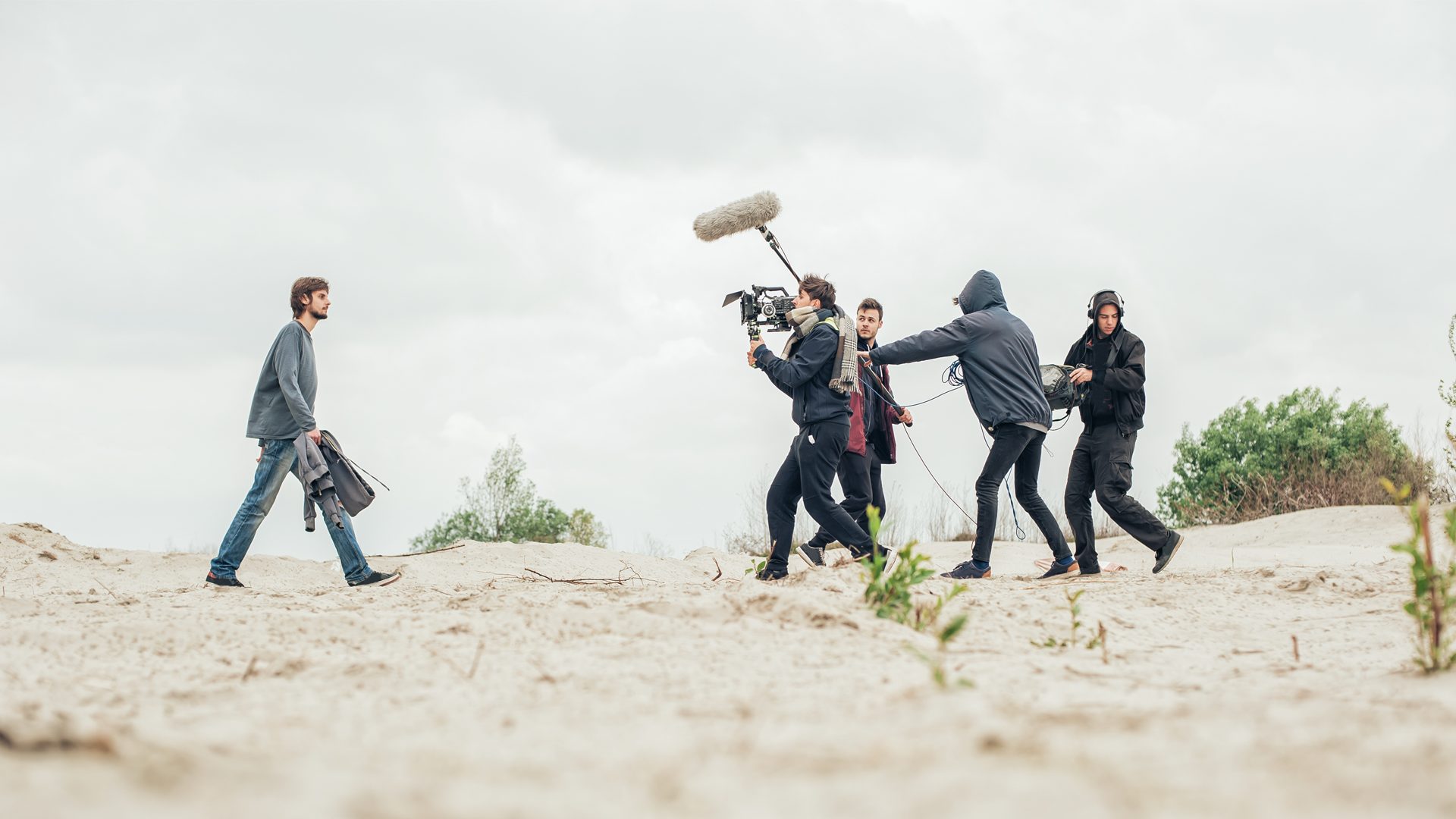
Anyone who works in production knows the problem: you remember the shot, but not its filename, folder, camera roll, or metadata. As productions generate more media, simply finding the right moment can become a workflow of its own.
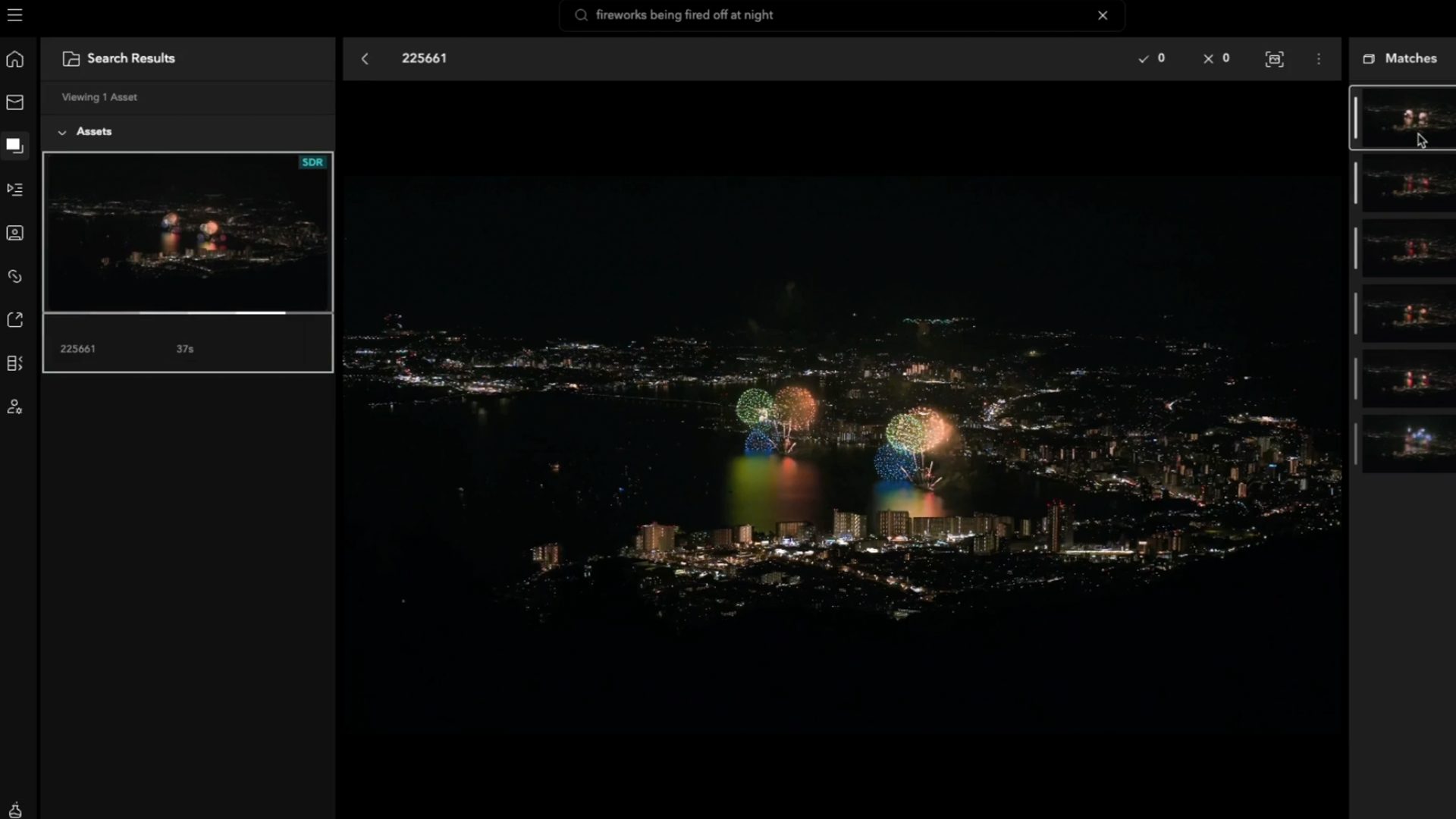
Autodesk Flow Capture’s Smart Search and Actions (Tech Preview) uses AI video indexing to help production teams find footage with natural-language searches and automate repetitive tasks based on what appears or happens in the media. Smart Search helps teams locate relevant moments across video, audio, and images, while Smart Actions can automatically trigger workflow steps when matching content is detected.
It’s currently in Tech Preview, which means you’re getting early access to a capability that will continue to improve over time.
What is Autodesk Flow Capture?
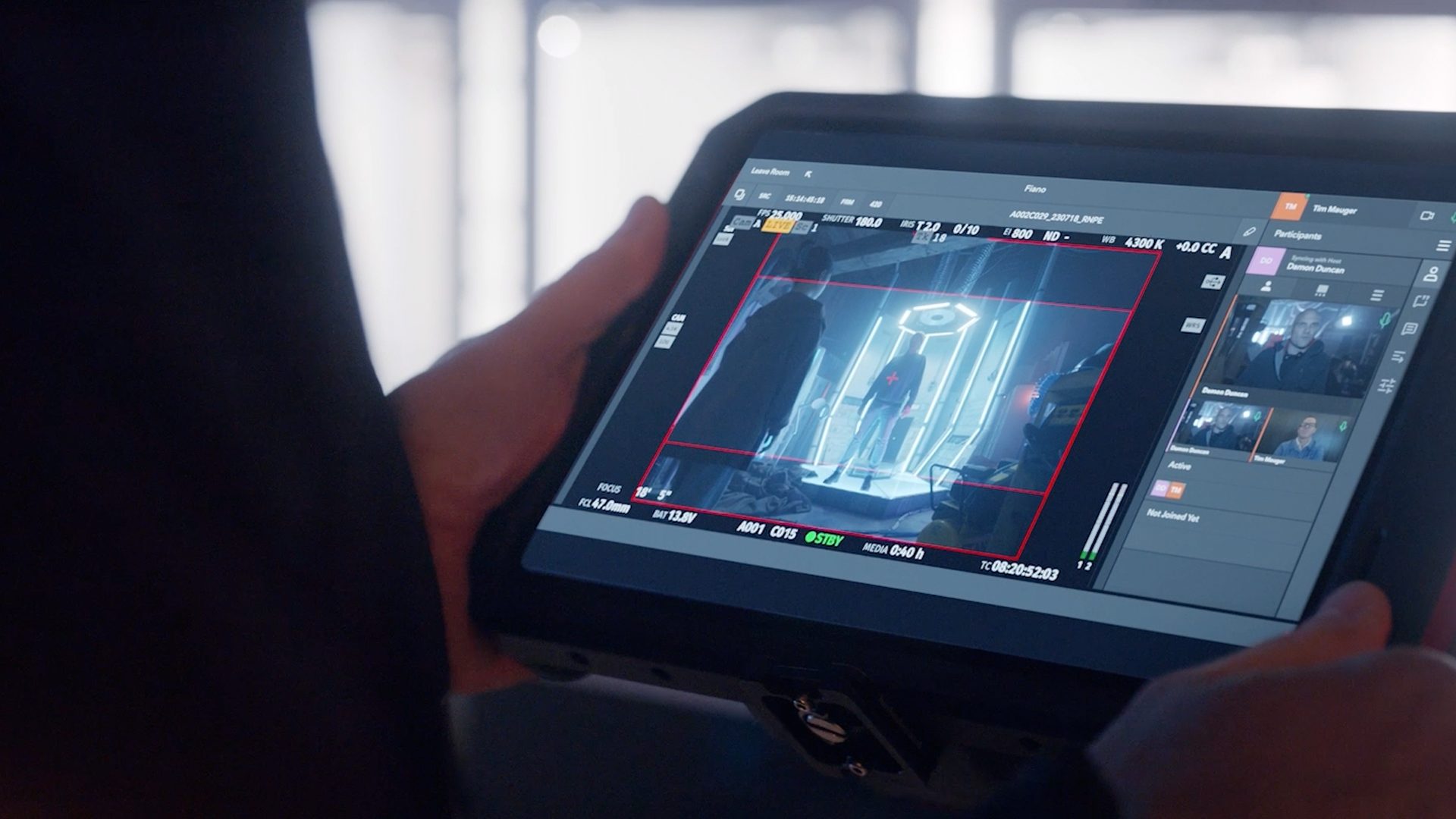
Autodesk Flow Capture with PIX is a secure, cloud-based digital dailies and review solution that connects production teams around their media.
Flow Capture is built around the footage itself: getting media from set into the hands of the people who need to see it with top-tier dailies workflows, helping teams review in real time and collaborate around that work, and keeping content secure as it moves toward editorial and post.
Smart Search and Actions brings AI-powered video intelligence to that workflow. Instead of relying only on filenames, tags, and metadata, Flow Capture can analyze contextual information inside video, audio, and image files. That makes it possible to find content based on what is actually happening in the media, and to automatically take action when particular content is detected.
These capabilities are powered by TwelveLabs, whose AI technology is built to understand video in much the same way people do: by looking at what’s happening on screen, listening to audio and dialogue, and considering how those elements unfold over time. TwelveLabs’ Marengo and Pegasus models turns that context into numerical representations that Flow Capture can compare with natural-language searches, helping surface relevant moments based on what’s actually happening in the footage, not just how a file was named or tagged.
Importantly, these models are hosted within Autodesk’s secure AWS environment, meaning customer content is not sent externally or used to train AI models.
What is AI video search in Flow Capture?
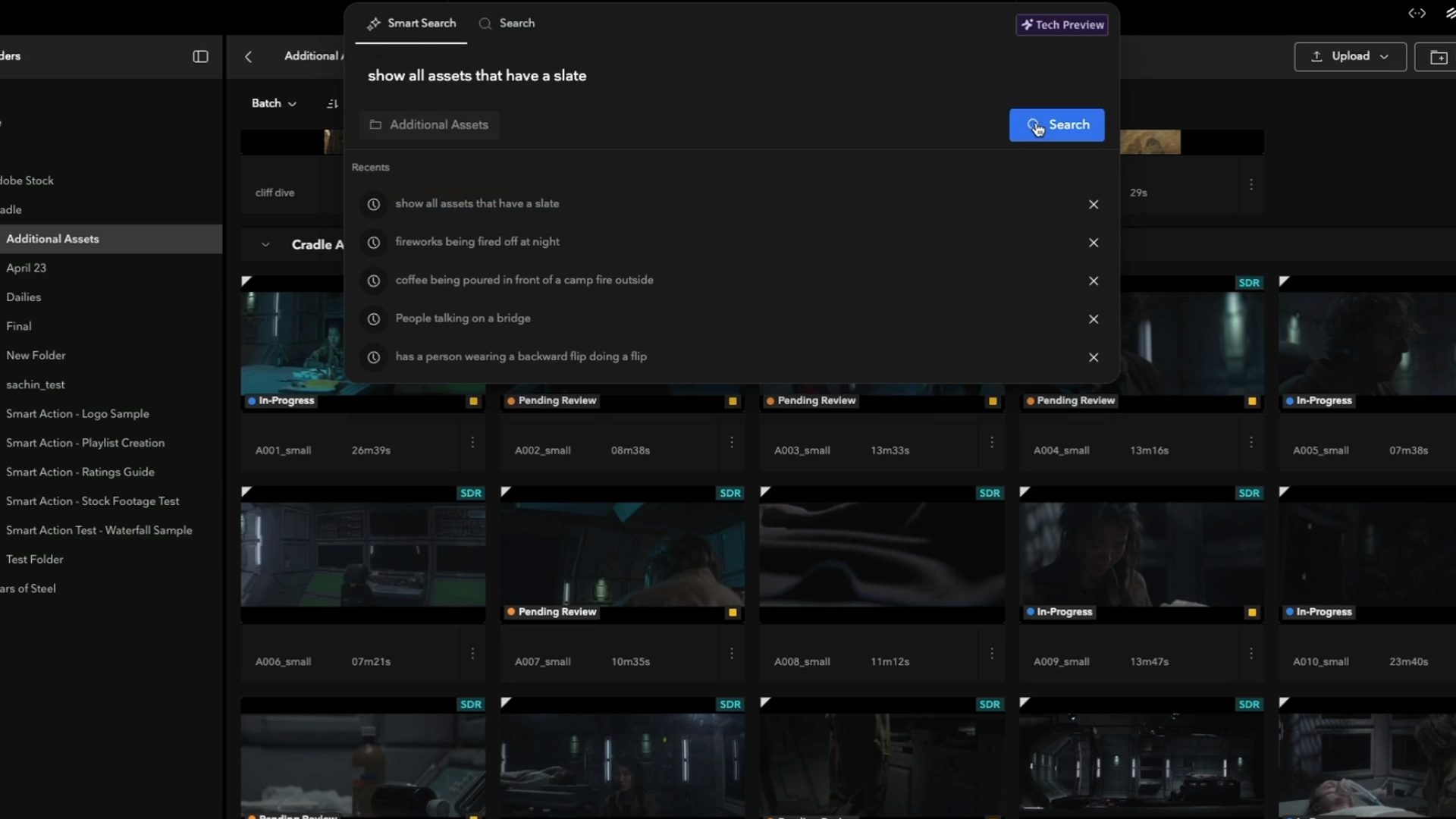
Smart Search is Autodesk Flow Capture’s natural-language AI video search capability. It lets production teams find specific moments based on what happens in video, audio, and images.
Traditional search works well when you know what you’re looking for: an asset name, project, folder, episode, file size, or another known piece of metadata.
But that isn’t necessarily how people remember footage.
You might remember:
- a car driving along a mountain road
- an exterior at golden hour
- waves breaking over rocks
- a particular type of scene or action
With Smart Search, you can describe the moment you have in mind using natural language. Flow Capture searches indexed media for contextual matches and returns footage containing what you described, alongside relevant filename and metadata matches.
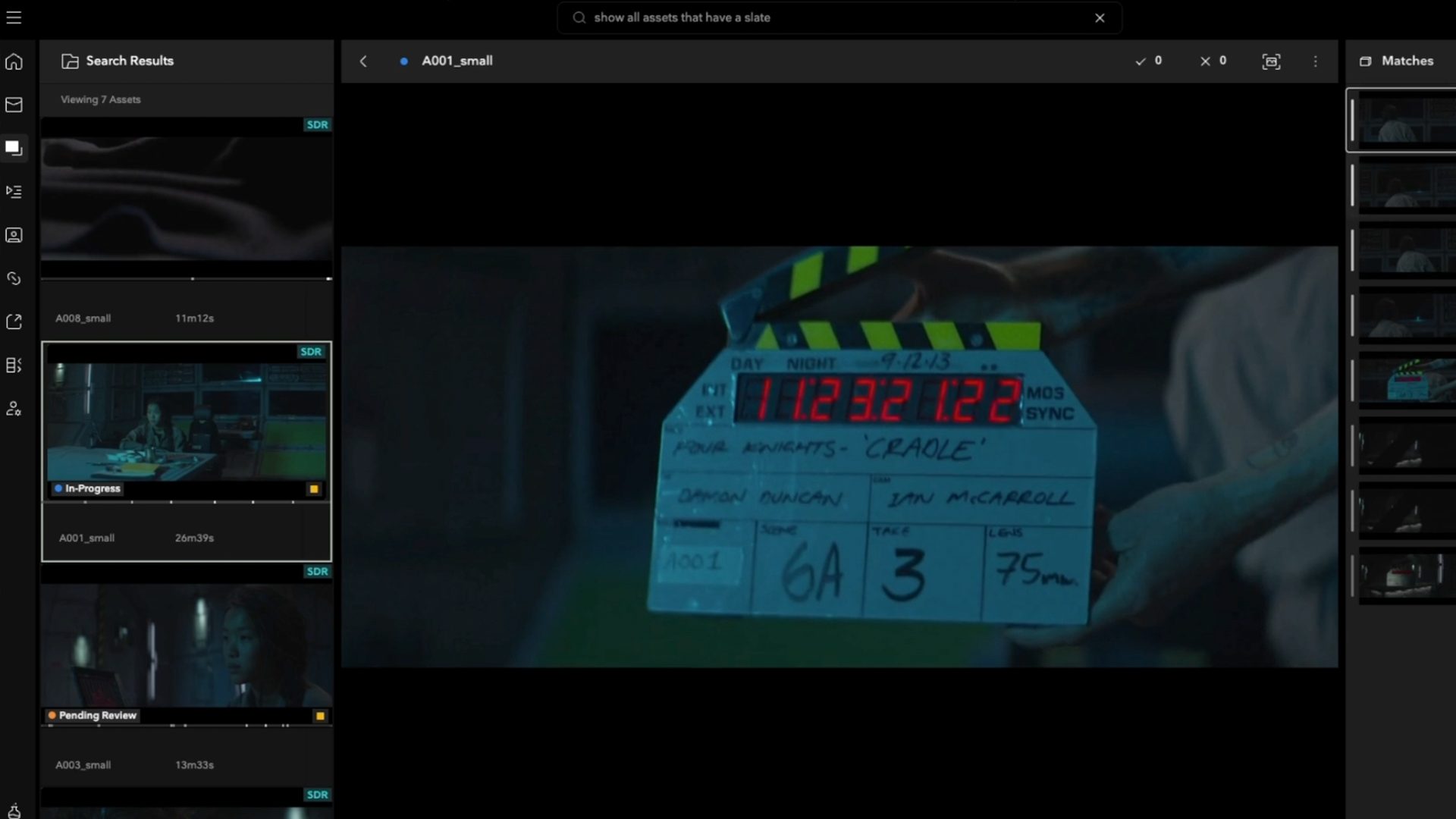
The analysis is multimodal, meaning it can take into account what is visible on screen, what is audible, and spoken dialogue when building the searchable index.
Search results also indicate where relevant content appears within the footage, so you can jump to matching moments instead of scrubbing through an entire asset to find them.
When you’re searching across hours, or days, of material, that can fundamentally change the experience. Instead of asking: “How was this footage organized?” You can ask: “What am I actually trying to find?”
What is AI automation in Flow Capture?
Smart Actions are AI-powered automation rules in Autodesk Flow Capture. They analyze newly indexed media for a condition described in natural language and automatically trigger specified production workflow actions when matching footage is found.
Finding footage faster is one part of the equation. The other is reducing the manual work that happens around that footage.
With Smart Actions, you describe a condition in plain language and tell Flow Capture what should happen when newly indexed media matches it.
For example, depending on the workflow, a Smart Action can:
- apply a tag
- set a status
- add matching content to a playlist
- create a comment
- create in and out points
- send a notification
- set metadata
- create a draft share
Once the action is saved, newly uploaded assets selected for indexing are analyzed against the trigger. When a match is found, Flow Capture applies the specified actions automatically.
That means organization and routing don’t always have to begin with someone manually watching, identifying, tagging, and sorting every piece of incoming media.
How can AI video search and automation help Film and TV production teams?
Imagine footage is arriving from a shoot throughout the day.
Smart Search could help the production team quickly find specific moments or potential issues without needing to know the exact clip name—for example, locating shots where a boom mic enters the frame or where a particular prop appears incorrectly.
Smart Actions could take this a step further by automatically checking newly indexed footage against defined criteria as it arrives. Potential issues could be flagged and collected into a playlist for review, giving the crew an opportunity to investigate and, where appropriate, reshoot while they’re still on set.
It does not replace the judgement of the crew, but it provides an additional automated check that can help catch problems earlier and avoid expensive fixes in post.
That playlist can then be exported as an AAF for use in Avid using the Flow Capture panel in Media Composer, with highlighted moments appearing as individual objects in the sequence.
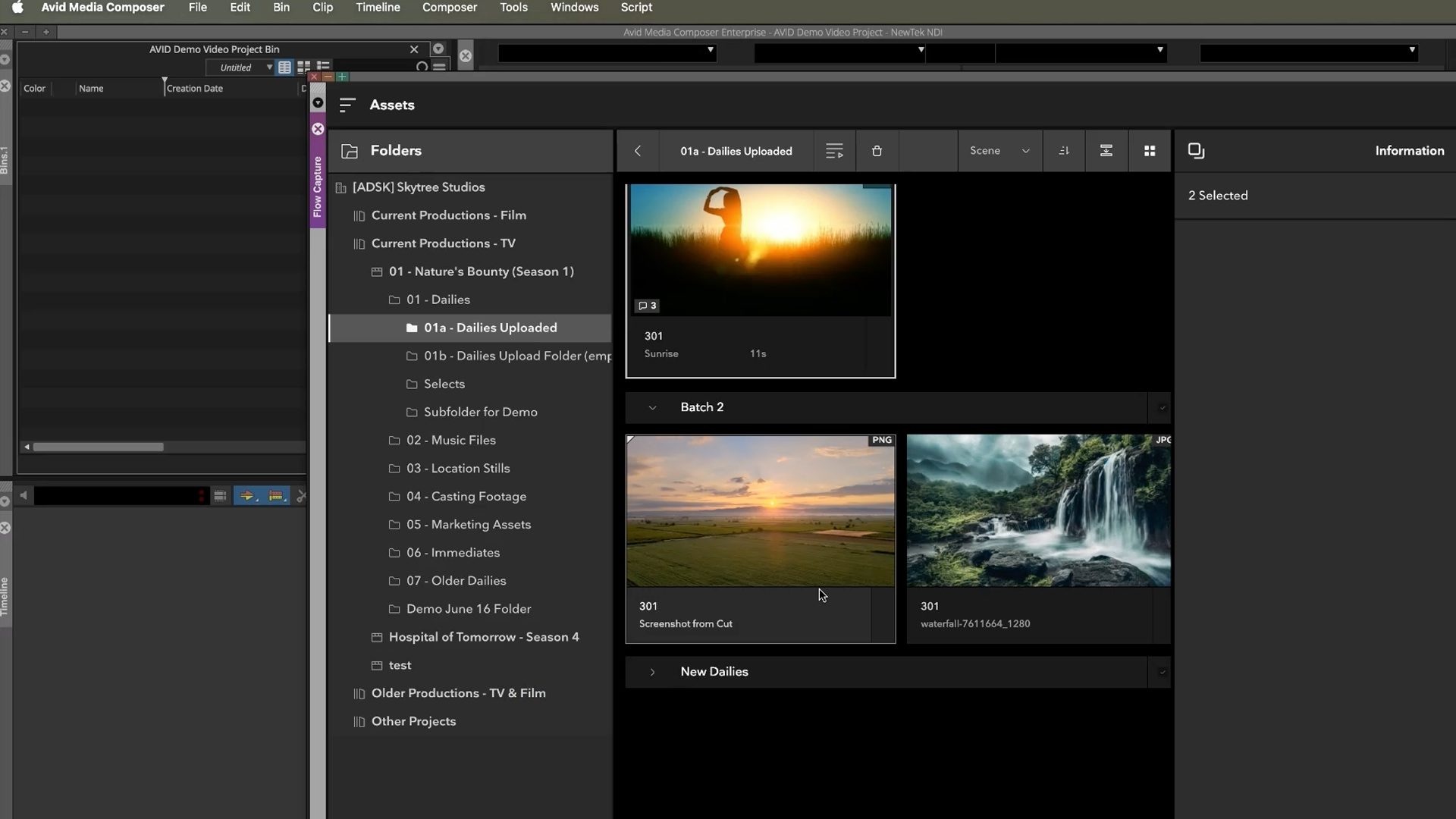
It creates the potential to move from: uploaded footage → understood footage → organized footage → editorial with fewer manual steps in between.
How does AI video indexing work in Flow Capture?
Smart Search and Actions are powered by an index created when eligible media is analyzed.
When Smart Search is enabled, newly uploaded video, audio, and image files can be analyzed by a machine-learning model. The analysis looks at visual, audio, and spoken information and produces a searchable index. Importantly, the index is not another copy of your footage.
Instead, Flow Capture stores embeddings (numerical representations of the content) in a Flow Capture-managed search index within Autodesk’s AWS environment. The original media remains where it already lives; indexing does not move or copy it into a new long-term storage location.
An embedding can be thought of as a set of numerical coordinates describing the meaning of a moment. Similar content produces similar representations, allowing a natural-language query such as “car chase at night” to be compared with indexed moments and ranked for relevance. These embeddings are lossy, one-way representations. They cannot be decoded to reconstruct the original footage, audio, images, or dialogue, and they aren’t human-readable transcripts or descriptions.
Is AI in Flow Capture secure?

For production teams considering AI, faster workflows are only part of the conversation. There are also important questions:
- Where is my content processed?
- Is production footage being sent to another AI provider?
- Is my content being used to train AI models?
- Who can see AI-powered search results?
- Can prompts execute code or introduce security risks?
These are especially important questions when working with unreleased footage, valuable creative IP, or sensitive production material.
For Smart Search and Actions, processing runs entirely within Autodesk’s environment, and customer footage, prompts, and content are not used to train AI models.
Prompts are also intentionally limited in what they can do. They do not crawl or browse the web, so Smart Search and Actions only work with the information available to them within the workflow. For example, if you want a Smart Action to identify footage according to a particular region’s ratings guidelines, those guidelines should be included directly in the prompt so the system can use them for analysis and matching.
Prompts also do not execute scripts or code. This helps prevent prompts from being used for code injection, backdoor access, or other attempts to execute commands through the AI-powered workflow.
Flow Capture’s existing access controls continue to apply to AI-powered search and indexing. Users only see search results for media they already have permission to view. Adding AI-powered understanding to your production workflow doesn’t mean turning your production footage into AI training data.
Bringing AI into production without losing control of your content

AI is creating significant new opportunities across media and entertainment, from accelerating creative workflows to automating repetitive production tasks. But every new capability also creates an important question: what happens to the creative data powering it?
Responsible AI adoption starts with visibility into which systems touch your content, where that content goes, how it is protected, and what it is used for. That philosophy aligns with Flow Capture’s broader approach to production security.
Flow Capture combines granular permissions and secure cloud infrastructure with security capabilities including encryption, MFA, role-based access, watermarking, forensic logging, and ongoing compliance practices.
Our white paper, “Safeguarding Creative IP in the Era of AI and the Cloud,” breaks down the trends, the tools, and the practices leading studios are using to stay ahead.
The goal isn’t to add AI at the expense of the security practices production teams already depend on. It’s to bring new intelligence into an environment designed to protect valuable creative work.
How to try Smart Search and Actions in Tech Preview
Smart Search and Smart Actions are available in Tech Preview in Autodesk Flow Capture, giving you early access to capabilities that will continue to improve over time.
The preview gives you an opportunity to put natural-language video search and AI-powered workflow automation to work with real production media, and help shape what comes next. Put your footage in front of it and see what you can find!
Frequently asked questions
AI video search lets users find moments in media based on the content of the footage rather than relying only on filenames or manually entered metadata. In Flow Capture, Smart Search lets users describe the moment they’re looking for in natural language and searches indexed media for contextual matches.
Yes. Smart Search’s multimodal analysis can take into account visual information, audible content, and spoken dialogue when building its searchable index.
Smart Actions are automated rules that use AI-powered indexing to detect matching content in newly uploaded media and trigger workflow actions automatically.
Smart Actions can apply tags, set statuses, add content to playlists, create comments, create in and out points, send notifications, set metadata, and create draft shares.
Customer footage, prompts, and content used with Smart Search and Actions are not used to train AI models.
No. Flow Capture stores embeddings—numerical representations of the content—in a managed search index, while the original media remains in its existing location.
Tech Preview means you’re getting early access to a capability that will continue to improve over time.