 Brandy Ryan
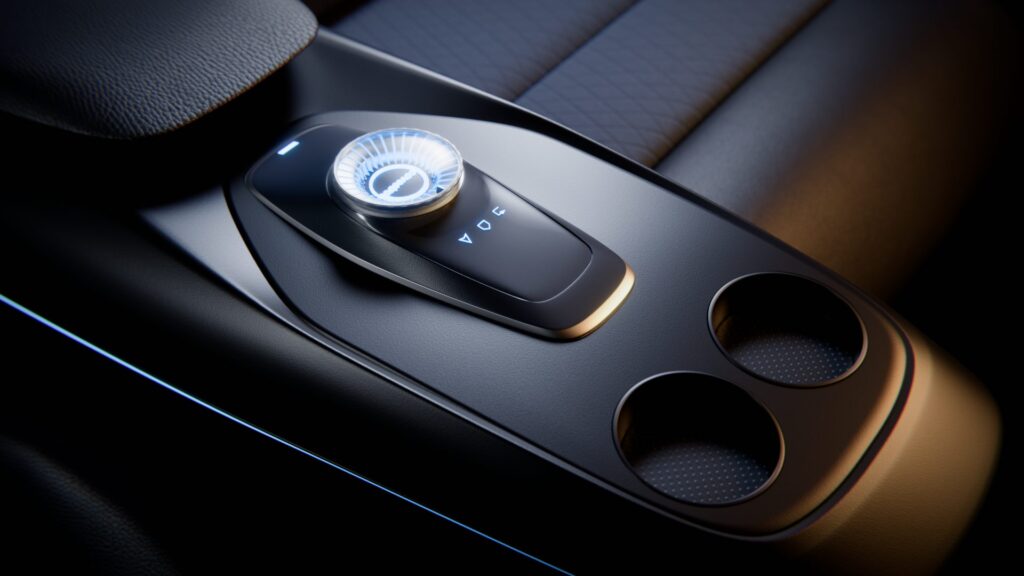
We’ve got some exciting news for automotive and transportation designers: Covestro’s Imagio® digital sample library is now integrated directly into Autodesk VRED 2026.1.
That means instant access to tens of thousands of photorealistic polycarbonate materials—where and when you need them. Designers don’t have to wait on physical samples or hunt through material catalogs, because they can just drag and drop these materials into VRED and see exactly how they will look in your design.
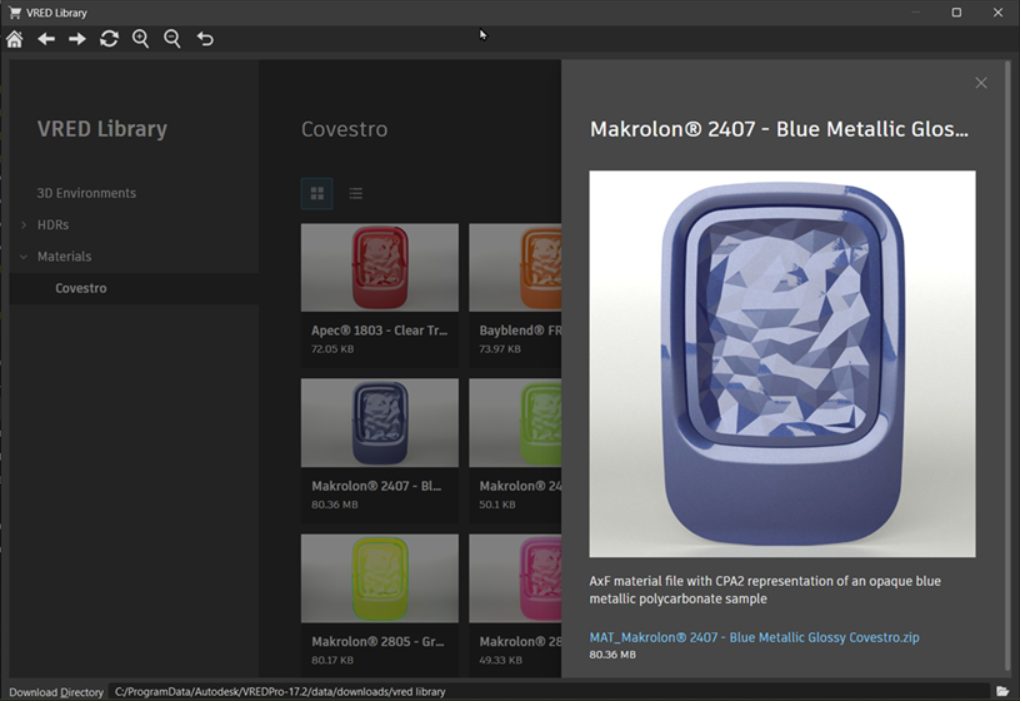
This integration is all about making the design process faster, cleaner, and more precise. With Imagio®’s digital twins, you can explore surface textures, gloss levels, transparency, and color variations in real time—cutting down on iterations, avoiding miscommunication, and helping you make confident material decisions earlier in the process.
And this is just the beginning! We’re already looking ahead to even more powerful features, like the ability to simulate how materials hold up over time, exposed as they are to sun, rain, and wear.
How to access Covestro library in VRED
If you’re using VRED Professional 2026.1 and have an Imagio® account, you’re ready to dive in.
You can access the Covestro library via VRED’s Main Menu Bar, then Web Shops > Covestro.

If you already have a Covestro login or you are familiar with their previous offerings, you can use the Login in the top right corner.
But if this is all new and/or you don’t know if your company is a Covestro customer, you can use the Register button. Because Covestro access is managed on a e-mail domain level, when you register the system checks if your company is a customer. Access is granted to all employees based on the email domain.
If you know that your company is not a Covestro customer but want to explore the possibilities of this integration, you can send an informal email stating you interest in the VRED offering to imagio@covestro.com.
Curious about how this integration came to be? Check out this conversation with Autodesk’s Pascal Seifert and Covestro’s Tobias Rauch.
For more product news, updates, and industry stories, head over to Autodesk Automotive on LinkedIn and visit the Design Studio YouTube channel.

Sharpen Your Skills
Alias and VRED Learning Editions are free for non-commercial use. Learn more and start your journey today.