 Brandy Ryan
VRED 2027 workflows for automotive design
Automotive design reviews increasingly need to move beyond static presentation moments. Teams need to evaluate products in context, interact with scenes more naturally, and share visual experiences across different environments — from desktop workstations to Powerwalls, CAVEs, XR, and streamed sessions.
In our Visualization Deep Dive at AIF 2026, Pascal Seifert explores recently developed workflows that encompass a broader direction for visualization: richer environments, more natural interaction, stronger real-time rendering, and more flexible ways to present and share design work.
Watch the video and/or scroll down for highlights.
Capture richer environments with Gaussian splats
Pascal begins with 3D Gaussian splat support, a visualization approach gaining momentum across the industry.
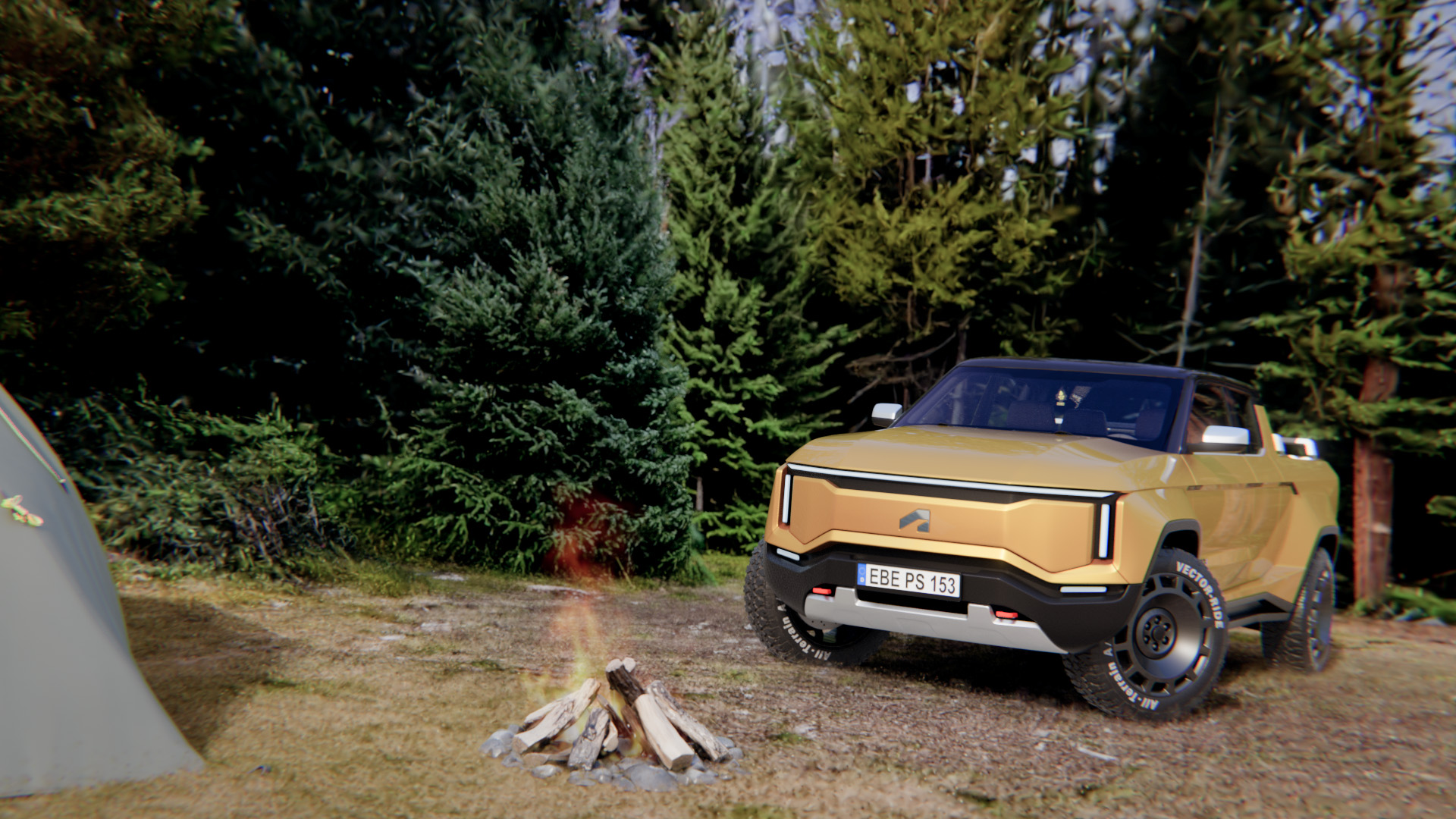
Instead of relying only on traditionally modeled geometry, Gaussian splats use lightweight, colored primitives to recreate highly detailed objects or environments from images, video, or scans. In VRED, Gaussian splats can be imported into a scene and treated like other scene nodes, with basic controls for placement, color, and contrast.
For automotive visualization, Pascal focuses on how they can help teams create realistic context more quickly:
- Creating assets from image or video capture
- Scanning larger environments, facilities, or real-world locations
- Using AI-generated environments for storytelling
- Importing supported Gaussian splat file formats into VRED
- Pairing splats with HDR or artificial lighting for vehicle presentation
For automotive teams, the opportunity is context. Designers can place a vehicle in a scanned location, a familiar facility, or a purpose-built storytelling environment without manually modeling every detail.
Make scenes more interactive with constraints and physics
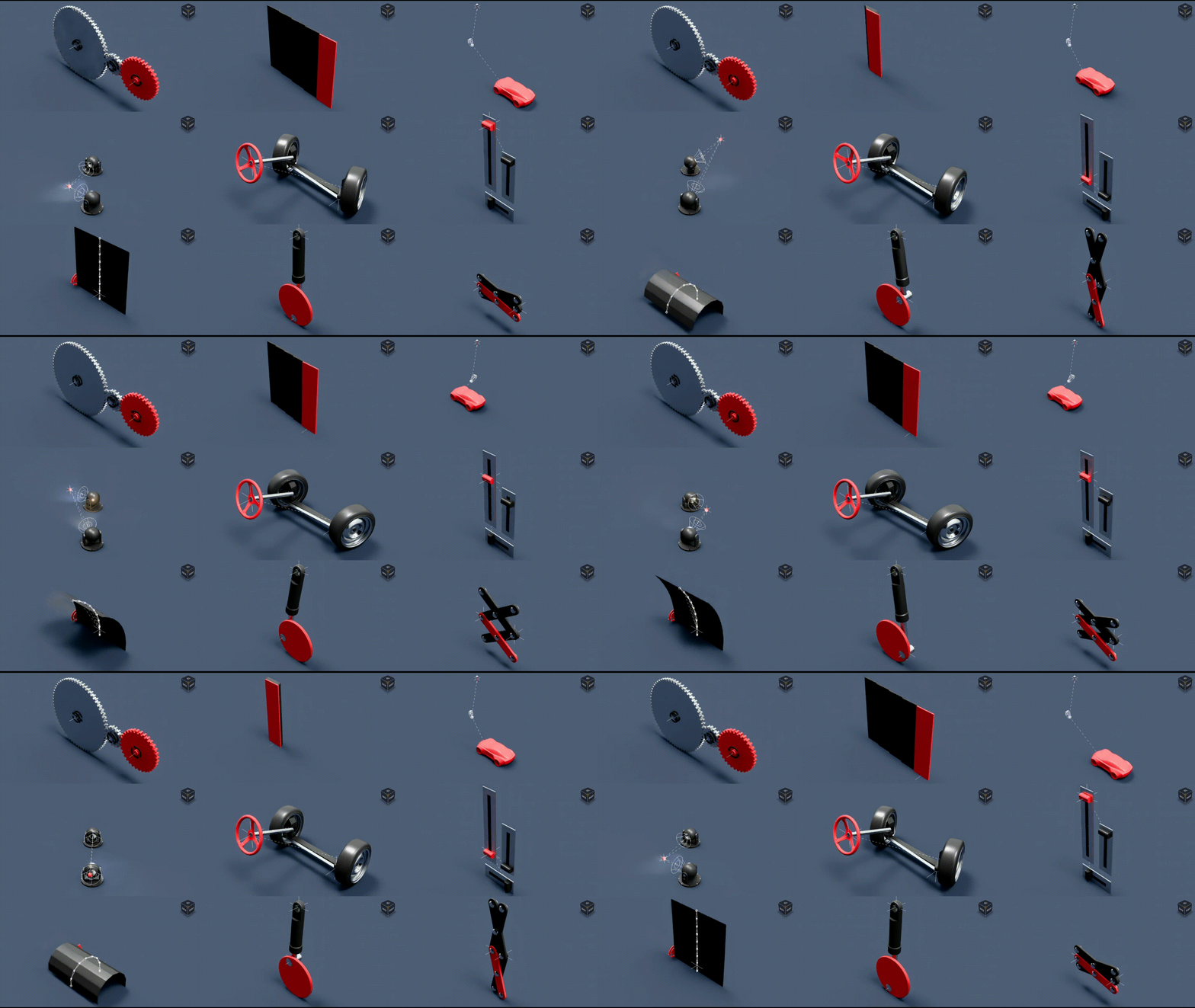
As visualization moves closer to real-time experience, scene behavior becomes part of the design story.
With constraints and object limits, users can connect objects so one movement or rotation drives another. This can simplify animation setups and make it easier to represent mechanical relationships in a scene.
Constraints can help with:
- Steering and wheel behavior
- Camera or light targeting
- Mechanical movement
- Controlled object rotation or translation
- Reusable animation relationships
Rigid body physics bring more natural scene interaction into VRED. The goal is not high-precision engineering simulation, but real-time behavior that helps users place, test, and experience objects more naturally.
Physics workflows can support:
- Natural asset placement
- Objects falling onto uneven ground
- Simple fit or assembly checks
- More believable XR interactions
- Baking simulated object positions for reuse
For design reviews, this kind of interaction can make a scene feel less staged. A vehicle, object, or environment becomes something users can experience more directly, not just observe from a fixed viewpoint.
Improve rendering, presentation, and streaming quality
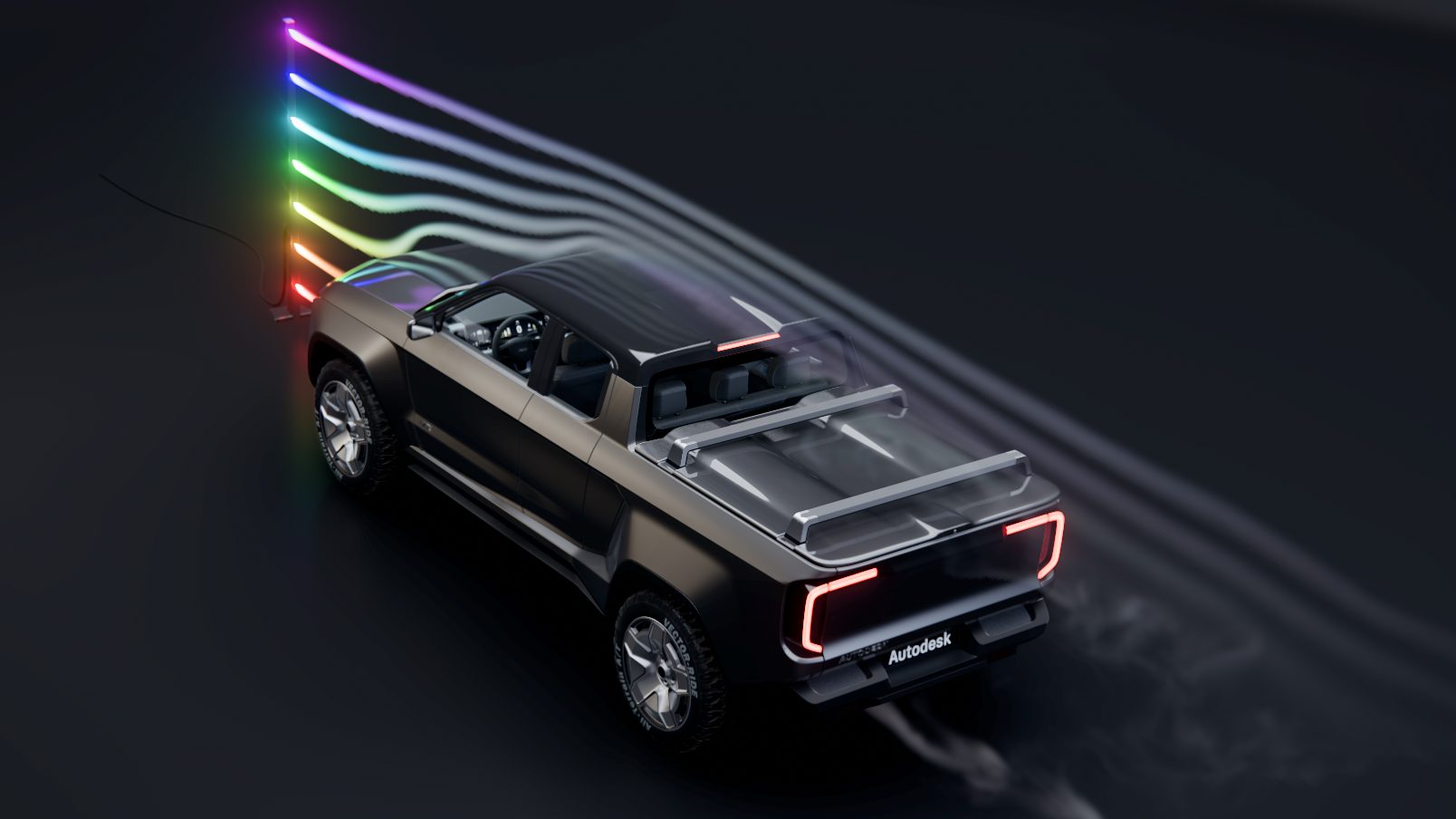
Automotive reviews often move across formats: from detailed desktop evaluation to large-scale immersive rooms to streamed stakeholder sessions. VRED’s rendering, camera, and streaming updates help support that range.
Rendering improvements include:
- Glossy reflections for shadow materials in Vulkan
- Reflections for volumes such as fire, smoke, or airflow effects
- Sheen controls for materials like Alcantara, carpet, velvet, and other soft finishes
- Deep learning anti-aliasing
- Better Vulkan support for display clusters, CAVEs, and Powerwalls
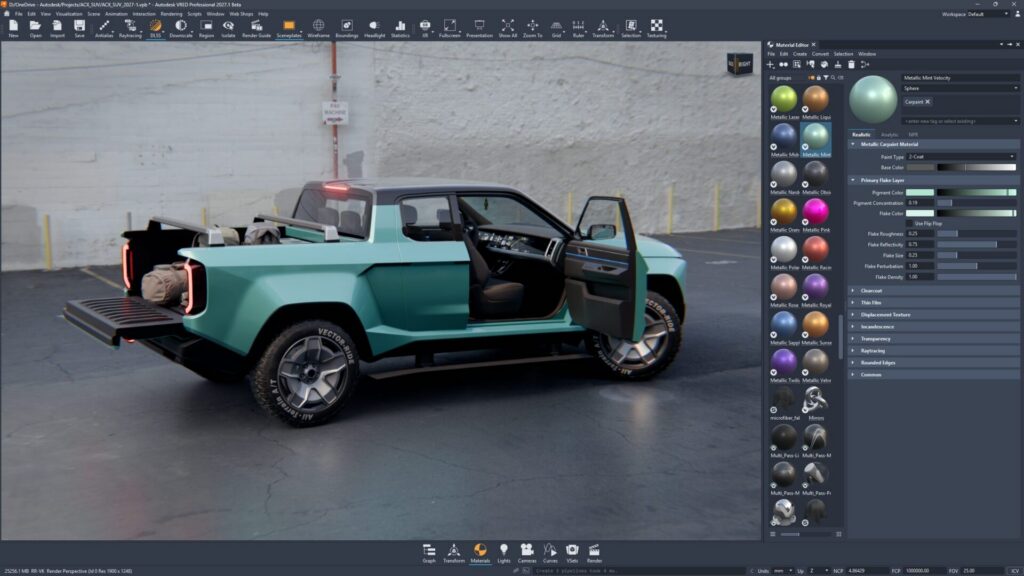
Camera and presentation updates add more control over the final image:
- Automatic camera exposure per camera or viewpoint
- Film grain for more cinematic output
- Tone mapping and color grading improvements
- Luminance value indicators for more precise brightness evaluation
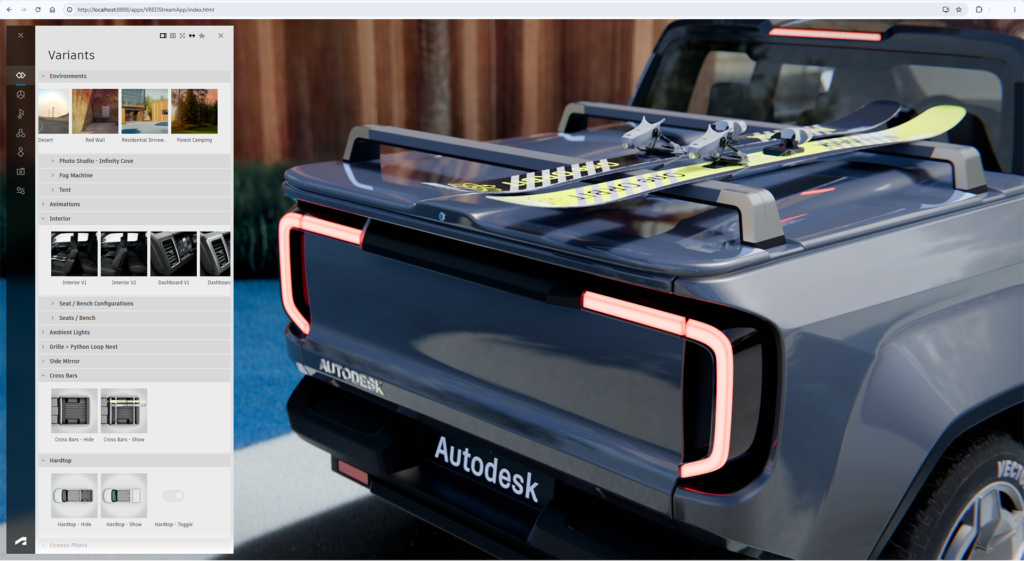
Pascal also notes improvements to VRED streaming, including hardware-accelerated encoding and decoding. For teams sharing reviews remotely or through browser-based experiences, these updates can make streamed sessions more responsive and easier to control.
Connect capture, interaction, and review
The real value of these workflows comes into focus when they start working together. Captured environments become more powerful when they are seen and used. By pairing Gaussian splats with collision data, VRED can turn a scanned space into a setting for more natural object interaction.
That points to a broader workflow:
- Capture or generate an environment
- Bring it into VRED as a visual scene
- Add collision behavior
- Place and interact with objects naturally
- Use the result for review, storytelling, or experiential design
For automotive teams, this connection matters. Visualization is not only about making a design look realistic. It is about creating a review environment where teams can better understand scale, context, interaction, and experience.
Spend more time experiencing the design
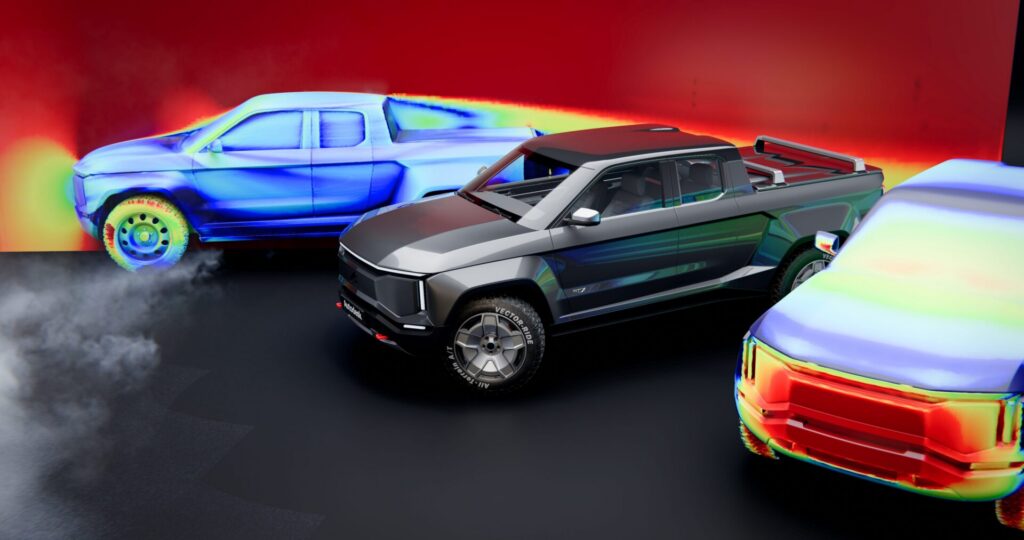
The strongest visualization workflows do more than produce a polished image. They give design teams richer context for understanding how a product occupies space, and a more responsive review environment for exploring how it behaves, changes, and holds up across different settings.
That is where these VRED 2027 workflows come together. Gaussian splats can help teams build more detailed environments around the vehicle. Constraints, object limits, and physics can make scenes feel more interactive and controlled. Rendering and streaming improvements can help reviews stay consistent across desktops, immersive rooms, and remote sessions.
For automotive design teams, that combination matters. When context becomes richer and reviews become more responsive, visualization moves closer to experience — helping teams evaluate not only how a design looks, but how it may be seen, explored, and understood in the real world.
This story was developed using a blend of human expertise and AI tools supporting the research and drafting. Our team shaped, edited, and fact-checked the final content to ensure accuracy and alignment.
Keep an eye on our blog for more session posts, including keynotes and customer presentations from AIF26 coming soon.
Stay connected with the Automotive Design team – browse our videos on our Autodesk Design Studio YouTube channel and get the latest from our Autodesk Automotive LinkedIn page.