 Autodesk Media & Entertainment
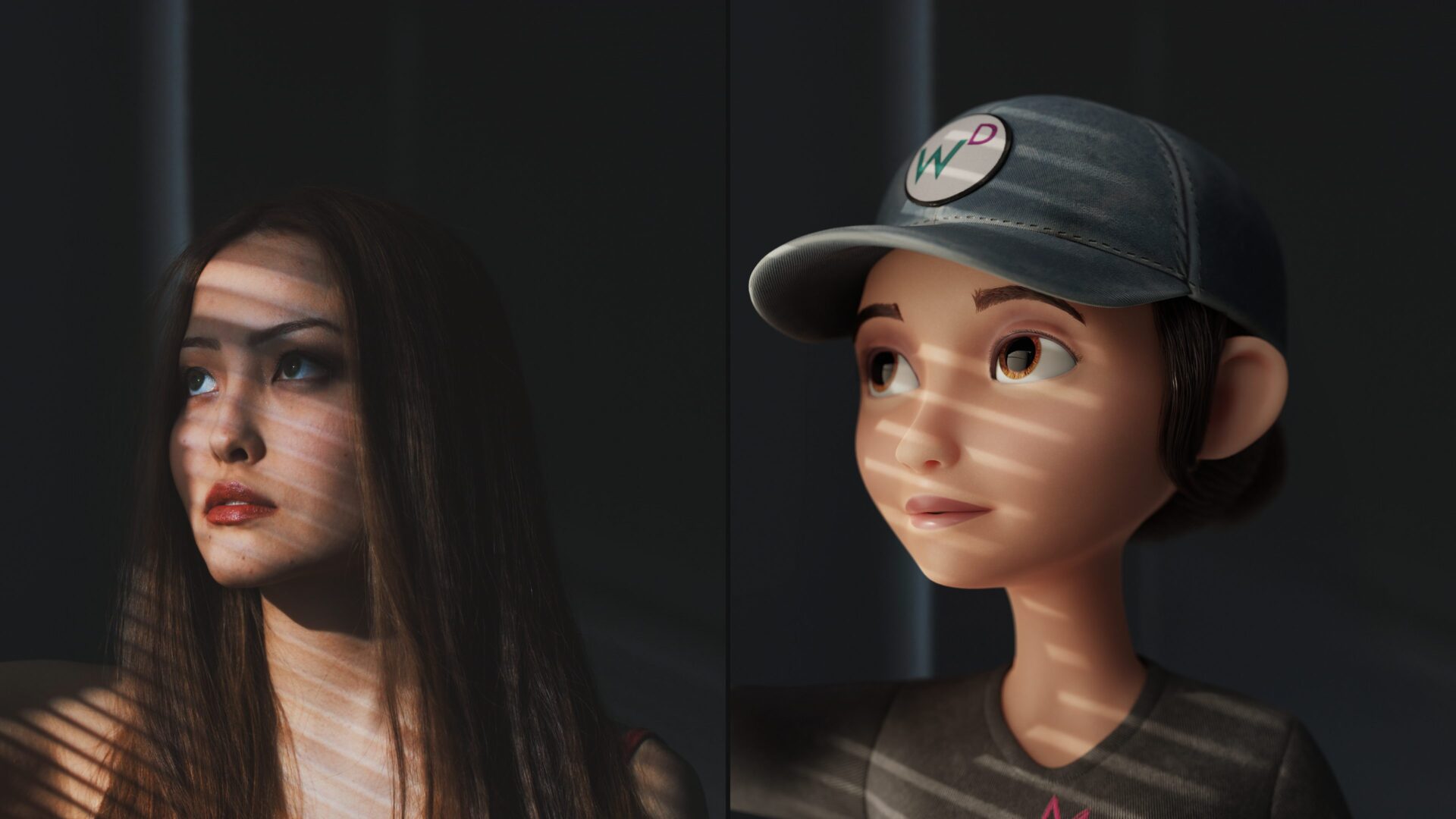
At Autodesk, we know every creative journey is different. Whether you’re crafting your first 3D model for class, launching a freelance animation business, or producing multi-shot social campaigns, Flow Studio’s flexible tiers are designed to support your unique workflow at every stage.
Who’s using Flow Studio?
Students & Educators
For students and educators, Flow Studio offers a streamlined environment to quickly prototype ideas, grasp the fundamentals of 3D animation, and export projects for assignments or portfolios. The platform supports simple asset swaps, scene building, and version management, making it ideal for classroom settings or self-guided learning. With easy export options to engines like Unreal, students can seamlessly integrate their work into broader pipelines or showcase-ready reels.
3D Artists & Animators
3D artists and animators find Flow Studio to be a powerful space for developing intricate scenes, experimenting with CG actor swaps, and refining shading and lighting. The platform supports collaborative workflows, enabling artists to iterate on test animations or demo reels with peers. With features like multi-shot collaboration, detailed asset libraries, advanced export options, and revision history, Flow Studio empowers artists to focus on creative storytelling while maintaining technical precision.
Freelancers & Contractors
Whether managing multiple client projects or collaborating asynchronously with small teams, freelancers and contractors can deliver polished assets with confidence. Flow Studio offers robust version control, secure sharing capabilities, and flexible scene management – ideal for fast-paced, deadline-driven workflows. Quick turnaround exports ensure freelancers can meet client expectations without compromising quality.

Content Creators & Social Media Producers
For content creators and social media producers, Flow Studio is a launchpad for rapid, high-impact storytelling. Whether producing short films, branded content, or animation loops for platforms like TikTok, YouTube, or Instagram, creators can easily import assets, swap actors or props, and batch export for multi-platform delivery. Template-based workflows and intuitive tools make it easy to go from concept to viral-ready content in record time.
Studios & Pipeline Teams
Studios and pipeline teams can deeply integrate Flow Studio into their production environments to streamline workflows and scale creative output. Flow Studio supports automation of repetitive tasks and coordination across multi-disciplinary teams working on feature-length projects. With API integrations, team-based permissions, high-volume rendering capabilities, and advanced pipeline customization, Flow Studio becomes a foundational tool for modern production pipelines.
Flexible plans for every creator
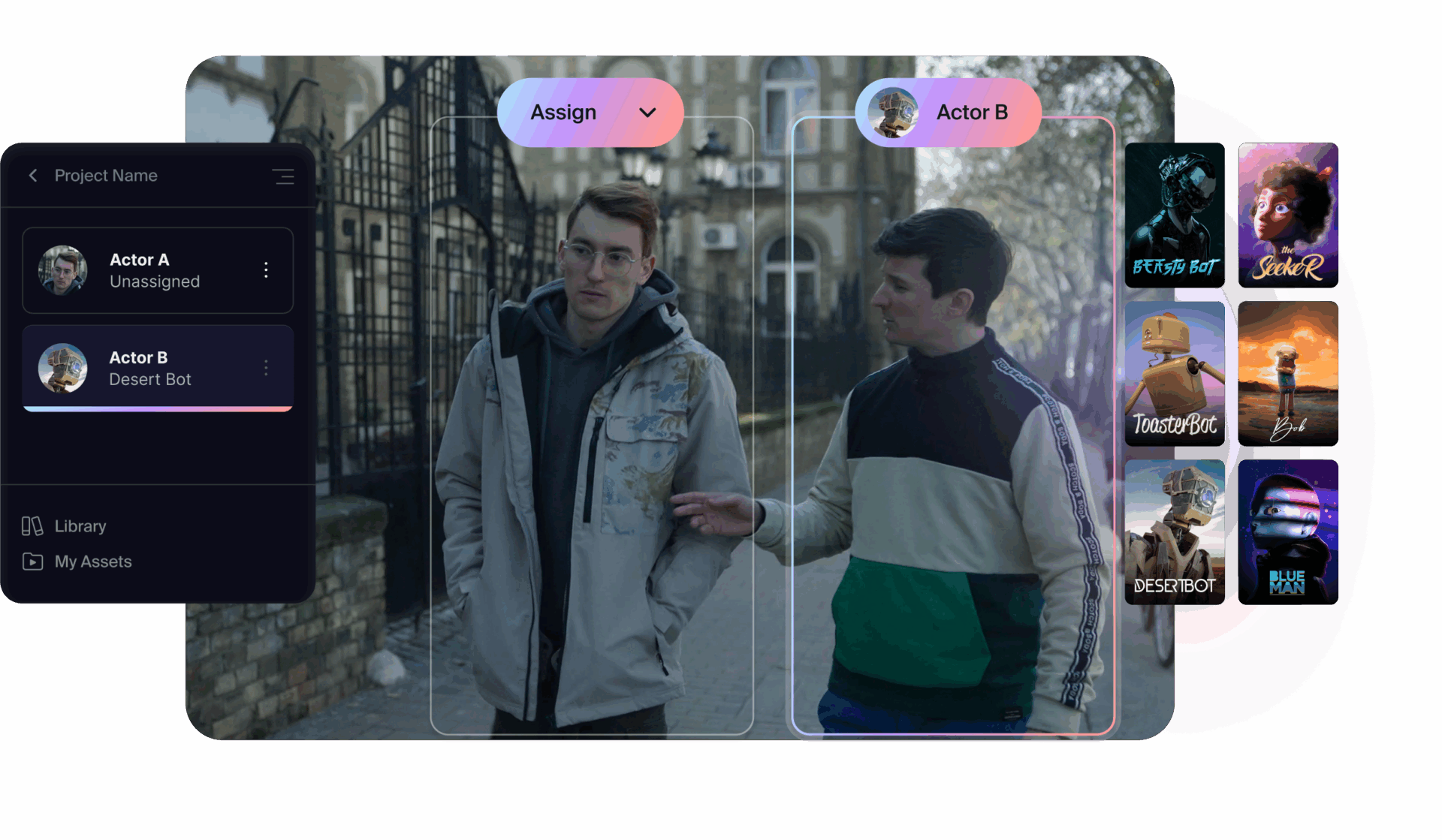
Flow Studio’s new scalable plans offer flexibility and features tailored to fit every stage of your creative process. Scale up when you’re ready to unlock new ways to streamline your creative process. Not sure where to begin? Try the free tier and discover the workflow that fits your needs best.
- Free Tier: For creators looking to get a feel for what’s possible with AI tools – at no cost. No credit card required.
- Lite Tier: For creators ready to unlock advanced AI features and bring projects to life with greater flexibility.
- Standard Tier: Designed for creators who want advanced AI capabilities and a variety of project choices.
- Pro Tier: For large teams ready to unlock the full suite of AI tools—designed to support more complex, production-ready projects.
- Enterprise Tier: For organizations that require precise levels of scalability, security, control, and flexibility to support your unique needs.
For an in-depth breakdown of each plan, plus hands-on demos and success stories from early adopters, visit: https://www.autodesk.com/products/flow-studio/overview
Ready to animate your next idea? Sign up for Flow Studio today.