Visual Effects
Filter by:
All filters
-
Meet the 2026 Design & Make Awards Winners and Finalists for Media & Entertainment
The Autodesk Design & Make Awards recognizes the people, projects and technologies behind exceptional contributions to move their industries forward. The program spans architecture, engineering and construction; product design and manufacturing; media and entertainment; and education. With more than 280 submissions from around the world, this year’s global awards program recognized 52 finalists and 25…
Visual Effects
-
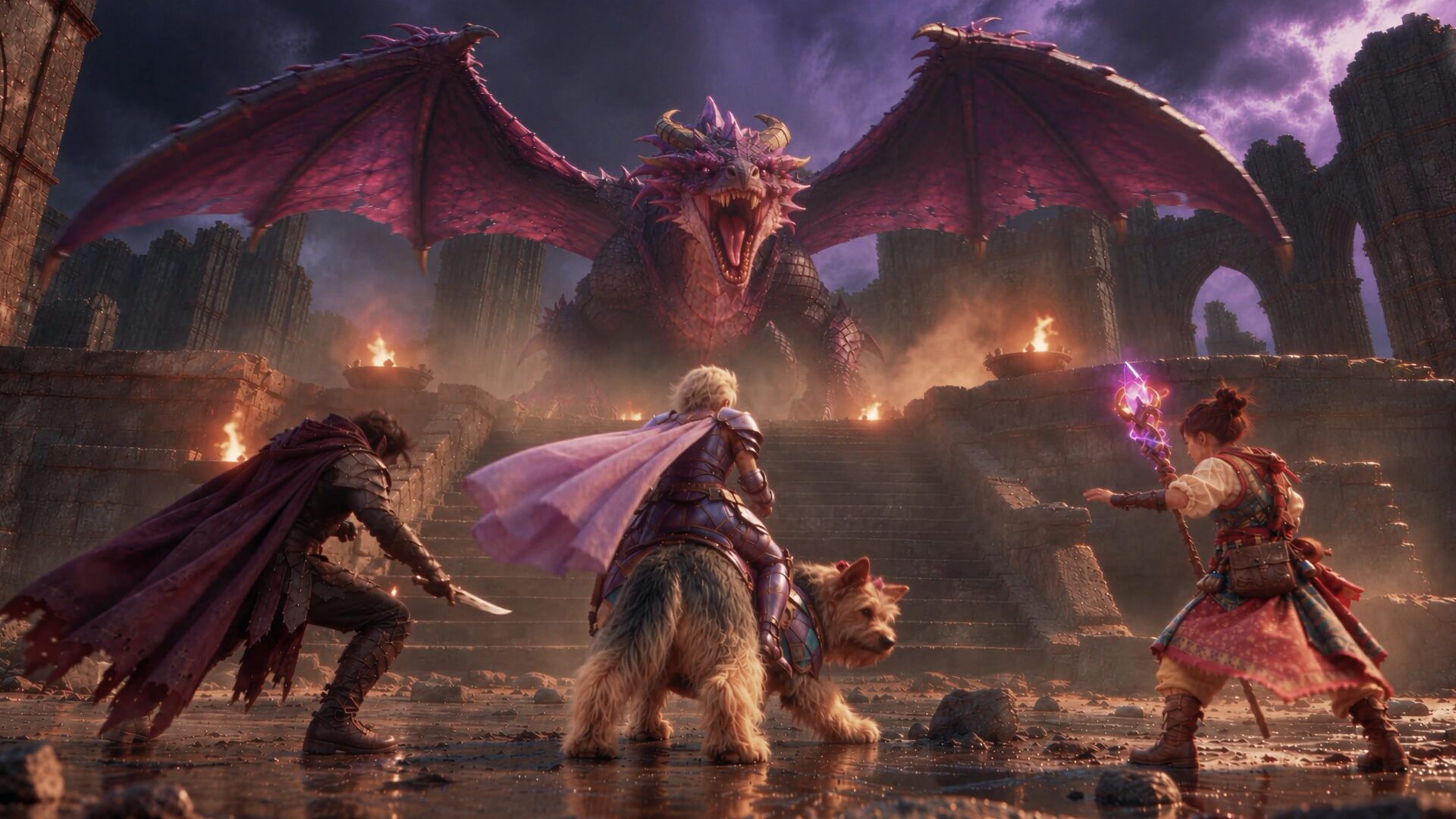
Introducing Autodesk Flow Studio MCP: Create 3D Assets in ChatGPT
Ideas don’t wait for the right tool to open. Now you can start creating whatever you’ve been dreaming up in 3D, right in ChatGPT. Flow Studio MCP is now in ChatGPT, bringing 3D asset generation capabilities into the conversation. Start with a text prompt or reference image to create a character for your next tabletop campaign, explore…
Flow Studio
-

Professional 3D Animation Software for Freelancers and Small Studios: Which Maya Option is Best for You
Finding professional animation software for a small studio or freelance business can be tricky when you’re balancing creative ambitions with your budget. Fortunately, you have options. Maya Indie gives eligible artists the complete Maya toolset through an annual subscription at a more affordable price than Maya. Maya Creative offers modeling, rigging, animation, and rendering tools…
Maya
-
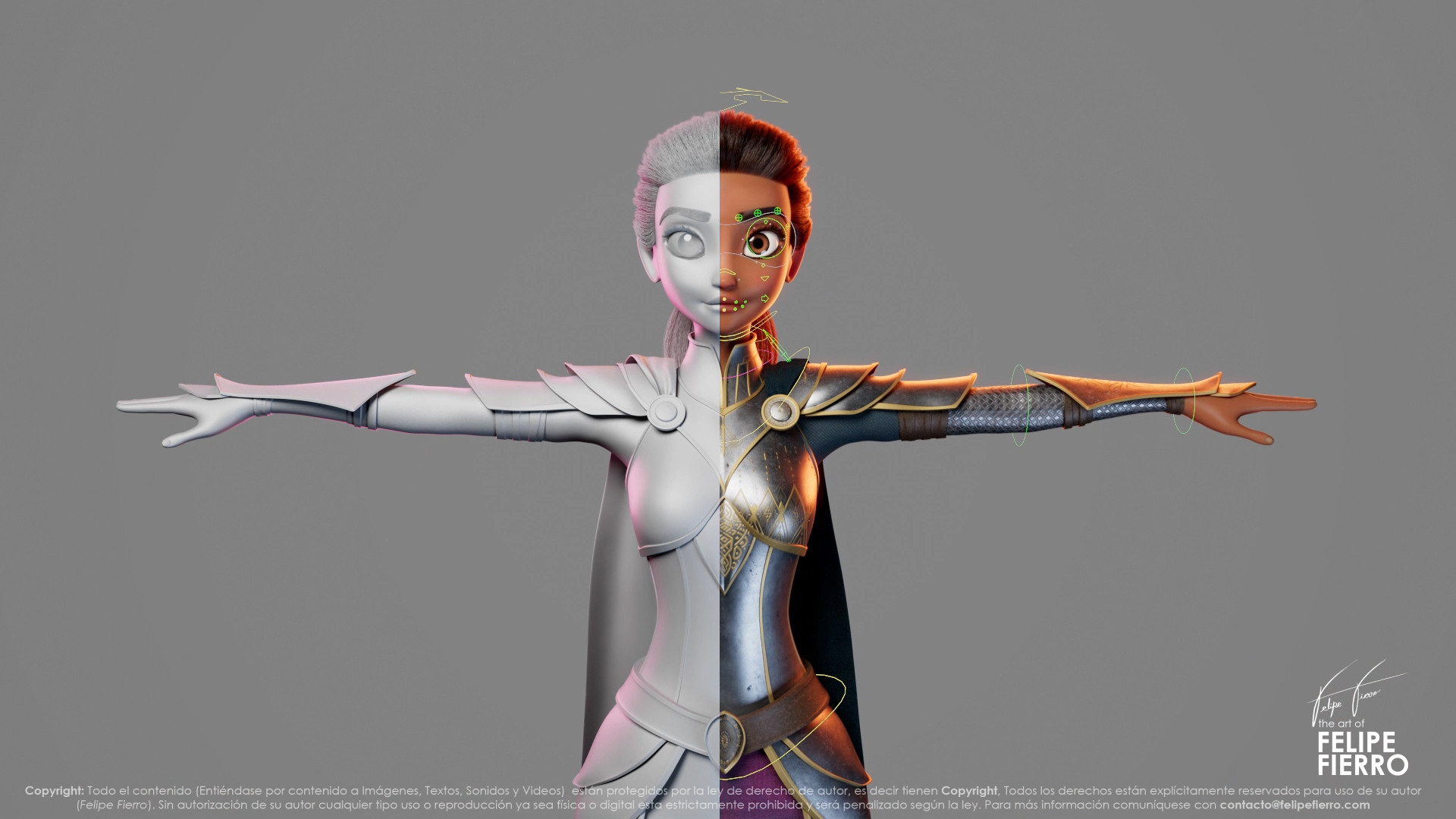
Autodesk Maya vs. Maya Creative vs. Maya Indie: Which one is best for you?
Choosing the right Autodesk Maya option comes down to a few things: what you’re creating, which tools you need, and how often you’ll use them. The full version of Maya gives professional artists and studios of all sizes a complete 3D production toolset. Maya Creative offers core modeling, rigging, animation, and rendering tools through Autodesk…
Maya
-

Getting Started with 3D Editor + Canvas in Autodesk Flow Studio: How to Build Your First Scene
The hardest part of building a shot isn’t always creating the pieces. It’s deciding how they should work together. Maybe you already have a character and a performance in mind, but still need to figure out the world around them. Or you know exactly how you want a shot framed but want the freedom to…
Flow Studio
-

Using Neural Layer with LoRA for Enhanced Character Consistency in Autodesk Flow Studio
Great stories are built around memorable characters. And when you’re shaping those characters with AI, you want them to look and feel unmistakably themselves from one shot to the next. With AI-powered storytelling, that consistency can be hard to maintain. A wide shot becomes a close-up. Your character turns away from the camera, strikes a…
Animation
-
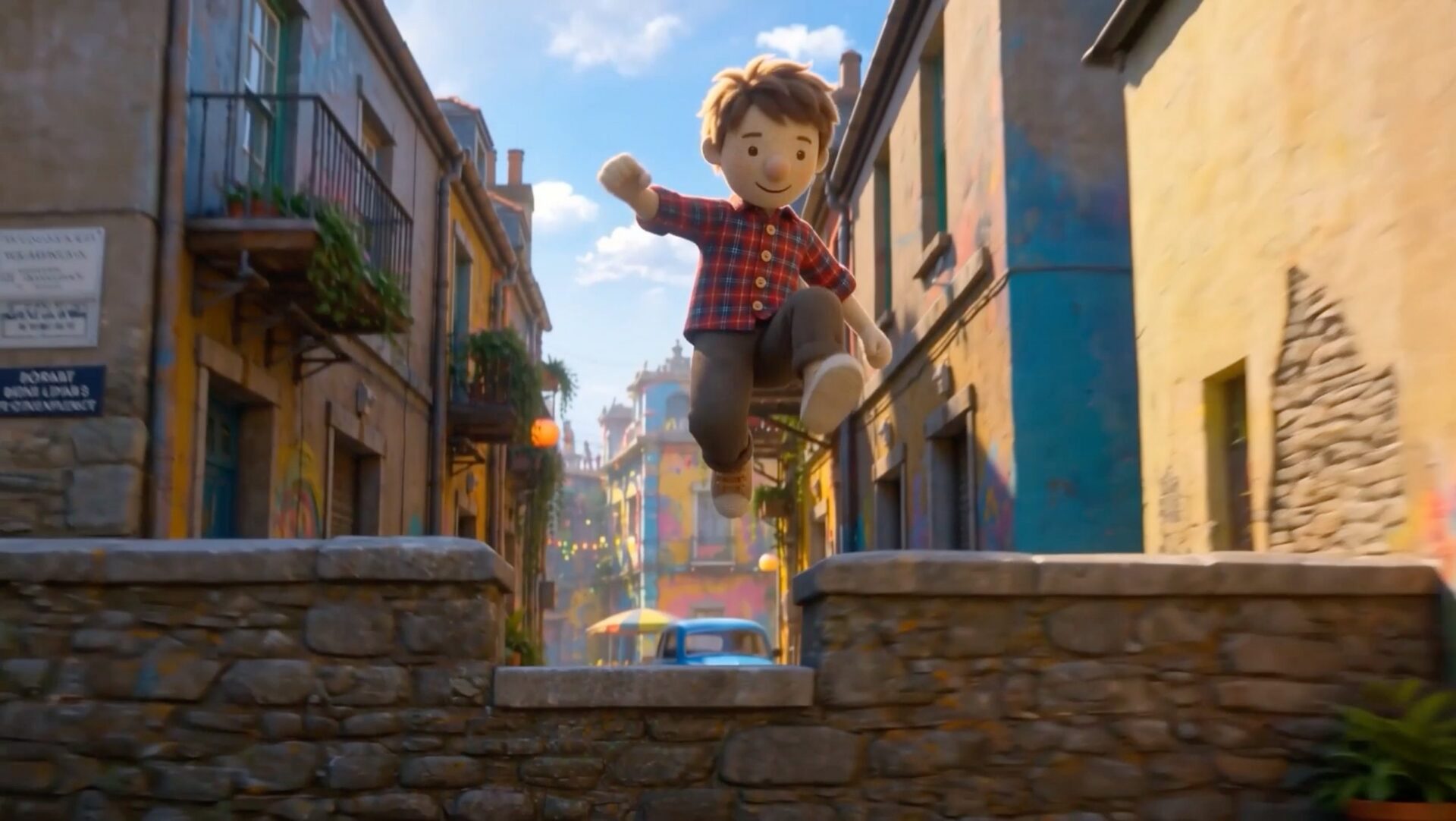
The Barriers to Storytelling Are Coming Down: New AI Tools from AU 2026
There’s never been a better time to have a story you want to tell. Not because storytelling got easy. It didn’t. Building a world. Animating a performance. Getting a shot right on set. Learning a complicated piece of software. All of it still takes real craftsmanship. But it’s starting to take a little less of something else: the years, and…
Maya
-

Character Animation on a Deadline: How Pigmalion Animation Studio Uses Autodesk Flow Studio
Starting an animation studio at 22 is ambitious anywhere. Doing it in Colombia, far from the industry’s traditional production hubs, adds another layer to the challenge. But Felipe Fierro has been finding his own way into animation for most of his life. He began studying Autodesk 3ds Max at an Autodesk Authorized Training Center at just 12…
Flow Studio
-
Autodesk at TIFF: The Market – Making the Leap into Bigger Stories
Emerging filmmakers are creating incredible work with small budgets, tight timelines, and a lot of ingenuity. But what happens when the opportunity comes to go bigger? Your dream project gets greenlit, the scale grows, and suddenly you need the tools and workflows to match your ambition. That’s what makes the Toronto International Film Festival (TIFF):…
Maya
-
Introducing 3D Editor + Canvas in Autodesk Flow Studio
AI has made it easier than ever to generate compelling assets. In just a few prompts, you can create characters, environments, animations, and more. But generating assets is only the beginning. Turning those pieces into cohesive scenes — shaping performances, directing camera movement, and refining the final shot — too often means jumping between disconnected…
Flow Studio