 Autodesk Media & Entertainment
Introducing Wonder 3D, a new generative AI model in Autodesk Flow Studio – built to help you move from imagination to 3D faster than ever.
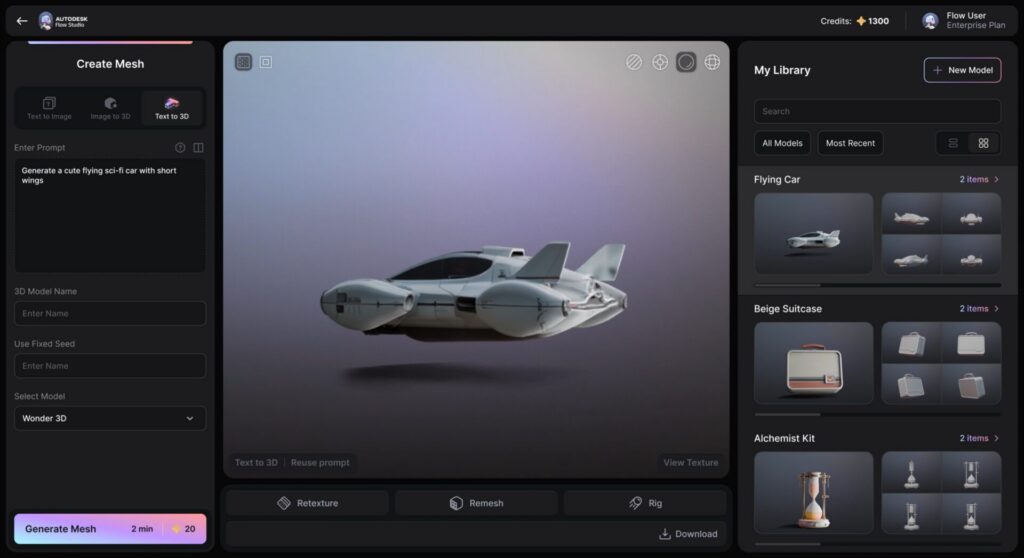
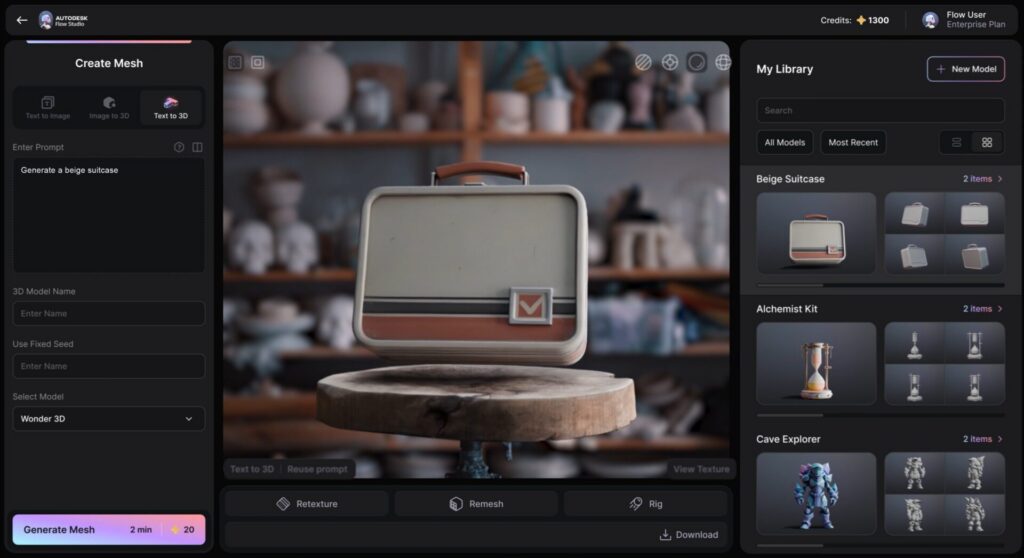
You can now quickly generate 3D characters or objects—from a simple text prompt or a reference image. Then refine, remix, and reuse them across your projects. Plus, everything stays flexible, so you can create quickly, iterate confidently, and move your work seamlessly into 3D pipelines, game engines, or 3D printing software.
What’s New in Flow Studio
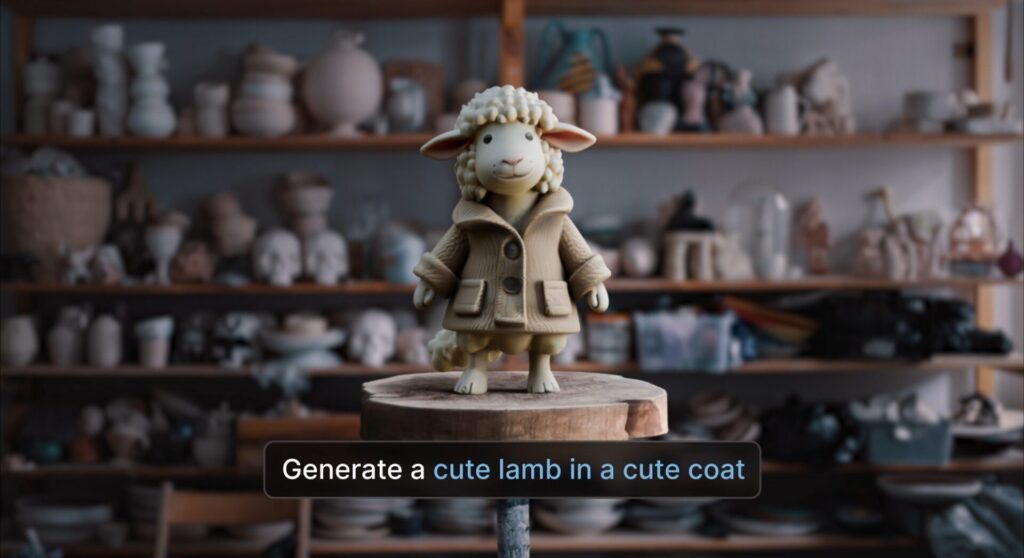
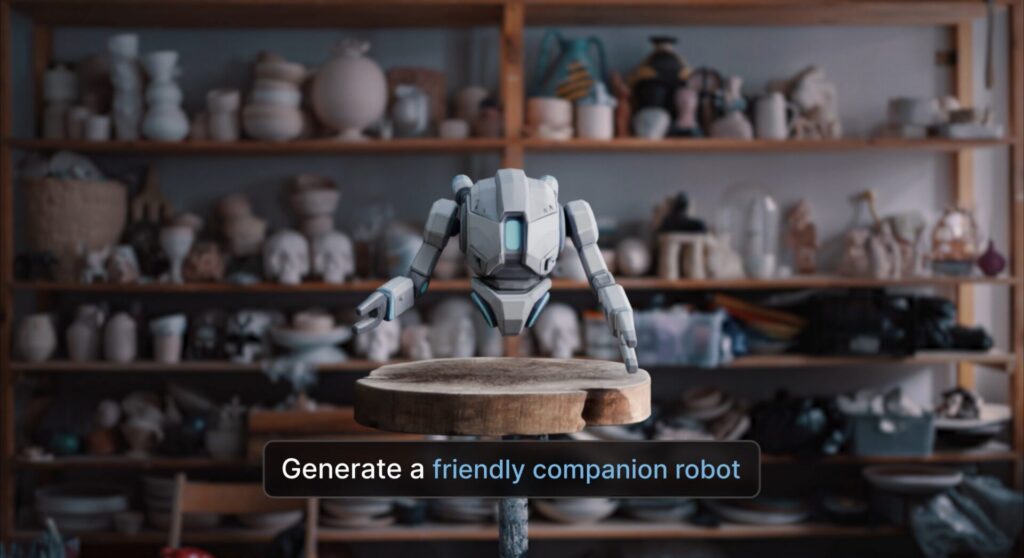
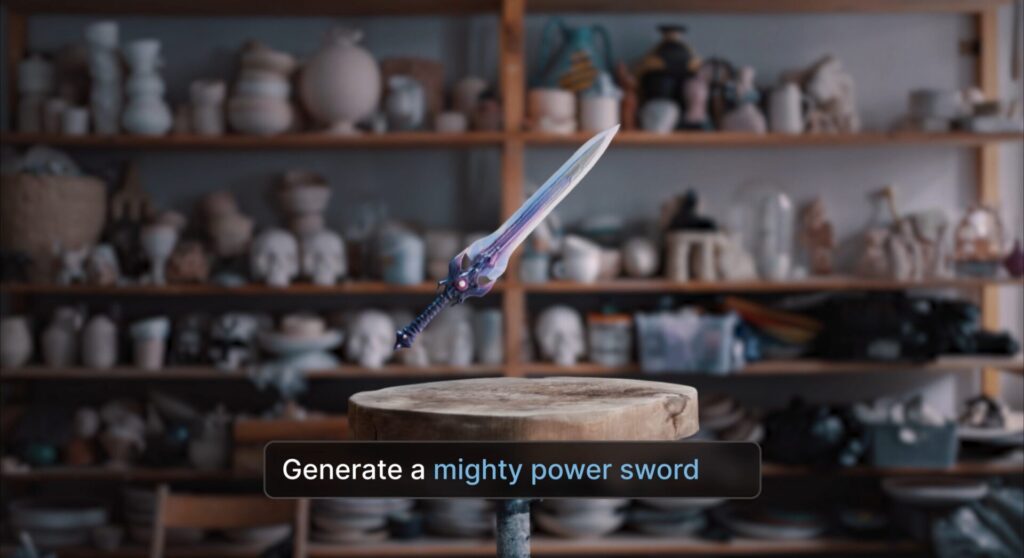
- Text to 3D: Turn a few words into fully editable 3D characters and props.
- Image to 3D: Convert sketches, reference images, or concept art into real 3D geometry.
- Text to Image: Visualize character concepts, story ideas, or creative directions.
- Edit Image: Iterate directly on generated visuals without starting over.
- Remesh: Optimize geometry to better fit your downstream workflow.
- Texture: Add color and surface detail to your 3D assets.
- Remesh & Texture: Refine form and finish together in a single step
These workflows are designed to support fast ideation without locking you into a single result. Generate, adjust, refine, and move onwards and upwards.
Access, Credits, and Usage
Text to 3D, Image to 3D, and Text to Image workflows are available across all Flow Studio tiers – from Free through Enterprise – accessible in Wonder Tools.
Each generation costs 20 credits, regardless of workflow or plan. Credit usage is consistent across tiers, making it easy to experiment. Your plan also determines how many generations you can run at the same time:
- Free: 1 concurrent generation
- Lite: 5 concurrent generations
- Standard: 10 concurrent generations
- Pro: 15 concurrent generations
- Enterprise: 20 concurrent generations
Using your own images and prompts
You’re free to bring your own ideas — and your own assets — into Flow Studio. When uploading images or writing prompts:
- Make sure you own the content or have permission to use it
- Obtain consent if images include people
- Avoid third-party trademarks, logos, or brand identifiers
Using Flow Studio means agreeing to Autodesk’s General Terms of Use and Acceptable Use Policy.

Built for iteration, not perfection
Generative AI works best in Flow Studio when it’s part of an iterative process.
- Results may vary from one generation to the next
- Outputs aren’t guaranteed to be unique
- Generated assets should be reviewed before production use
Flow Studio is designed to help you explore more ideas, faster — without locking you into a single result.
Creative freedom, without the guesswork
Creating in 3D shouldn’t feel intimidating. And it shouldn’t lock you into results you can’t change. Flow Studio gives you the speed to move fast — and the confidence of knowing you can always refine what you’ve made. No pressure to get it right the first time. Just momentum, so you can stay in the flow.
Try it now
The new generative AI workflows are available now in Flow Studio, across all tiers. Give your ideas some dimension.