Flow Studio
-

Getting Started with 3D Editor + Canvas in Autodesk Flow Studio: How to Build Your First Scene
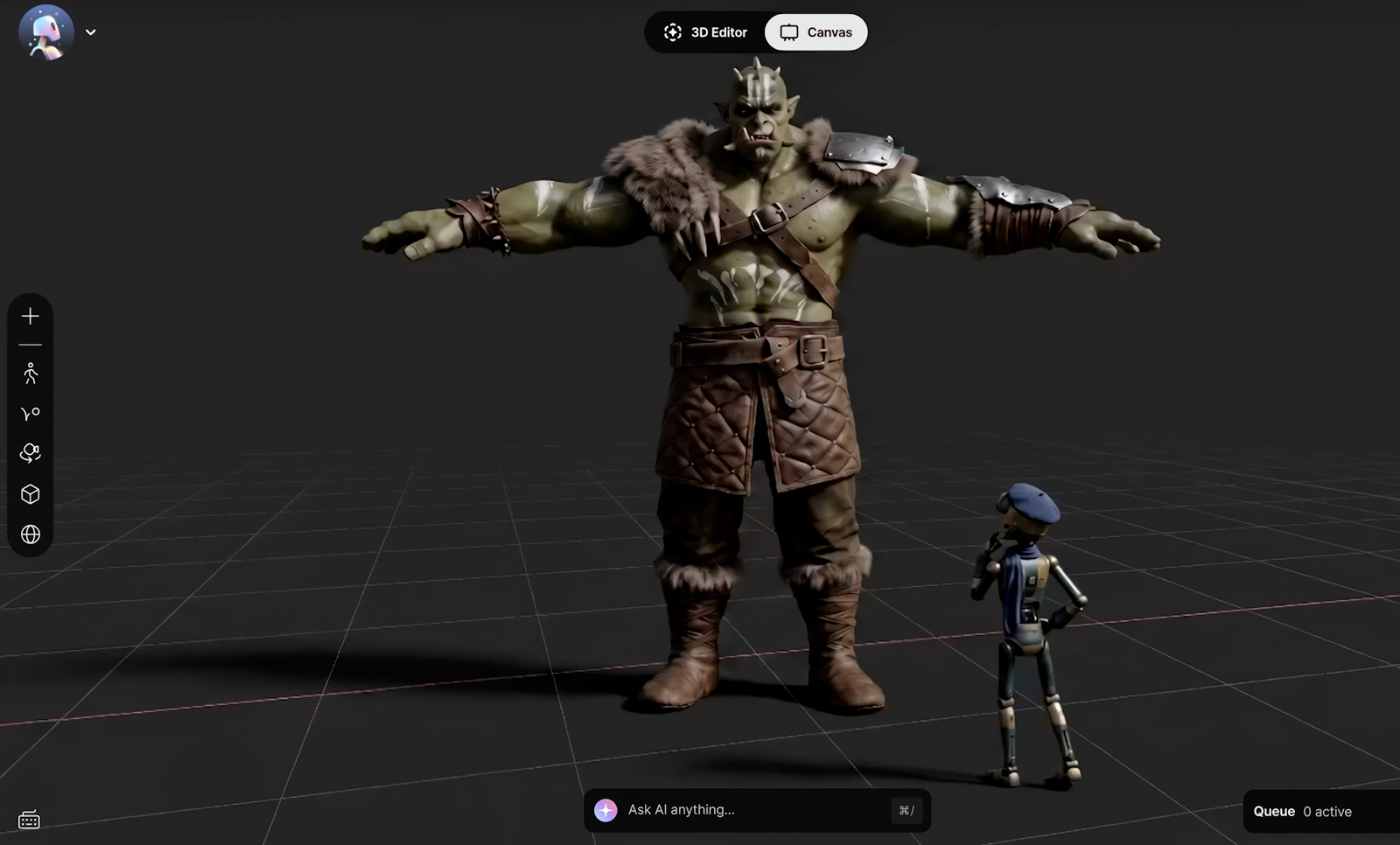
The hardest part of building a shot isn’t always creating the pieces. It’s deciding how they should work together. Maybe you already have a character and a performance in mind, but still need to figure out the world around them. Or you know exactly how you want a shot framed but want the freedom to…
Flow Studio
-
Flow Studio pricing and subscription guide
Which Autodesk Flow Studio plan is right for you? Somewhere in your head right now is a scene nobody else can see: a character who moves the way you imagine, a shot that plays out exactly like it does in your mind, a story that’s been waiting for the right tool to get it out…
Flow Studio
-
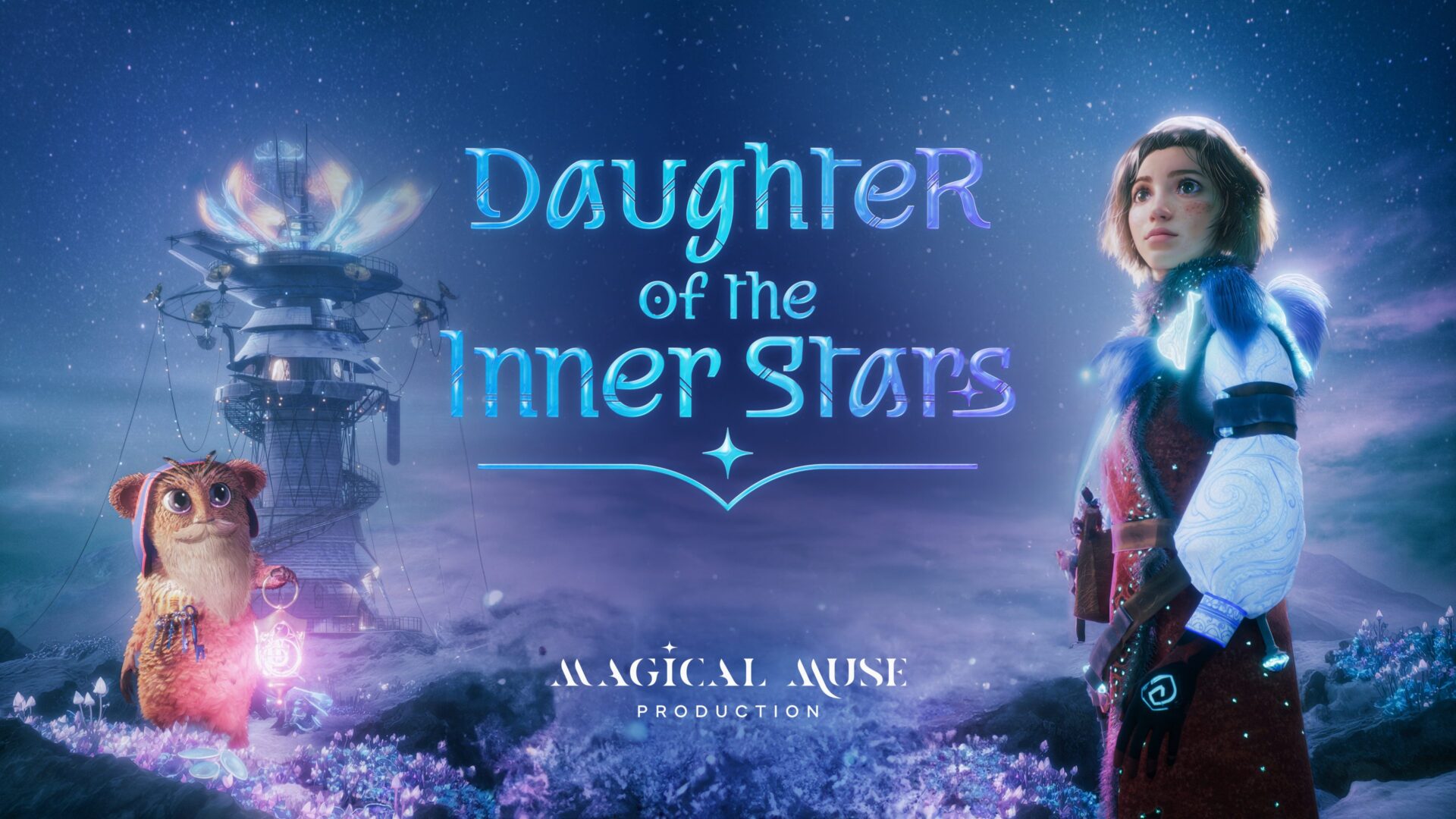
How Inferstudio Used Flow Studio’s AI Mocap to Make a 3D Animated Film They Didn’t Know Was Possible
Daughter of the Inner Stars is a 50-minute symphonic orchestral experience that blends live narration, original animation, and Nicholas Buc’s cinematic score into a richly imagined family adventure. Built from the ground up, its visual world spans mythical characters, fantastical spacecraft, and wild architecture on even wilder planets. The saga follows Fia, a courageous young…
Animation
-

Using Neural Layer with LoRA for Enhanced Character Consistency in Autodesk Flow Studio
Great stories are built around memorable characters. And when you’re shaping those characters with AI, you want them to look and feel unmistakably themselves from one shot to the next. With AI-powered storytelling, that consistency can be hard to maintain. A wide shot becomes a close-up. Your character turns away from the camera, strikes a…
Animation
-
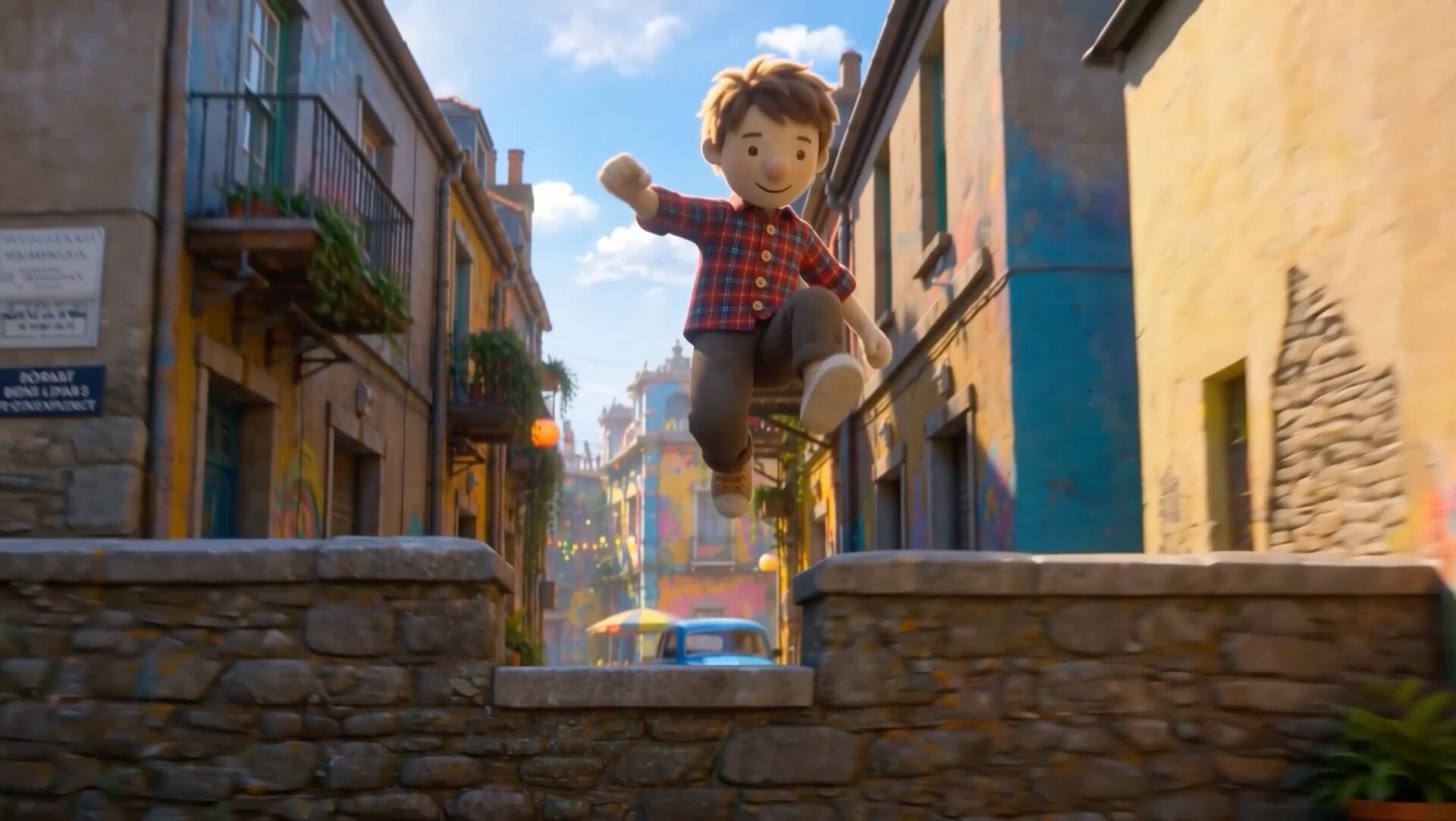
The Barriers to Storytelling Are Coming Down: New AI Tools from AU 2026
There’s never been a better time to have a story you want to tell. Not because storytelling got easy. It didn’t. Building a world. Animating a performance. Getting a shot right on set. Learning a complicated piece of software. All of it still takes real craftsmanship. But it’s starting to take a little less of something else: the years, and…
Maya
-

Character Animation on a Deadline: How Pigmalion Animation Studio Uses Autodesk Flow Studio
Starting an animation studio at 22 is ambitious anywhere. Doing it in Colombia, far from the industry’s traditional production hubs, adds another layer to the challenge. But Felipe Fierro has been finding his own way into animation for most of his life. He began studying Autodesk 3ds Max at an Autodesk Authorized Training Center at just 12…
Flow Studio
-
Inside UMBRAL: Cinematic Archviz with Flow Studio’s 3D Editor + Canvas
What if, instead of simply generating an image of a space, you could step inside it, find the right camera angle, shape its visual identity, and decide how an audience moves through it? That question sits at the heart of UMBRAL, a cinematic architectural visualization experiment by Didier Ramírez, created using 3D Editor + Canvas in Autodesk Flow…
Flow Studio
-
Introducing 3D Editor + Canvas in Autodesk Flow Studio
AI has made it easier than ever to generate compelling assets. In just a few prompts, you can create characters, environments, animations, and more. But generating assets is only the beginning. Turning those pieces into cohesive scenes — shaping performances, directing camera movement, and refining the final shot — too often means jumping between disconnected…
Flow Studio
-

Can we all win? GOBELINS Paris, Wētā FX, and Autodesk discuss AI in animation
Hear from GOBELINS Paris, Wētā FX, and Autodesk about how AI is changing day-to-day workflows while the magic of animation and storytelling remains inherently human. AI is reshaping animation, from the tools artists use to the creative decisions studios make and the guidelines that define responsible adoption. As AI becomes part of the production pipeline, a bigger question…
Maya
-

AI motion capture for beginners: How Autodesk Flow Studio helped a NJIT student gain portfolio recognition
AI-assisted motion capture is changing how animation students learn and create. This article explores how New Jersey Institute of Technology (NJIT) student Giovanni “Gio” Crocco used Autodesk Flow Studio and Autodesk Maya to streamline his animation workflow, iterate faster, and build a standout portfolio project using markerless motion capture. With the Autodesk Flow Studio Education plan, eligible university students (18+) get access to everything included in the Lite tier, plus USD exports. …
Visual Effects