 Brandy Ryan
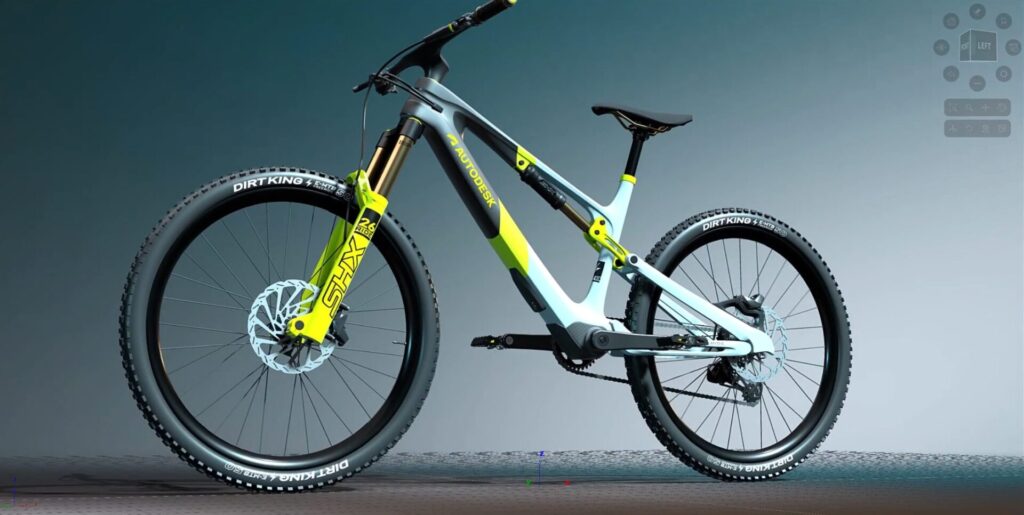
The Alias 2026 release brings an exciting range of new tools and workflows that continue to redefine how designers and engineers create, collaborate, and visualize their ideas. With a focus on seamless visualization, smarter modeling tools, and workflow efficiency, Alias 2026 makes it easier than ever to bring your creative vision to life.
VRED Renderer comes to Alias
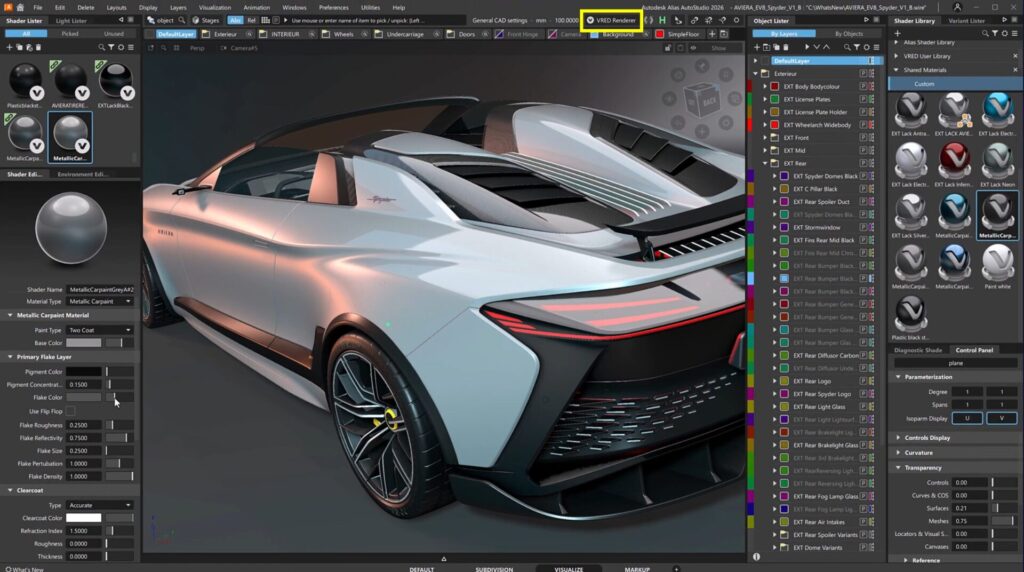
For the first time, Alias integrates the powerful VRED Render Engine and material system.
- Consistent Material Workflow: Alias now shares the same material library and editor as VRED, meaning car paints, plastics, and finishes are identical across both tools.
- Drag-and-Drop Materials: Easily apply or replace materials directly from the Shader Library.
- Shared Look and Feel: Models appear in Alias exactly as they do in VRED, eliminating time-consuming rework later.
- Advanced Render Settings: Adjust tone mapping, ambient occlusion, and environment settings for more accurate real-time visuals.
This marks a major step toward unifying design and visualization, removing bottlenecks between teams.
Live Referencing between Alias and VRED
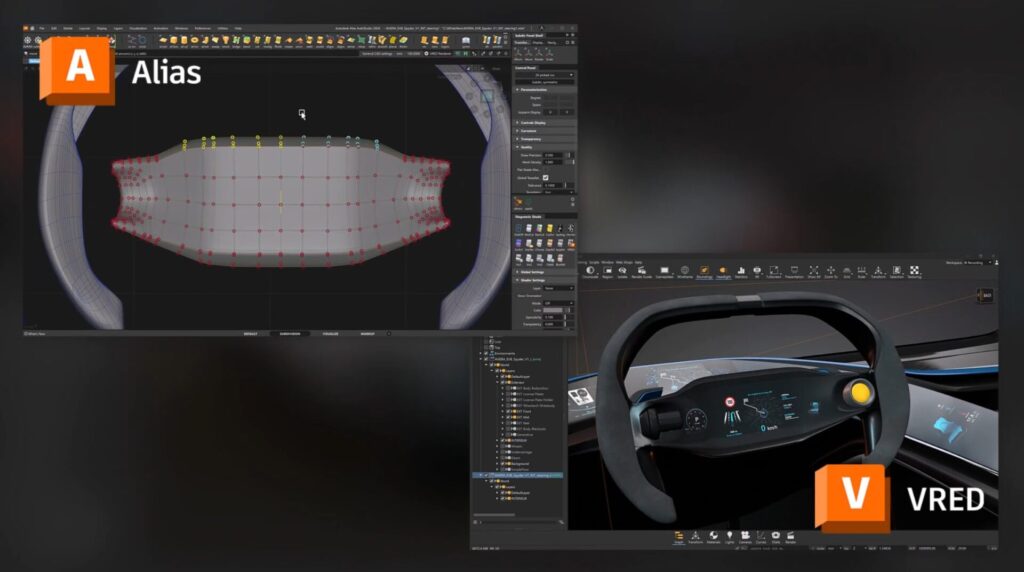
Collaboration just got faster and better. With Live Referencing, Alias and VRED now work in tandem like never before.
- Real-Time Updates: Changes in Alias automatically update in VRED.
- Seamless Collaboration: Perfect for design reviews, XR sessions, and high-end visual creation.
- Flexible Workflows: Pull updates when you’re ready or let Auto Update keep everything synced.
- Robust Overrides: Material assignments and transformations in VRED are preserved, even as surface data evolves.
Whether you’re working solo or in large teams, Live Referencing eliminates delays, reduces rework, and accelerates decision-making.
Enhanced User Experience (UX)

Alias 2026 introduces several UX improvements that make working smoother and faster:
- New Home Button: Access recent files, tutorials, and “What’s New” with a single click.
- Markup Tool Enhancements: Add text to markups for clearer design communication.
- Custom Puck Options: Choose between text + icons, icons only, or text only.
- Layer Bar Improvements: Layer names now support varying character lengths; create layers and folders directly in the bar.
- Floating Window Controls: Maximize, gather, or move windows between monitors more easily.
- Shader Lister Updates: View and adjust texture transforms directly for a faster material workflow.
Smarter modeling tools
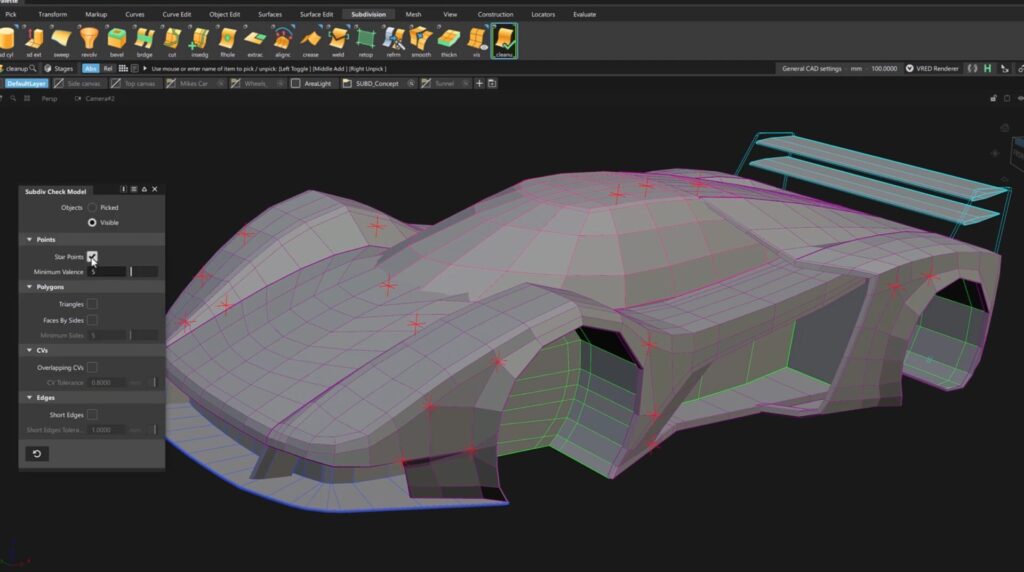
SubD & Concept Modeling
- Soft Proportional Modification Tool: Transform CVs with flexible falloff for smoother edits across larger areas.
- Check Model Tool: Analyze SubD topology for star points, short edges, triangles, and overlaps—ensuring clean handovers.
NURBS & Technical Surfacing
- Enhanced Trimming Workflow: Edit trims at different stages without untrimming everything. Smarter “trim extend” prevents common failures and highlights overlapping areas.
- Variable Surface Offset: Create flexible, non-uniform offset surfaces with corner-based controls.
- Global Tessellation Options: Adjust tessellation consistently across shaded modes without reprocessing.
These updates mean faster modeling, cleaner outputs, and more control over complex surfaces.
Expanded Interoperability
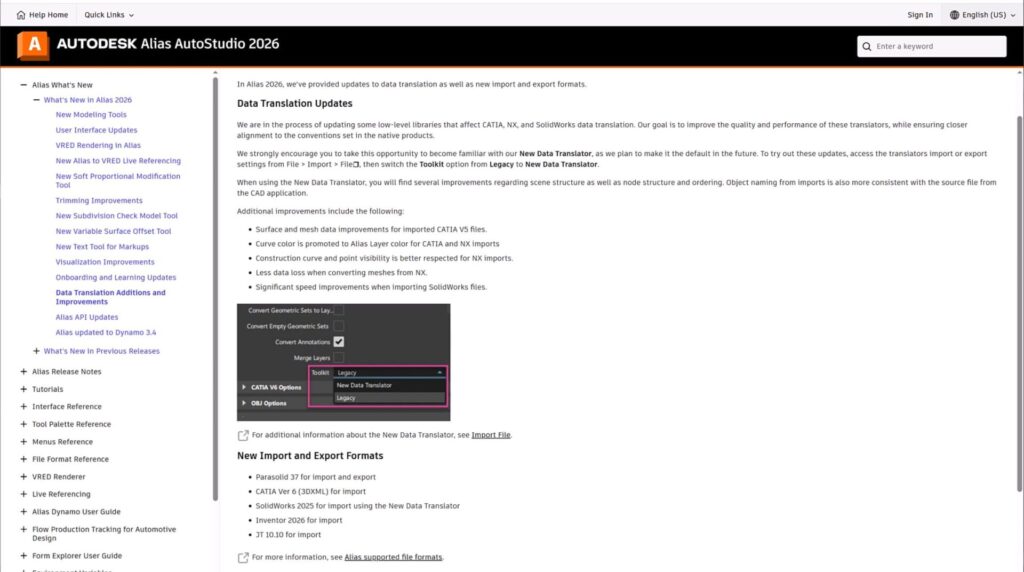
Alias 2026 continues to expand compatibility and interoperability for automotive and industrial workflows:
- Support for 3D XML and Catia V6 Import
- Improved Catia & NX Translators for better quality and performance
This ensures Alias remains tightly integrated into enterprise-level design and engineering pipelines.
Upgrade to Alias 2026
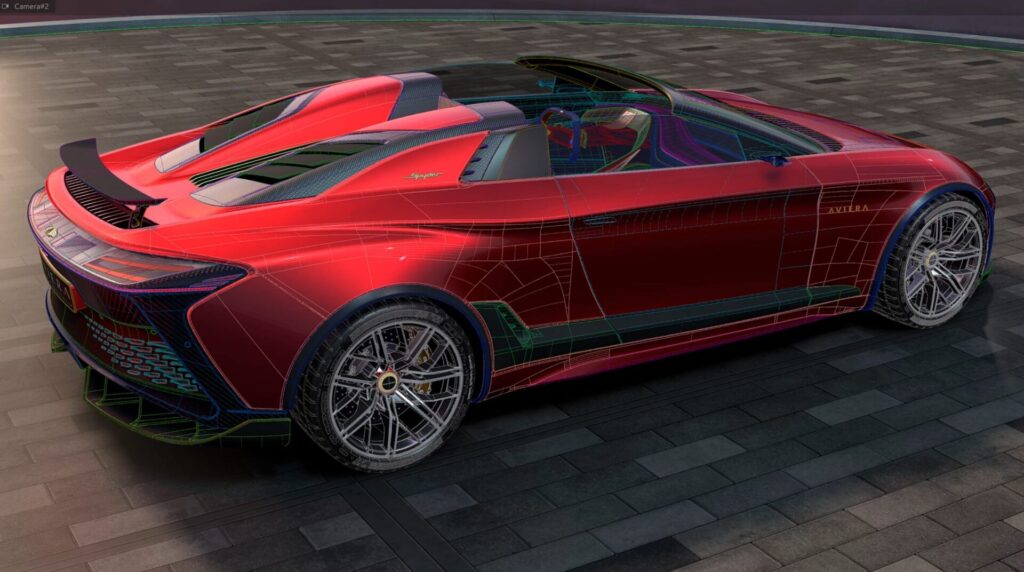
The Alias 2026 release is about streamlining workflows, enhancing collaboration, and delivering accuracy:
- Unified rendering and materials across Alias and VRED
- Faster collaboration with Live Referencing
- Smarter, cleaner modeling tools for SubD and NURBS
- Improved usability through thoughtful UX updates
- Broader compatibility with leading CAD systems
From concept modeling to final visualization, Alias 2026 empowers you to work faster, smarter, and more creatively.
Download & install the latest Alias release today.
Check out our Autodesk Automotive on LinkedIn and visit the Design Studio YouTube channel for more product updates.

Sharpen Your Skills
Alias and VRED Learning Editions are free for non-commercial use. Learn more and start your journey today.