 Autodesk Media & Entertainment
Getting started in 3D has traditionally meant spending time learning tools and software before ideas can take shape. But what if you could jump straight into creating — assembling instead of starting from scratch, mixing and matching parts, and seeing results in just minutes?
Whether you’re a curious beginner or a professional, Autodesk’s Project Falcon offers a fast and fun way to create in 3D through kitbashing — the process of building models by assembling parts.

Available for free in Tech Preview and built on Autodesk Flow, Project Falcon opens the door for anyone, especially first-time creators, to start designing right away. No experience needed, just an idea and a place to begin.
Want to know more before using it? Everything you need to know about Project Falcon is answered below.
What is Project Falcon?
Project Falcon is a cloud-based 3D modeling tool that lets you create models by assembling parts (kitbashing). It’s designed to be accessible to anyone, regardless of experience, while still fitting into professional workflows through export to tools like Blender, Maya, or 3ds Max.
Who is Project Falcon for?
Project Falcon is for anyone interested in 3D modeling, including:
- Beginners trying their first 3D modeling tool
- Hobbyists and creators looking to try modeling for free
- Designers and professionals bashing out ideas before refining in Blender, Maya, and 3ds Max
It’s easy to start with, but also flexible enough to fit into professional workflows.
What can I create with Project Falcon?
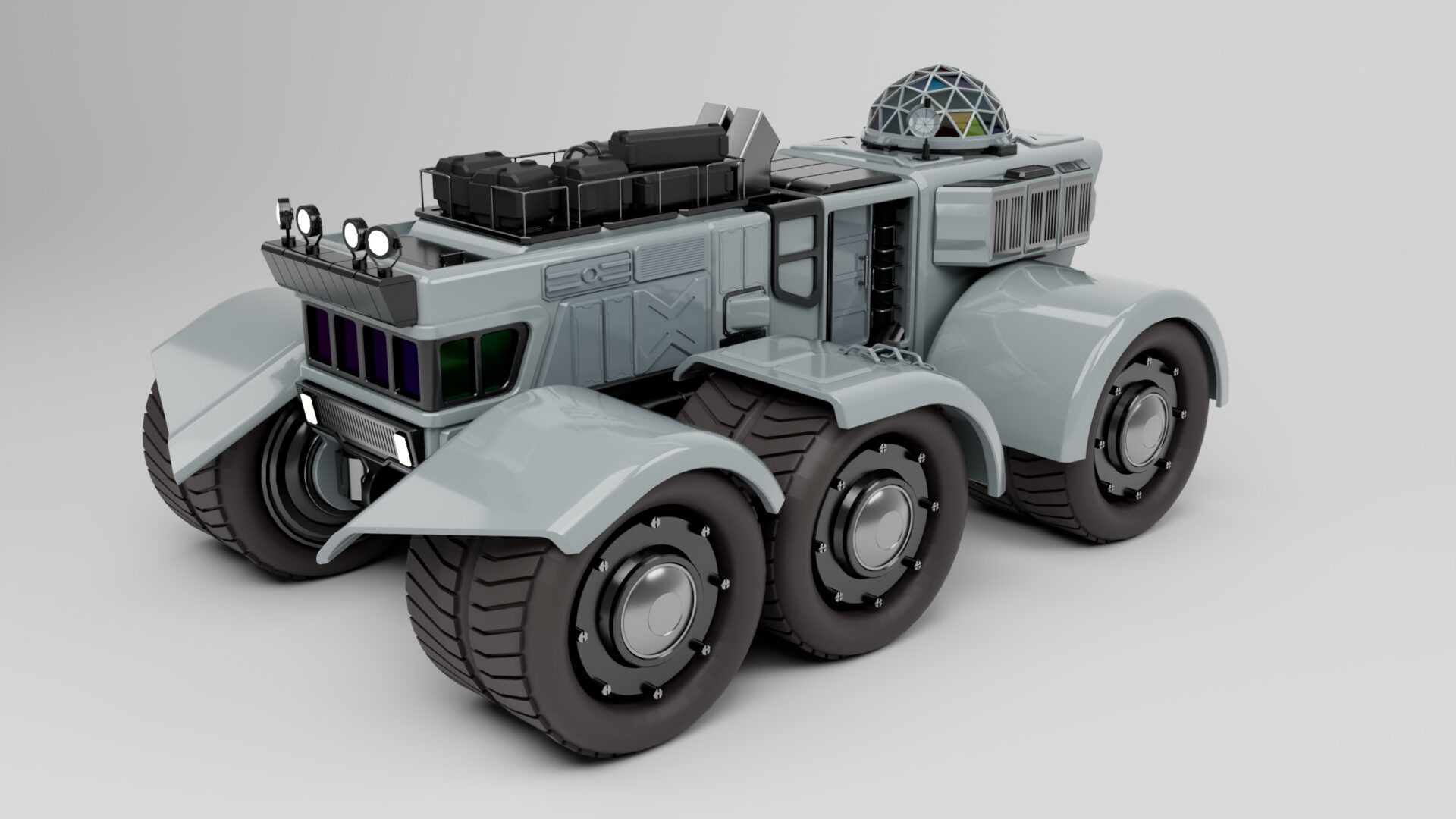
With thousands of parts in its built-in library, you can create everything from spaceships and sci-fi concepts to vehicles, product designs, and more.
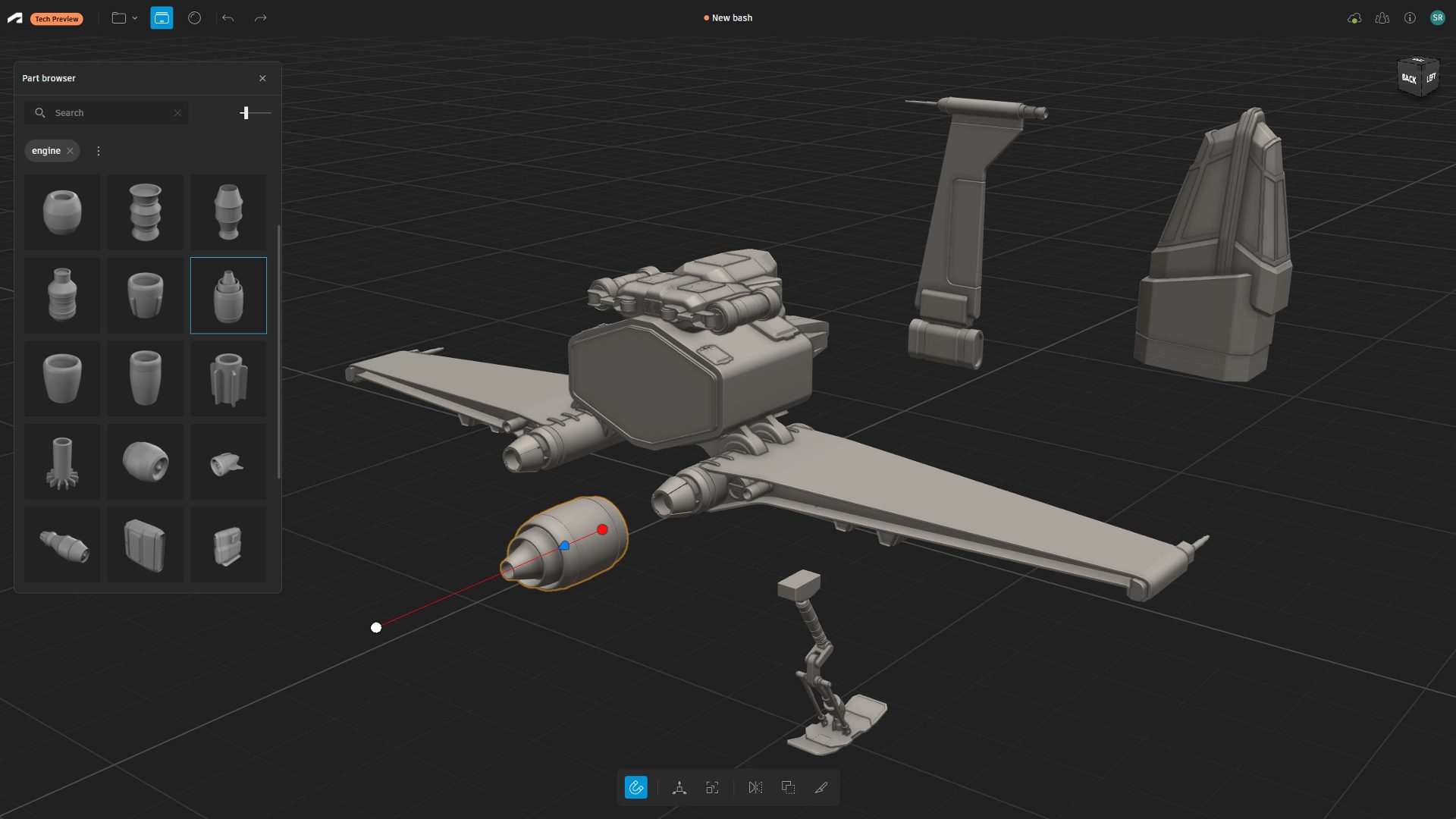
Once your model is complete, you can export it to Blender, Maya, or 3ds Max for further refinement or look development, or prepare it for 3D printing to bring your ideas into the real world.
What does it mean that Project Falcon is in Tech Preview?
It means we are providing early access to new pre-release capabilities. It is designed for a defined set of supported workflows and will continue to improve over time. Autodesk provides no commitments or warranties during this phase.
What’s the difference between modeling in Project Falcon and tools like Blender, Maya, 3ds Max, and Flow Studio?
The difference is in how models are created: traditional tools like Blender, Maya, or 3ds Max offer full manual control; Project Falcon focuses on assembling models from parts (kitbashing); and Autodesk Flow Studio’s Wonder 3D uses AI to generate models from text or images.
Can I do look development in Project Falcon?
No, you cannot do look development in Project Falcon. It is currently focused only on modeling, so you’ll need to export your model to another tool like Blender, Maya or 3ds Max.
What file formats are supported in Project Falcon?
Project Falcon supports exporting in STL (.stl) for 3D printing and USD (.usd) for use in other 3D content creation tools.
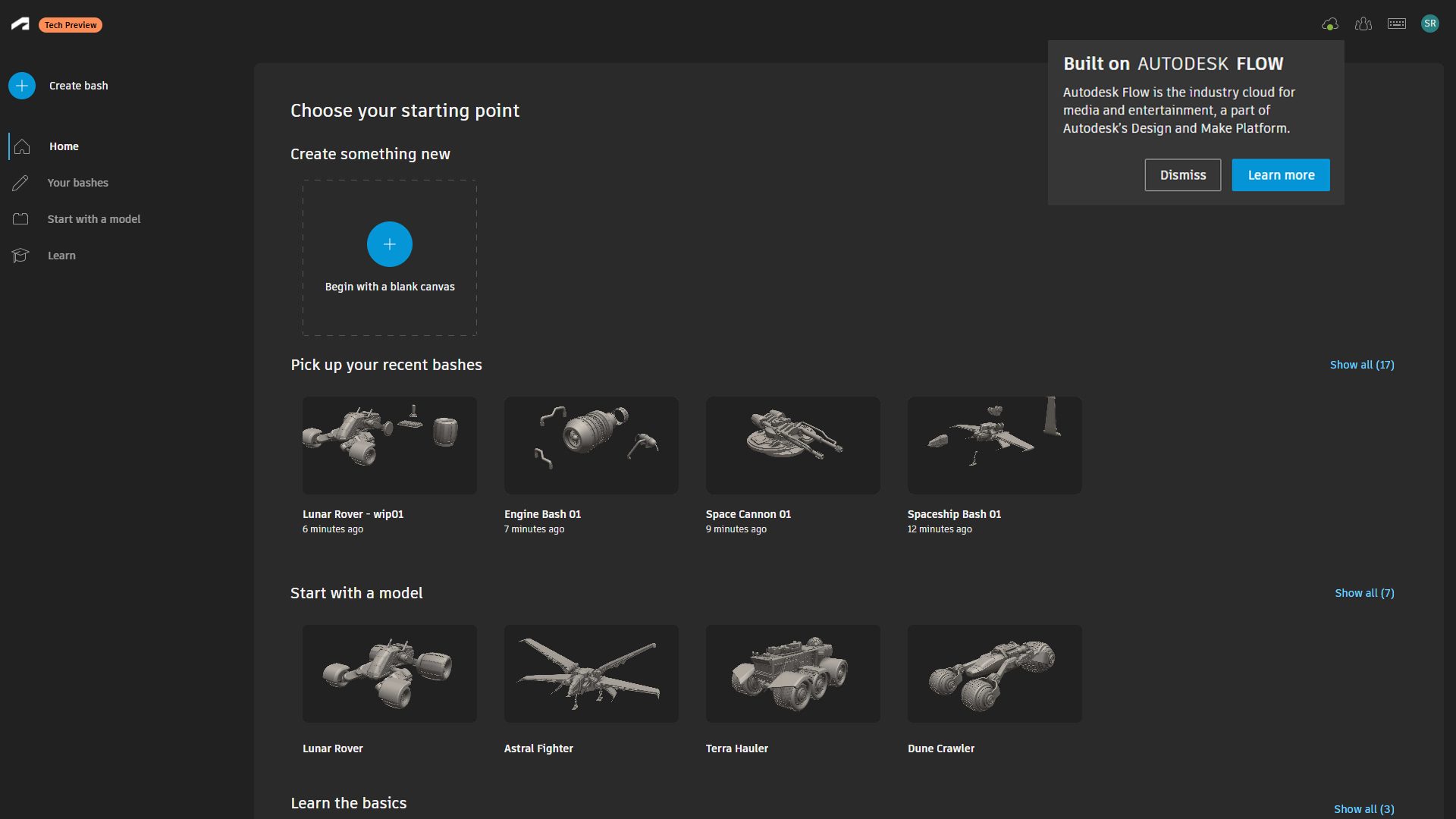
What does it mean that Project Falcon is built on Autodesk Flow?
It means Project Falcon is built on our cloud platform for media and entertainment (known as Autodesk Flow), which connects people and data to enable faster, collaborative content creation.
Where can I provide feedback on Project Falcon?
Because Project Falcon is still evolving, user feedback plays a big role. You can share ideas, suggest features, and vote on updates through the Ideas Forum, where we actively collect input.
What web browser gives me the best Project Falcon experience?
For the best Project Falcon experience, use Google Chrome as your web browser.
How do I access Project Falcon?
You can try Project Falcon for free directly through your browser here – no installation required. It’s cloud-based and only requires an Autodesk account. If you don’t have an Autodesk account, you’ll be prompted to create one for free.