 Ananda Arasu
 Blake Avery
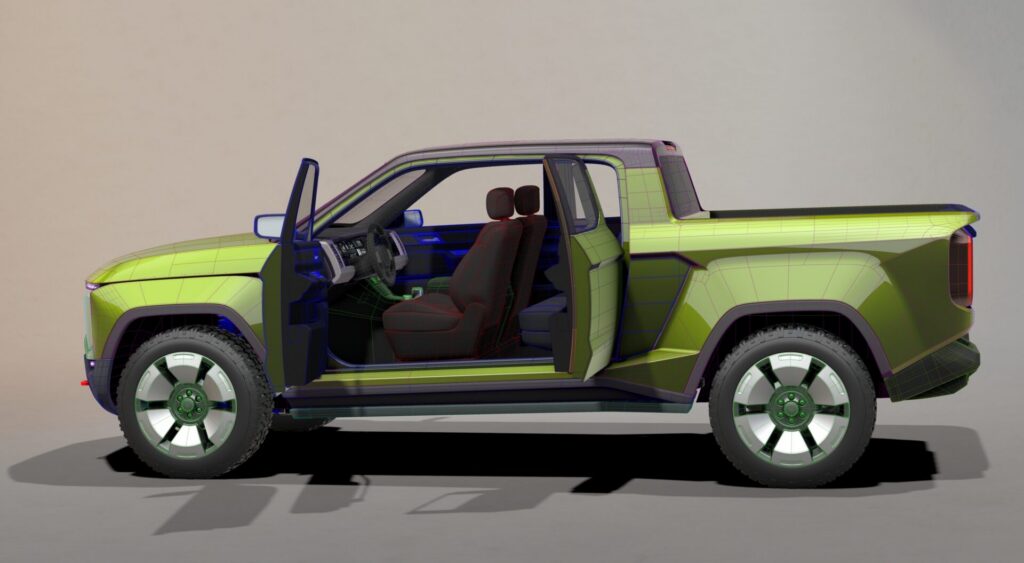
Look at the doors
Every production vehicle on the road today went through Class A surfacing. Every panel gap, every reflection line, every door that closes with that specific, engineered thunk sound — someone modeled it in software built for exactly that job.
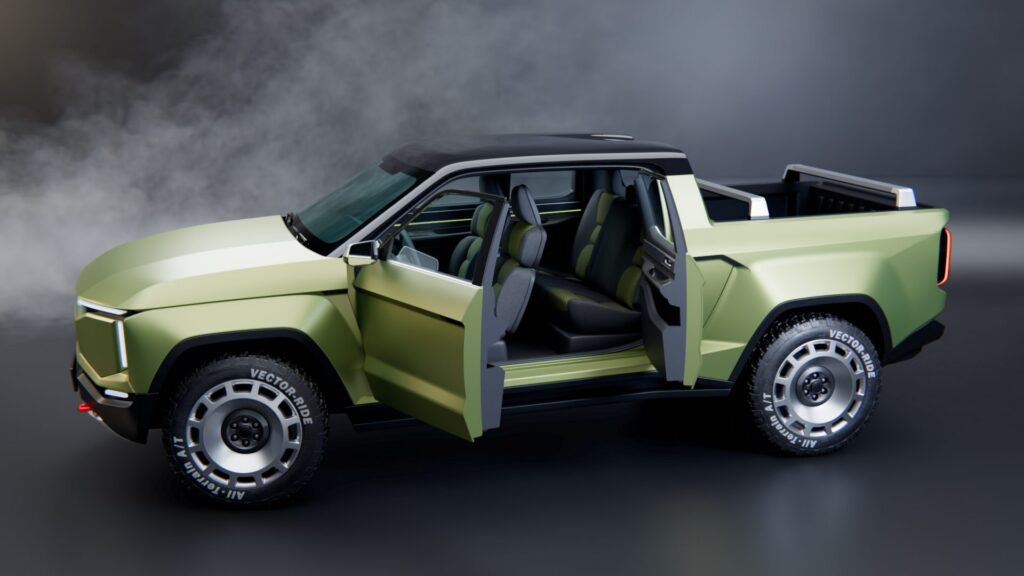
The truck above with its doors open? Modeled in Alias.
That’s what this post is about. Not the truck — the doors. The ones that open when you know this software. The Alias and VRED Learning Editions are free, non-commercial, and full-featured. They exist to open those doors for designers at various phases in their careers.
Doors that stay open after graduation
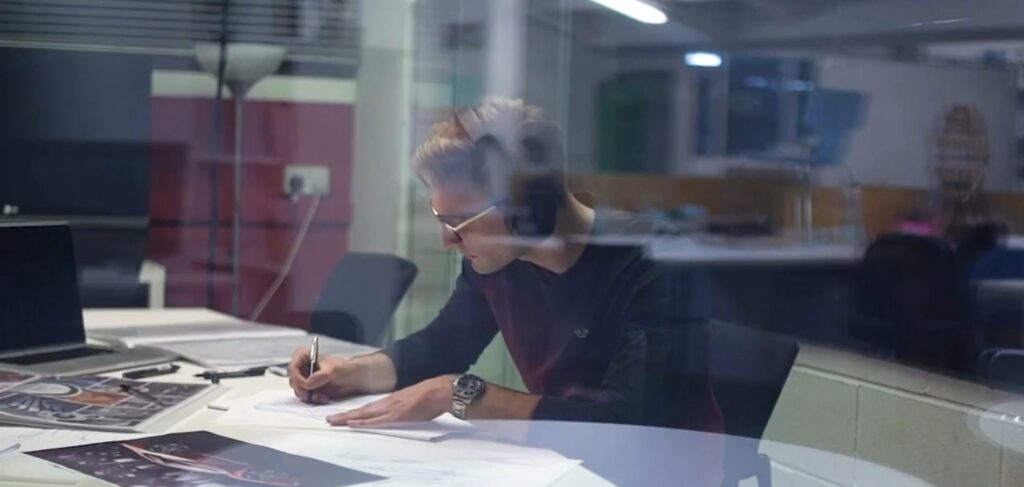
The door your program opened — access to Alias and VRED through your university — closes the day you walk across the stage. The Learning Edition is how you keep it open.
You just spent years building muscle memory. Don’t let it atrophy during the job hunt. Keep iterating, learning and exploring. Build portfolio pieces. Walk into your first studio interview already fluent and practiced. This is a small world with big opportunities, and the people who walk in ready are the ones who get the shot.
If you want proof that ready wins, look at the Coventry students who won AIF25 — they owned their workflow, took home a global competition, and became the story everyone else wants to repeat. That story starts with keeping the tools in your hands.
Doors into workflows you haven’t had time for
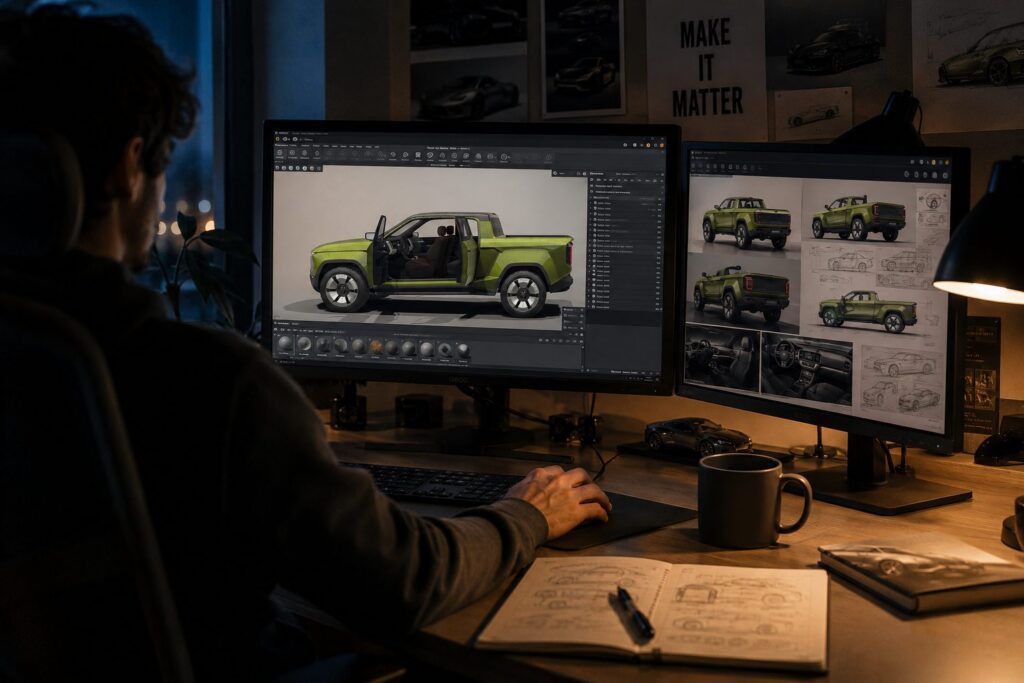
Your studio license is locked to studio projects. Every release brings new capability — Form Explorer, Gaussian Splats, the full 2027 workflow — and none of it on sanctioned time. The door to that new tooling is theoretically open, but it may be challenging to walk through it on the clock.
Learning Edition is how you get through it. On your own workstation, on your own time. Spend an evening with the new Paint Tools and actually get fluent with them before the next project lands. Explore VRED’s lighting setup and learn how to build a scene and modify the studio template. Build personal work that actually reflects where the software is going.
These are career software. You learn them, you live with them, you mature with them. Learning Edition is how you keep doing that after hours.
The door from early concept to production
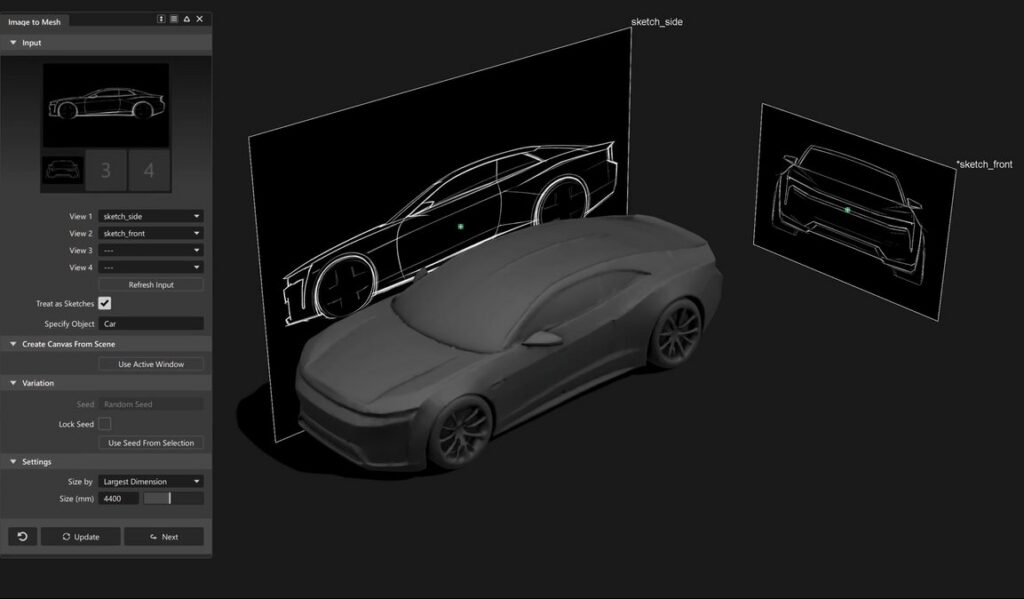
Aspiring and professional modelers know of and work in Blender. A lot of early concept work happening right now is being done in it, and there’s no reason to stop. If you’re blocking out proportions, shaping forms, exploring ideas — go. Have at it.
But there’s a door a lot of Blender users haven’t walked through yet: the one where Alias isn’t just a production tool, it’s a concept tool too.
Yes, you can concept in Alias. Sketching, SubD modeling, Form Explorer, the whole frontend of the process — including AI-driven 3D exploration that takes a 2D reference and gives you a proportionally stable mesh to start shaping. The freedom you’re used to in Blender has an equivalent here, sitting right next to the surfacing tools that carry a design the rest of the way. Not to mention knowing Alias commands double the hourly rate in the studio!
Production runs on Class A. OEMs don’t ship mesh. They ship NURBS — engineered, tooled, stamped. Alias is the language that the pipeline speaks. The Alias modelers at these OEMs all work in it for a reason.
Fewer handoffs, more continuity. Concept work that lives in the same tool as production work travels further with its original intent intact. That matters on teams, where a design passes through many hands on its way to becoming the final product — and the closer the tooling is across those stages, the more of the original idea survives the trip.
What’s behind the door
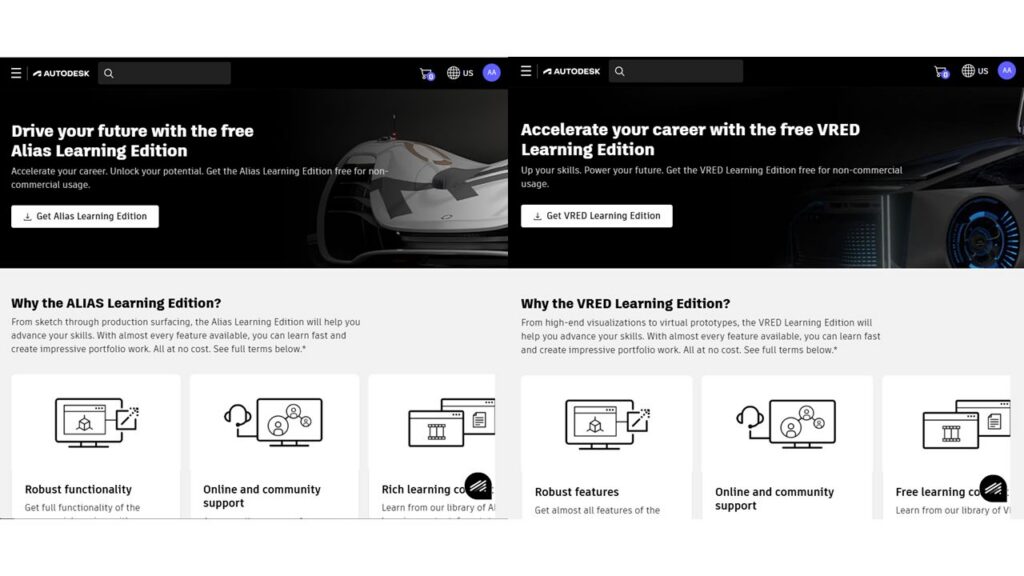
Full Alias AutoStudio. Full VRED Professional. One-year license, non-commercial use. Native-format save only, VRED watermarks on renders. A central learning portal with tutorials, deep dives, and YouTube playlists.
The door isn’t cracked open. It’s wide open. Full software. Full tutorial library. Free.
Walk through it
Alias and VRED take time to learn. That’s not a bug — it’s the reason the people who know them are in demand. Learning Edition gives you the time. Whether you’re a grad who won’t let the skill fade, a professional carving out hours to grow, or a Blender user ready to take the next step — the door is open.