 Autodesk Media & Entertainment
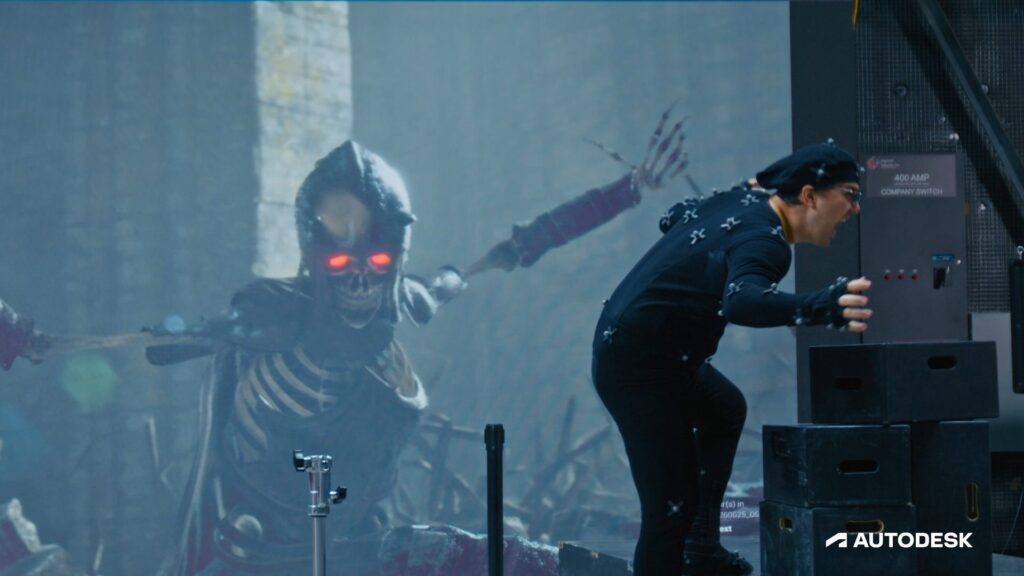
Animation has always been about more than movement. It’s about style. The little details that make an artist’s or a studio’s work recognizable as their own. And that’s exactly what’s at stake as AI animation tools start showing up in professional pipelines, where there’s a real risk everything starts to feel the same.
But what if AI could amplify your style, rather than homogenize it? The latest MotionMaker update in Autodesk Maya introduces ‘Bring Your Own Data’, so AI-assisted animation doesn’t have to mean generic. Instead, it can mean more individuality.
MotionMaker in Maya generates animation from a motion path or set of keyframes and already ships with pre-trained models for bipeds, canines, and horses.
Now, highly requested by the community, you can train a model on your own rig and your own motion, whether mocap or hand keyed. It unlocks the ability to train on any character type you can imagine. It’s a way to take stylized motion you’ve captured or created and make it reusable, bringing greater consistency and time savings across animation, VFX, and game development.
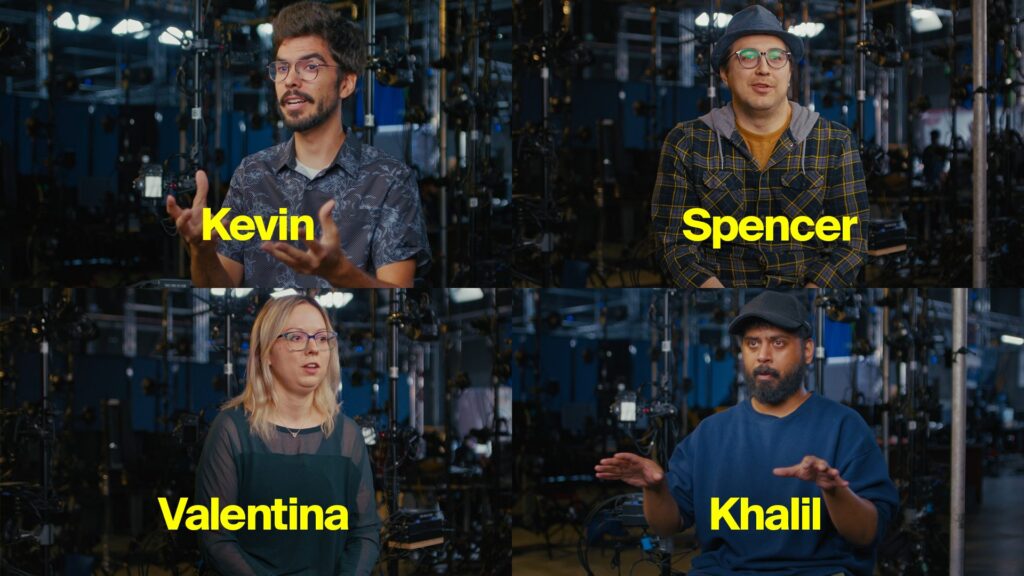
To dig further into what this means, we sat down with four creatives from Sheridan College’s SIRT: Valentina Bachkarova, CG Specialist; Kevin Santos, Film Production Specialist; Khalil Shazam, Software Researcher; and Spencer Idenouye, Virtual Production Lead. The team put MotionMaker’s ‘Bring Your Own Data’ feature through its paces on a short film and came back to us with their experience.
Q: First, tell us what is SIRT?
Khalil: SIRT is a research centre under Sheridan College. SIRT is an acronym for Screen Industries Research and Training Centre. So, what we do is we work with people in the industry on research projects that involve motion capture, virtual production, game development, VR, AR, and digital humans.
Q: Your team is working on a short film. What’s the concept?
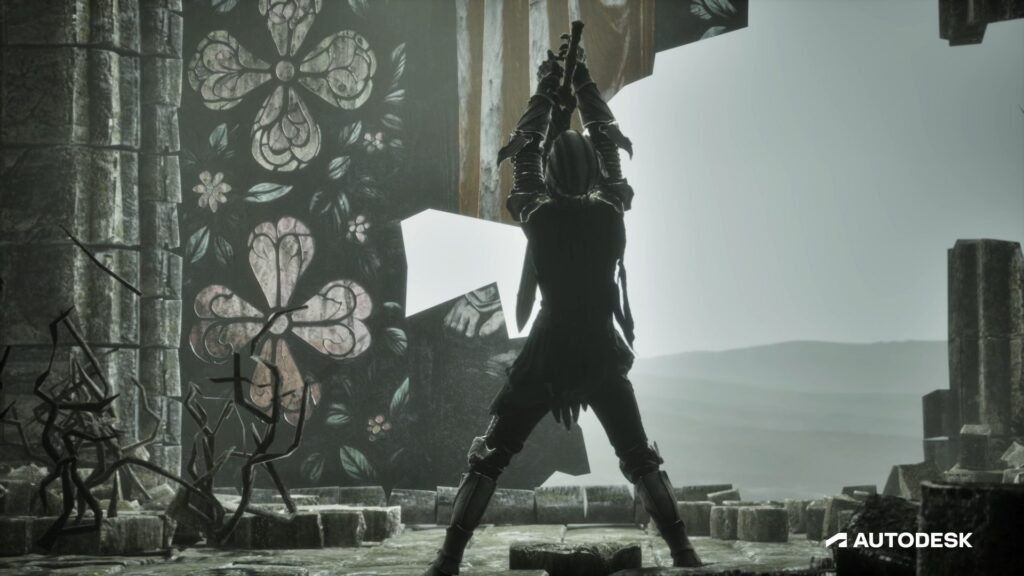
Kevin: The story itself is about a knight who’s looking for his weapon and ends up having to sneak through a bunch of different monsters before inevitably realizing they bit off more than they can chew.
Q: What are the challenges you faced with creating stylized animation for this film?
Kevin: When you’re doing stylized animation, you’re relying on an actor who’s been trained to perform in that way. Fantastic skillset to have, but sometimes challenging when, as we’re animating, we realize we would have loved to have the actor walk in a different direction or sidestep. Bringing them back in, getting them suited up again, is a logistical challenge.
Val: Style lives in performance, and performance doesn’t scale. A lot of people try to solve that issue by getting stock libraries of animations. But the problem with stock libraries is that they actually flatten style towards generic realism- the opposite of stylized. That doesn’t work when you want stylized animation. So, the only solution thus far was to create additional animations or record more mocap, which creates more overhead. Things like runs, walks, jumps, they create additional work for us, but they carry little unique authorship shot-to-shot. You don’t want to be spending a week animating walk cycles from scratch.
Khalil: Style consistency is another challenge. Let’s say we have a mocap actor performing a style. Sometimes the style won’t be consistent throughout the entire capture, because it drifts. What they’re doing at the end of the day isn’t always the same thing they were doing at the beginning of it.
Q: You’ve tested MotionMaker’s new ‘Bring Your Own Data’ feature in Maya. What’s that workflow look like?
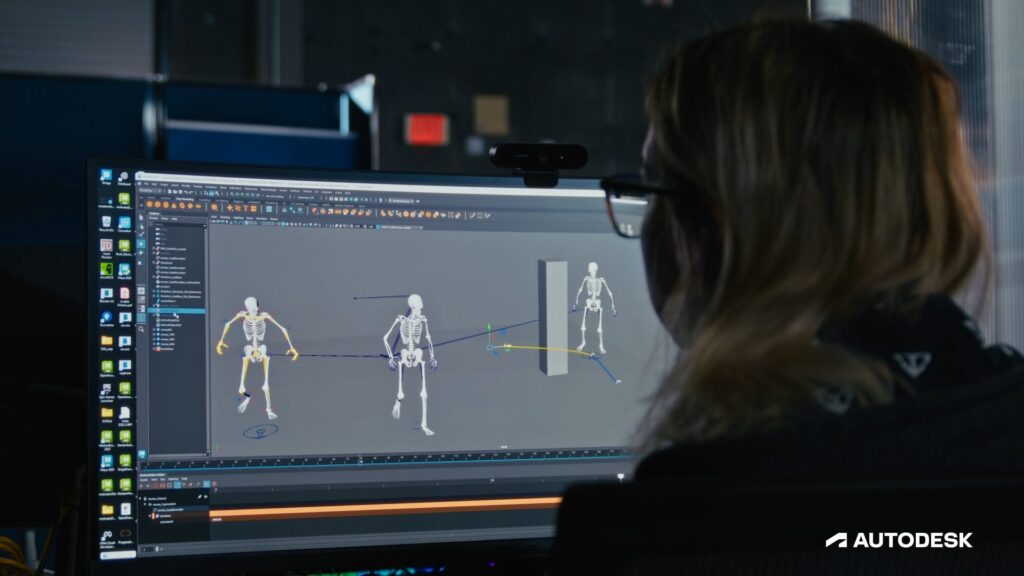
Khalil: There are three main parts. The first part is the data capture. The second part is the training, which is how you create the style. And the last part is creating the animation. First, we think of what style we want to make, then how our character will move in that style. We practice it, then do a motion capture session. Once we have that data, we import it into MotionMaker in Maya, tag certain parts of it, and hit the train button. That creates the style as an AI model. That model can then be used by an Animator to generate motion animation in that style within Maya.
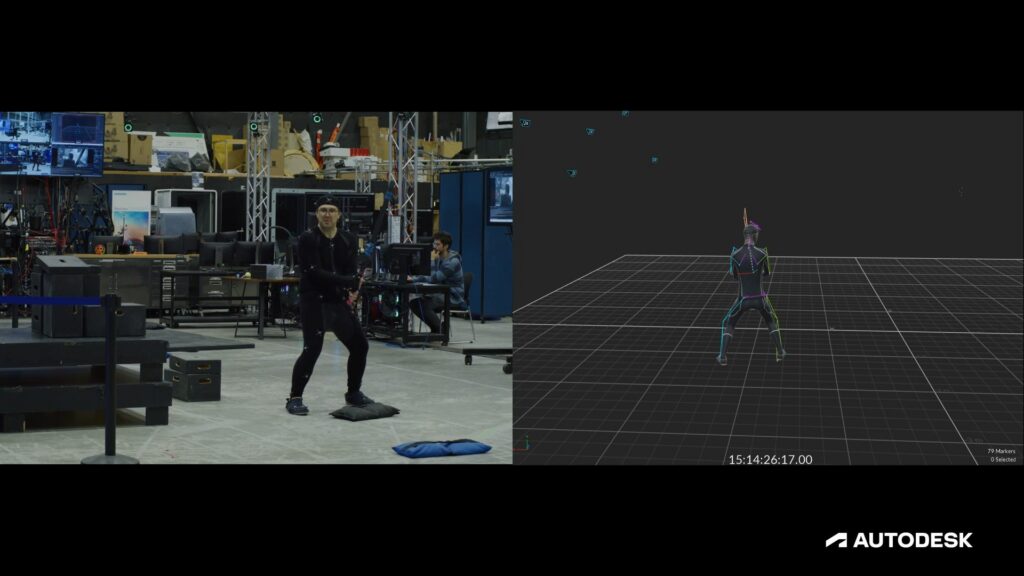
Val: When Khalil provides me with a trained model, I apply it onto what we call the MoMA, the MotionMaker avatars, then retarget it to any character of our choice. That way I know it looks correct on the MotionMaker character before applying it to ours. On top of that, if I want to add extra animation detail, I’ll make an animation layer on top. Kevin the other day asked me if I could make the skeleton more menacing. I guess Spencer wasn’t menacing enough when he recorded the mocap. So, I made an extra layer and pushed the shoulders more upward and slouchier. You don’t ever start at ground zero.
Q: What problems did MotionMaker’s ‘Bring Your Own Data’ feature solve?
Val: It allows me to work faster and not start from nothing. I can generate a walk cycle, a jump, a vault, and I can go from there. I apply my style, record additional animation, and focus on adding artistic flair instead of doing four walk cycles in a week. It solves two problems: spending too much time on repetitive tasks and keeping consistency.
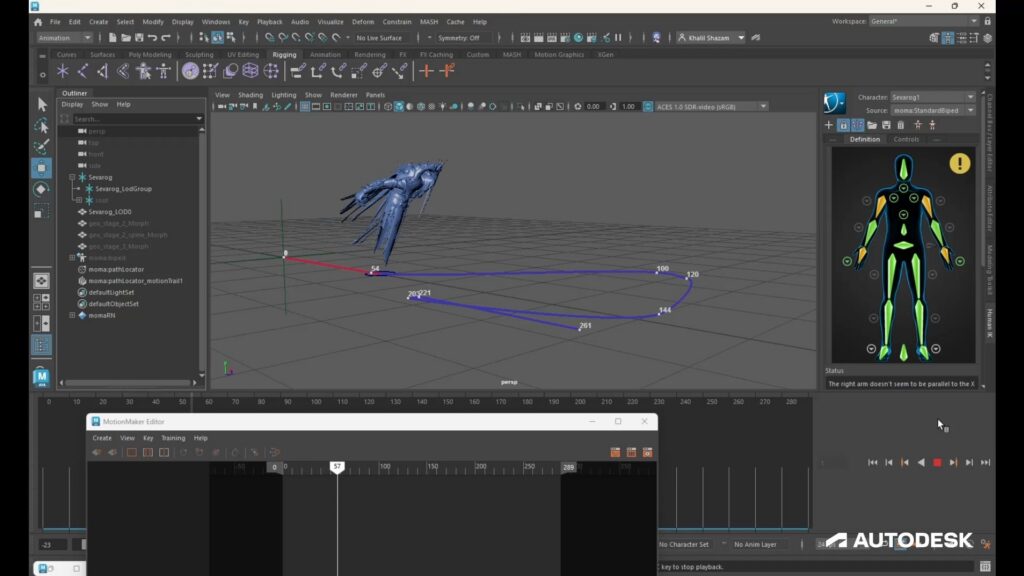
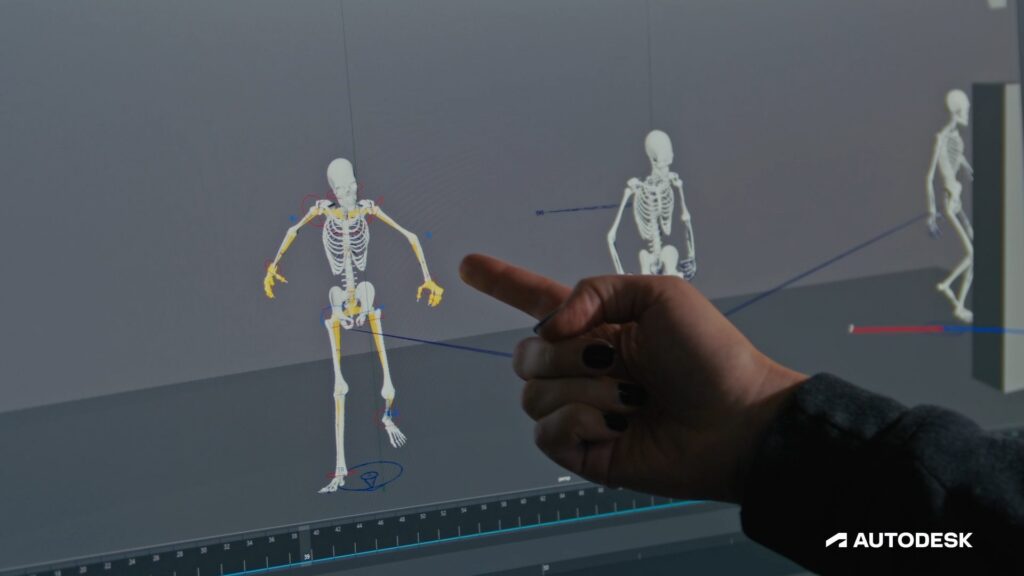
Khalil: In the film we’re making now, there are these skeleton soldiers moving around in the background on patrol. Crowds and background characters are a perfect opportunity to use MotionMaker, so we can focus on the main characters’ animation.
Q: How does MotionMaker help small teams?
Spencer: We’re working with a vast variety of environments and virtual characters, and inevitably with limited resources. Not every project has a huge budget where you can bring in tons of folks for the true variety you need. We’re trying to accomplish a lot more with less, and that’s where we find ourselves using MotionMaker.
Val: Because we work with smaller, stylized data sets versus naturalistic motion, we see little problems where you wouldn’t expect them. Bigger companies don’t run into as many issues because they have large data sets that cover all the ground. MotionMaker is good for smaller companies targeting the quirks that come with a smaller data set and team.
Khalil: At SIRT, we generally have a limited time to create content, With MotionMaker, we can create foundational motion animation for certain characters, which frees up time to focus on the more cinematic and fun stuff.
Q: How do artists strike the right balance between creativity and automation?
Val: Automate what repeats, author what’s unique. If it has to be done more than once or twice, it should be automated. If it’s ubiquitous, like a walk cycle or an idle animation, there’s no reason not to automate it unless you need flair added on top. My rule: if you ask two different artists how to do something and they give different answers, it shouldn’t be automated. We’ve already seen examples of things becoming soulless, whereas with tools like MotionMaker, it’s soul in and soul out, because you’re still training your own data set. Automation mustn’t remove the animator- it should move them up the stack.
Khalil: It’s easy to fall into the trap of “just use AI for everything.” But you’ll quickly start to see you lose your edge. Both your creative and artistic edge.
Kevin: The way to balance automation and creativity is to ask yourself: do you understand what problem the automation is solving? Not just “it’s making a walk cycle,” but do you understand how that walk cycle is created in the first place? If you can answer that, I think you’re okay to automate it. The issues arise when people automate tasks and they have no interest in learning or no respect for it in the first place.
Q: How is your data being managed when using MotionMaker?
Spencer: There’s a lot of concern in the industry around AI, tied to data acquisition, collection, and processing. It’s fantastic that a company like Autodesk is listening to the industry and building tools that support data privacy and data sovereignty, where you can build your own data sets and leverage them as you need, without pulling from external sources or worrying about unauthorized user access.
Kevin: We’re not leveraging other people’s data for our own benefit without giving them credit or pay. With MotionMaker, you’re using your own data set to speed up our own progress.
Q: Finally, what do you believe the future of animation will look like?
Kevin: With MotionMaker, you can train your own model on your own work to do the things you know how to do, so you can spend time on the cooler thing. I think it’s going to inform other technologies to adopt something similar. Not taking the creativity away from people, but letting creatives use the work they’ve already made to augment that work.
Khalil: Things are becoming a lot more accessible. People who may not have been able to make films before will have access to new tools that can help them do so. We’ll see a lot of content we didn’t see before. It’ll be more competitive to stand out, and I think the people who are really creative are going to be the ones who stand out the most.
Val: Good use of AI is not content generation. It’s style amplification. Style is an asset. I think companies will start building motion libraries as IP, the same way they already do with 3D versions of actors and because we’re now able to train these styles, it will let us build better libraries, allowing animators to spend their hours on the choices that make a film feel authored rather than assembled.
Spencer: It’s been a real thrill to see these technologies emerge that let you do more, faster, not for productivity’s sake, but so you can be more creative. There’s this dream that the production pipeline becomes less linear and more circular, where you see your final outputs earlier so you can iterate faster. Those pipelines exist, we use them daily. But that seamlessness is getting more refined every day with tools like MotionMaker.