 Autodesk Media & Entertainment
Learn how new and forthcoming enhancements to Autodesk Maya can unlock more animator freedom, speed up workflows with AI, and improve decision-making through valuable context.
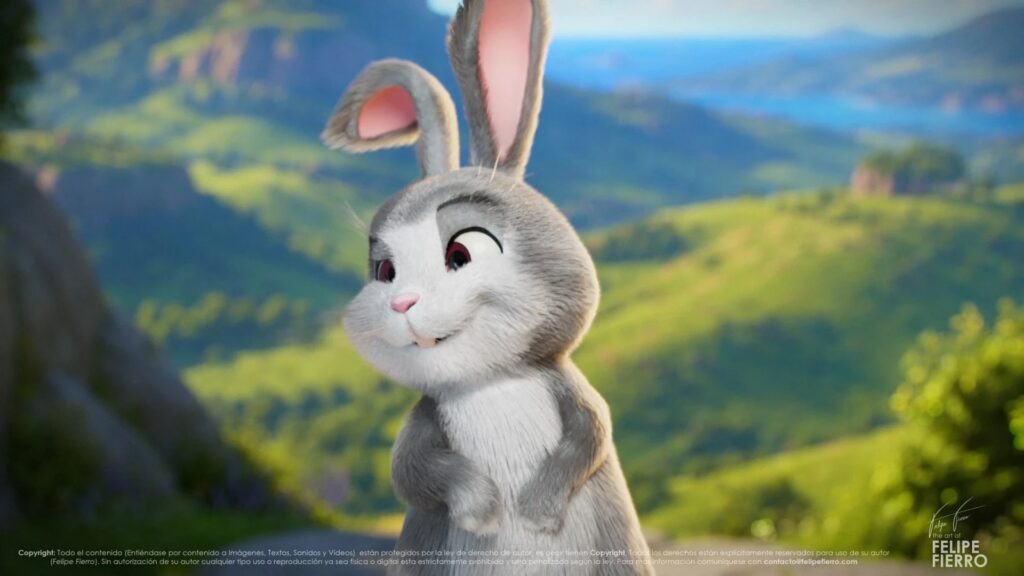
The annual Annecy International Animation Film Festival in Annecy, France, brings the animation world together for one glorious week. It’s a reflection of the state of the industry and where it’s headed, from what we can expect to watch this year to the tools artists will soon have at their fingertips.
At the 2026 event, Autodesk’s Director, Product Management, Lance Thornton, took the stage to walk attendees through Autodesk’s mission for the future of animation and the latest slate of new features and enhancements for Autodesk Maya. Thornton, who has worked as an animator and technical director at Pixar, DreamWorks, and Wētā FX, broke the mission down into three key areas: animator freedom, AI assistance, and context.
Unlocking animator freedom
Animators do not all work the same way. Some are illustrators with strong draftsmanship skills. Others prefer to act out a performance and translate that motion to a character. Still others want real-time controls that feel closer to puppeteering. Studios also bring their own production requirements and artistic goals, which can shape how animation is authored. Autodesk’s goal is to make Maya more flexible across those different creative modes.
One example is silhouette shaping, a workflow that lets artists draw a preferred silhouette over the viewport to shape a character with precision both quickly and intuitively.
For animators who think physically, Autodesk Flow Studio offers “markerless” motion capture, along with smart retargeting technology designed to help move performance data onto production-ready animator control rigs.
The company is also exploring puppeteer-style workflows that will allow animators to author motion spontaneously through tactile, real-time input.
These new tools are meant to expand animator choice, not replace their craft. The traditional authoring paradigms of keyframes, controls, and animation curves remain central to the Maya workflow. “Those aren’t going anywhere,” Thornton said. “So, just like in the future with self-driving cars, there should always be an option to switch to manual mode. You can grab the steering wheel, or animation curve in this example, and move it precisely the way you want.”
Building AI to support artists, not to replace them
Autodesk approaches AI-assisted animation technology as a tool for artists, not as a replacement for them. The goal is to streamline the tedious parts of the animation process while preserving animators’ creative control. AI should help generate useful starting points that artists can refine, direct, and shape into finished performances.
One example is MotionMaker, a tool in Maya that can generate locomotion and actions from a small set of inputs, such as a few keyframes or a motion path. Using pretrained models for humans, dogs, and horses, or a model you trained on your own data, MotionMaker creates believable base motion for actions like jumping, sitting, or following a path. Animators can adjust, regenerate, and refine this base motion through familiar workflows, such as animation layers, to create the finished performance.
Unlike clip blending or state machines, MotionMaker uses a neural network with live inference that’s been trained on and has learned motion behavior. This enables it to generate movement dynamically, such as arm swings, gait changes, or transitions from trot to canter. Animators can direct the result using a range of artistic controls within the tool, including orientation versus direction of travel, motion scaling to suggest weight or scale, and speed ramping for exaggerated or stylized movement.
A “bring your own data” feature in Maya’s MotionMaker allows you to train your own machine-learning models using your own production rigs and corresponding hand-keyed or motion-capture data. This feature is completely local. “None of your data or models comes back to Autodesk for us to use for other purposes,” Thornton says.
Context to inform creative decisions
All artists, including animators, need context to make the best creative decisions. In production, a shot rarely stands alone. Animators often need to understand what happens immediately before and after their shot so they can match eyelines, camera movement, timing, and motion continuity across a sequence.
Maya’s Animate in Context feature is designed to bring that surrounding shot information directly into the viewport. Animators can load shots before and after the one they are working on, or bring in a full sequence when needed. A cut-view interface below the timeline lets artists scrub across the start and end of a shot while cached media from nearby shots plays in the viewport.
The feature also allows animators to switch between different representations of the current shot. “I might be animating a shot, and I want to go look at what the layout pass is like for reference,” Thornton explained. “Or I’m doing a fix for a downstream department in effects or lighting. So, I’ll switch to that representation, see what they were working on, and then back to my live 3D viewport and make my corrections in context.”
Animate in Context connects with Autodesk Flow Production Tracking to provide access to specific shots, departments, and versions across a production. We’re also working toward more flexible local-media support, including the ability to drag and drop reference material directly into the cut view, giving animators more ways to keep relevant creative context close at hand.
A new, more powerful sequencer for Maya
Maya’s new Sequencer, launched earlier this year, brings a major update to sequence authoring inside the application. The refreshed toolset adds a more modern interface, a richer API, OpenTimelineIO support for editorial interchange, and live loading for shots in a sequence.
The Sequencer also gives artists more flexibility as they shape and review work. Animators can create subsequences and alternative “what-if” versions for director review, edit and mix audio, and rely on automatically generated thumbnails for new clips. Together, these updates make Maya a more powerful environment for building, testing, and refining sequences without leaving the core animation workflow.
More freedom, more AI assistance, and more context. What do they have in common? All in service of telling better stories. At the end of the day, Thornton’s goal is simple: let artists animate however they work best, take the tedious stuff off their plate, and give them what they need to make the right creative calls.