 Autodesk Media & Entertainment
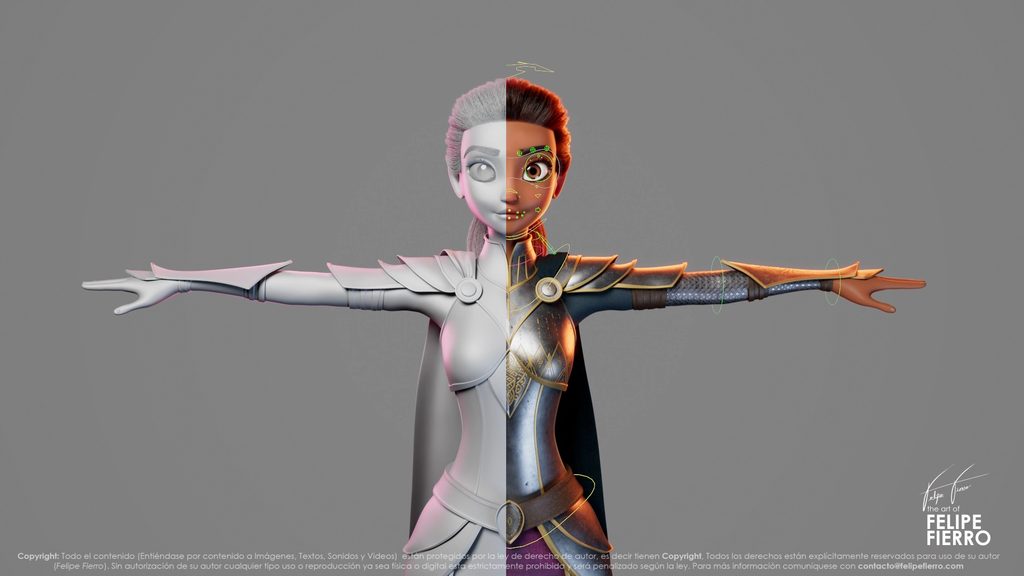
Choosing the right Autodesk Maya option comes down to a few things: what you’re creating, which tools you need, and how often you’ll use them.
The full version of Maya gives professional artists and studios of all sizes a complete 3D production toolset. Maya Creative offers core modeling, rigging, animation, and rendering tools through Autodesk Flex tokens, making it a good fit for occasional or project-based work. And Maya Indie gives eligible independent artists and small businesses access to the same complete toolset as Maya through an annual subscription at a more affordable price.
Whether you’re animating characters for a major film, building assets for a game, or taking on your next freelance project, here’s how to figure out which Maya option makes the most sense for you.

What is the difference between Maya, Maya Creative, and Maya Indie?
Maya, Maya Creative, and Maya Indie share many of the same creative tools, but they’re designed for different needs. The biggest differences come down to features, eligibility, and how you pay.
| Option | Who it’s best for | How you access it | What to know |
|---|---|---|---|
| Autodesk Maya | Professional animators, game developers, VFX artists, established studios, and large production teams | Subscription or Flex, at 6 token/day | Complete toolset for advanced production and pipeline workflows |
| Autodesk Maya Creative | Freelancers, occasional users, project-based contributors, and studios needing core 3D tools | Flex only, at 1 token/day | Maya’s core toolset, including modeling, rigging, animation, and rendering, with some advanced production features excluded |
| Autodesk Maya Indie | Eligible independent artists, recent graduates, and small creative businesses | Annual subscription | Same complete toolset as Maya at a more affordable price, with eligibility restrictions |
Flex token rates based on Autodesk’s published Flex rates as of October 2026. Check current regional pricing and purchasing terms before buying.
If you need the complete Maya toolset, both Maya and Maya Indie offer it. Maya Creative includes the core capabilities artists know and love, but excludes advanced production tools, including Bifrost for procedural graph authoring, some FX and simulation capabilities, and support for third-party and custom plug-ins.
There’s also Autodesk Flex to think about. It lets you pay for Maya or Maya Creative via tokens only on the days you use them, rather than committing to a subscription.
Let’s look at who each option is designed for.

Who should choose Maya?
Maya is a complete 3D previs, modeling, look dev, rigging, simulation, animation, layout, FX, lighting, and rendering toolset used by professional artists and production studios.
From independent specialists to large animation, VFX, and game development teams, Maya provides the creative control and flexibility needed to bring characters and worlds to life.
For professional character artists and animators
If character animation is at the heart of your work, Maya gives you plenty of ways to bring a performance to life.
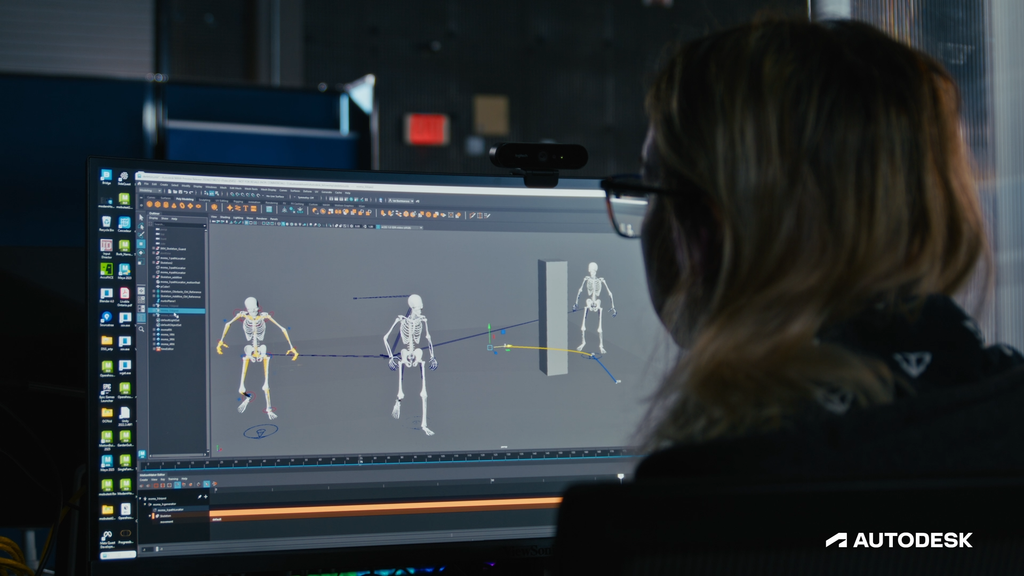
Tools like the Graph Editor, Dope Sheet, and Time Editor let you fine-tune animation timing and movement, while HumanIK helps you reuse animation across different character rigs.
There’s also MotionMaker, which can generate character motion from a few keyframes or a motion path. You set up the character and refine the results, so you’re still in control of the final animation.
Whether you’re hand-keying a subtle facial performance or working on a more complex character sequence, Maya gives you the flexibility to animate your way.
For major animation and VFX studios
When you’re working on a film, television series, or large-scale production, creating great-looking assets is only part of the job. Teams also need to share work across departments, manage complex scenes, and keep production moving as requirements change.
Maya supports these workflows with tools like:
- Bifrost for creating procedural effects, geometry, and rigging setups that can be saved as ready-to-use templates
- OpenUSD for organizing and working with 3D assets across applications and teams
- Python, Maya Embedded Language (MEL), C++ APIs, and third-party plug-ins for building custom workflows
- LookdevX and native Arnold integration for material creation and rendering
These tools give studios room to build workflows around the needs of each production rather than forcing every project into the same approach.
For game development and growing studios
Game developers also use Maya for modeling, rigging, and animation. As projects become more complex, teams may need rigs for complex characters, reusable tools, and ways to share assets with external partners. Maya’s scripting tools, extensible architecture, and OpenUSD support give teams flexibility as those needs change.
If your work involves procedural effects, third-party and custom plug-ins, or complex production pipelines, Maya is a good place to start. You can access it through a subscription for ongoing work or through Flex if you only need it for specific projects.

Who should choose Maya Creative?
Not every project calls for the complete Maya toolset. Maybe you’re a freelance artist who occasionally needs to work on a client’s Maya files. Or you’re part of a small team that needs modeling and animation tools for a short project. That’s where Maya Creative comes in.
Maya Creative includes Maya’s core modeling, rigging, animation, and rendering tools, with some advanced production features excluded. It’s available exclusively through Autodesk Flex tokens, so you can access it on the days you need it instead of purchasing an ongoing subscription. Pay for the days you create, not the days you don’t.
Maya vs. Maya Creative: How do the features compare?
Maya Creative includes many of the tools artists use for everyday modeling and animation. But it doesn’t include every advanced capability found in Maya.
| Capability | Maya | Maya Creative |
|---|---|---|
| Modeling and UV editing | Included | Included |
| Character rigging and animation | Included | Included |
| Arnold rendering | Included | Included |
| OpenUSD support | Included | Included |
| Python and MEL scripting | Included | Included |
| Bifrost procedural graph authoring | Included | Not included; read-only support |
| Advanced dynamics and simulation | Included | Limited |
| Custom SDK and third-party plug-ins | Supported | Not supported |
| Linux support | Supported | Not supported |
Let’s say you’re an independent game artist who does most of your work in another 3D tool. A client sends over a Maya scene and asks for some modeling or animation updates. If those changes only require Maya Creative’s supported tools, you could use Flex to access Maya Creative for the few days you’re working on the project. The same approach could work for a small business that occasionally needs 3D assets.
On the other hand, if your project depends on advanced simulations, Bifrost graph authoring, or specialized plug-ins, you’ll want to look at Maya instead.
When you use Blender but need Maya for a project
If you use Blender, you can keep working with the tools you’re comfortable with and use Maya when a project calls for it.
For example, maybe a client sends you a Maya scene that needs a few modeling or animation updates. Rather than committing to a Maya subscription, you could use Autodesk Flex tokens to access Maya Creative. With Flex, you can pay for the days you open Maya Creative for the job and not the days you don’t. And if the project requires more advanced tools, such as Bifrost graph authoring or third-party plug-ins, you can access Maya through Flex at six tokens per day, or about $18 per day in the US.
This way, Maya can be part of your workflow without replacing the software you already use. Whether you’re taking on the occasional Maya project or collaborating with a studio that uses it, Flex gives you another way to access the tools you need without an ongoing subscription.
Maya Creative makes the most sense when you need core Maya tools, but don’t need to use them every day.
Who should choose Maya Indie?
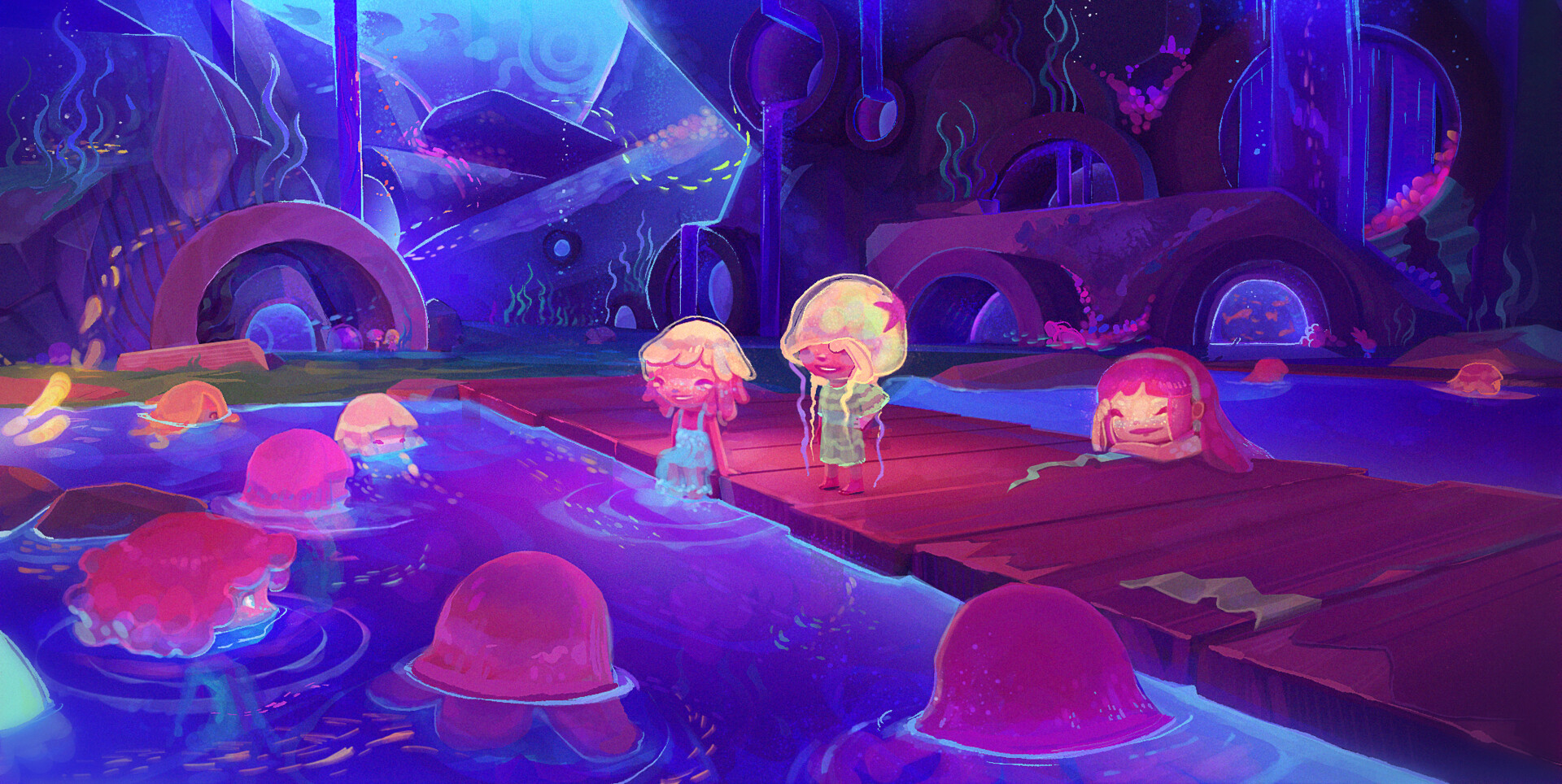
If you’re an indie artist who works in Maya regularly, Maya Indie is worth a look. At $330 a year in the US, Maya Indie gives eligible independent artists and small creative businesses access to the complete Maya toolset through an annual subscription at a more affordable price.
Unlike Maya Creative, no features are excluded. You get the same functionality as the full version of Maya, including Bifrost, advanced dynamics and simulation tools, and custom SDK and third-party plug-in support.
Maya Indie can be a good fit for:
- Independent animators working on personal projects and commercial assignments.
- Indie game developers building characters and environments
- Recent graduates starting their careers as independent creators or at small studios
- Small creative studios
What makes Maya Indie different from Maya?
The biggest difference isn’t what you can create. It’s who can purchase and use it. Maya Indie has eligibility requirements based on your creative-business revenue, project value, and location.
In the United States, eligibility includes earning less than $100,000 USD in annual gross revenue from creative work, not using the software on projects valued above $100,000 USD, and a limit of one license per user or organization.
If you’re freelancing for larger studios, it’s also worth checking the terms carefully. The eligibility rules distinguish between selling a completed digital asset for a fixed price and working for hire on a larger organization’s project.
Eligibility requirements vary by country. Visit the Maya Indie page to see the requirements for your region.
If you qualify and plan to use Maya throughout the year, Maya Indie gives you the complete toolset without having to choose between core and advanced features.
How does Autodesk Flex work with Maya and Maya Creative?
What if you only need Maya a few days each month?
Instead of paying for a subscription you might not use regularly, Autodesk Flex lets you purchase tokens and use them to access eligible Autodesk software when you need it.
Both Maya and Maya Creative are available through Flex. Maya Creative is available only through Flex, while Maya Indie is offered only as an annual subscription.
Here’s how it works:
- You purchase Flex tokens in advance
- Tokens are charged when you open and sign in to an eligible product
- Each product has a set token rate for a 24-hour period
- You can close and reopen the product during that period without another daily charge
- Unused tokens expire 365 days after purchase
- Teams can assign users and manage access to eligible products
How much does Maya cost with Flex?
| Option | Tokens per 24 hours | Estimated US daily cost with starting Flex package |
|---|---|---|
| Maya | 6 | $18 |
| Maya Creative | 1 | $3 |
| Maya Indie | Not available through Flex | Annual subscription |
US pricing examples based on Autodesk’s published Flex rates as of October 2026. Check current regional pricing and purchasing terms before buying.
Autodesk offers a starting package of 33 Flex tokens for $99 USD. Since Maya Creative uses just one token per day, that package can cover 33 separate days of Maya Creative use. Maya uses six tokens per day, so the same package covers five complete usage days, with three tokens remaining.
What would Flex cost for 10 days of Maya use?
Say you’re a freelance artist who needs Maya for 10 days during a month. With Maya Creative, you’d use 10 tokens, or approximately $30 worth of usage. With Maya, you’d use 60 tokens, or approximately $180 worth of usage.
| Example | Maya Creative | Maya |
|---|---|---|
| Days of use | 10 | 10 |
| Tokens per day | 1 | 6 |
| Total tokens consumed | 10 | 60 |
| Estimated US token cost | $30 | $180 |
Flex tokens are purchased in packages, and any unused tokens remain available for future projects until they expire. For example, if you purchase 33 tokens and use Maya Creative for 10 days, you’ll have 23 tokens left for future use.
Because you’re buying tokens rather than a specific product, you can move between Maya and Maya Creative as your needs change, using Maya for the advanced features Maya Creative doesn’t include, or switching to Maya Creative to save on token consumption when you don’t need features like Bifrost procedural graph authoring or custom plug-in support.
It can also be useful for studios with a mix of regular and occasional Maya users. Artists working in Maya daily might use subscriptions, while freelancers or temporary contributors could access Maya through Flex when their assignments require it.
Which Maya option is best for your workflow?
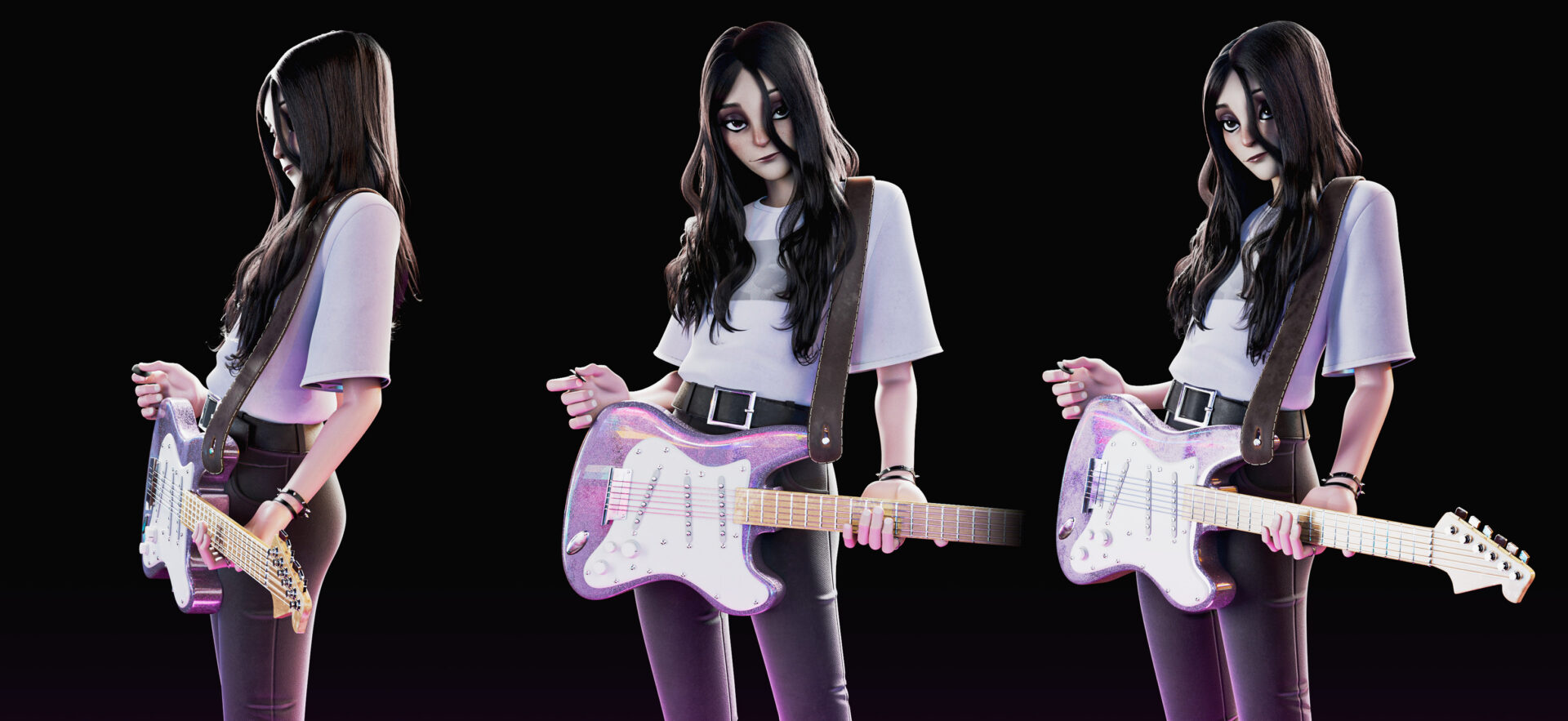
Still deciding? Whether you’re working on a major production, creating your own game, or taking on freelance projects, the right Maya option depends on the tools you need and the kind of work you do.
| Your role or workflow | Recommended Maya option | Why it’s a good fit |
|---|---|---|
| Character animator at a film or animation studio | Maya | Complete character animation and rigging tools including support for third-party plug-ins like animBot for professional production workflows |
| VFX artist working on procedural effects and simulations | Maya | Access to Bifrost authoring andadvanced simulation tools |
| Game artist building complex characters and environments | Maya | Advanced modeling, rigging, animation, and Unreal Live Link for Maya support |
| Technical artist or pipeline developer | Maya | Write custom plug-ins with SDSK and load third-party plug-ins |
| Indie animator or game developer | Maya Indie | The complete Maya toolset for eligible independent creators working on their own projects or client work |
| Recent graduate building a portfolio or freelance career | Maya Indie | Complete Maya functionality for developing skills and taking on professional projects, subject to eligibility |
| Freelance modeler or animator working on occasional projects | Maya Creative | Core modeling, rigging, animation, and rendering tools with pay-as-you-go access through Flex |
| Small business creating 3D visualizations or marketing assets | Maya Creative | Modeling, animation, andrendering tools for projects that don’t require Maya’s advanced production capabilities |
| Studio bringing in artists for short-term production work | Maya or Maya Creative | Choose based on the features each contributor needs, with Flex available for occasional access |
These are starting points, not hard-and-fast rules. A freelance animator working on complex character rigs may need Maya, while a larger studio might choose Maya Creative for an artist who only needs core modeling tools occasionally. The best choice comes down to the features your project requires, how often you use them, and whether you’re eligible for Maya Indie.

When should you move from one Maya option to another?
The option that works for you today might not be the one you need a year from now. Maybe your freelance business is growing. Maybe your studio is taking on more complex projects. Or maybe you’re using Maya much more often than you expected.
Here are a few signs it could be time to make a change:
When you need more than Maya Creative offers
If you start taking on projects that require advanced simulations, Bifrost graph authoring, writing custom plug-ins, or loading third-party plug-ins, it may be time to move to Maya. You can also use Maya through Flex if you only need those extra capabilities for a short project.
When you’ve outgrown Maya Indie eligibility
As your business grows, you may eventually exceed Maya Indie’s revenue or project-value limits. At that point, you’ll need to explore commercial Maya licensing. Maya Indie already includes the complete toolset, so the change is about licensing rather than learning a different version of the software.
When you’re using Flex more often
Flex is useful when your software needs change from project to project. But if you’re opening Maya most days, a subscription may make more sense. Compare how many tokens you’re using over time with the current subscription options.
For studios, you can also mix subscriptions and Flex access across different users, depending on how often each person needs Maya.
Find the Maya option that’s right for you
Whether you’re creating characters for a feature film, building your own game, or taking on occasional freelance projects, choosing the right Maya option starts with how you work.
Maya gives professional artists and studios access to the complete creative and pipeline toolset for advanced production.
Maya Indie offers those same capabilities to eligible independent artists and small businesses through an annual subscription at a more affordable price.
And Maya Creative, available only through Flex, lets you access core modeling, rigging, animation, and rendering tools when you need them with some features excluded.
Think about the projects you’re working on, the features you need, and how often you’ll use Maya. From there, it’s easier to find the option that fits.
No, Maya Indie includes the same complete toolset as the full version of Maya, including advanced animation, Bifrost, scripting, and Arnold rendering. The differences come down to licensing and eligibility, since Maya Indie is offered as an annual subscription for qualifying independent artists and small businesses.
Yes, both Maya Creative and Maya Indie can be used for commercial projects, subject to their licensing terms. Maya Creative doesn’t have Maya Indie’s specific revenue and project-value restrictions, while Maya Indie has eligibility requirements that may affect certain freelance and work-for-hire arrangements. If you’re working with larger studios or clients, you should review the Maya Indie eligibility requirements to make sure your work qualifies.
Maya is a good fit for professional animation studios that need advanced character animation, rigging, visual effects, and customizable production pipelines. Studios can also use Autodesk Flex to provide access for artists who only need Maya occasionally, while eligible smaller studios may want to explore Maya Indie.
No, Maya Creative isn’t limited to beginners or artists who are just learning 3D. It’s designed for anyone who needs core Maya modeling, rigging, animation, and rendering tools without the complete toolset. Even experienced artists may find Maya Creative useful for projects that don’t require specialized effects, Bifrost graph authoring, or custom plug-ins.
Yes, Maya is available through Autodesk Flex and currently uses six tokens per 24-hour period, compared with one token for Maya Creative. This gives artists and studios another way to access the complete Maya toolset for short-term projects without committing to an ongoing subscription. If you need Maya regularly, you can compare your expected Flex usage with the available subscription options.
Yes, Autodesk Flex tokens expire 365 days after purchase, and unused tokens don’t roll over after that period. You can use your tokens across eligible Autodesk products like Maya Creative, Maya, or even 3ds Max and purchase additional tokens as your needs change. If you’re planning to use Flex for occasional Maya projects, it helps to estimate how many days you’ll need the software before purchasing tokens.
Yes, Maya can be part of a workflow that includes other 3D applications, depending on the tools and file formats your project requires. All Maya options support OpenUSD, an open standard that helps artists and studios organize and exchange 3D scene data across compatible applications. Before moving assets between tools, check that the required geometry, animation data, materials, and plug-ins are supported by the applications involved.
No, Maya Creative evolved from Maya LT but includes additional capabilities, including Arnold rendering and expanded modeling and animation functionality. While both were designed for artists who don’t need the complete toolset available in Autodesk Maya, Maya Creative offers a broader range of features and is available exclusively through Autodesk Flex, our pay-as-you-go option for accessing Autodesk software.
Yes, eligible students and educators can access Maya for free through the Autodesk Education plan. The plan provides one year of educational access, renewable annually for as long as you remain eligible, so you can learn Maya, develop your skills, and work on educational projects without purchasing a subscription. Keep in mind that educational access is for learning, teaching, and research only and cannot be used for commercial or professional work.